
Workflow Management Software: The Ultimate Guide to Effortless Success
In today’s fast-paced business environment, workflow management software has become an indispensable tool for organizations aiming to improve efficiency, collaboration, and overall productivity. As teams grow and projects become more complex, the traditional methods of task handling often fail to keep up, leading to wasted time, missed deadlines, and miscommunication. This ultimate guide will walk you through everything you need to know about workflow management software and how it can be harnessed for effortless success.
What is Workflow Management Software?
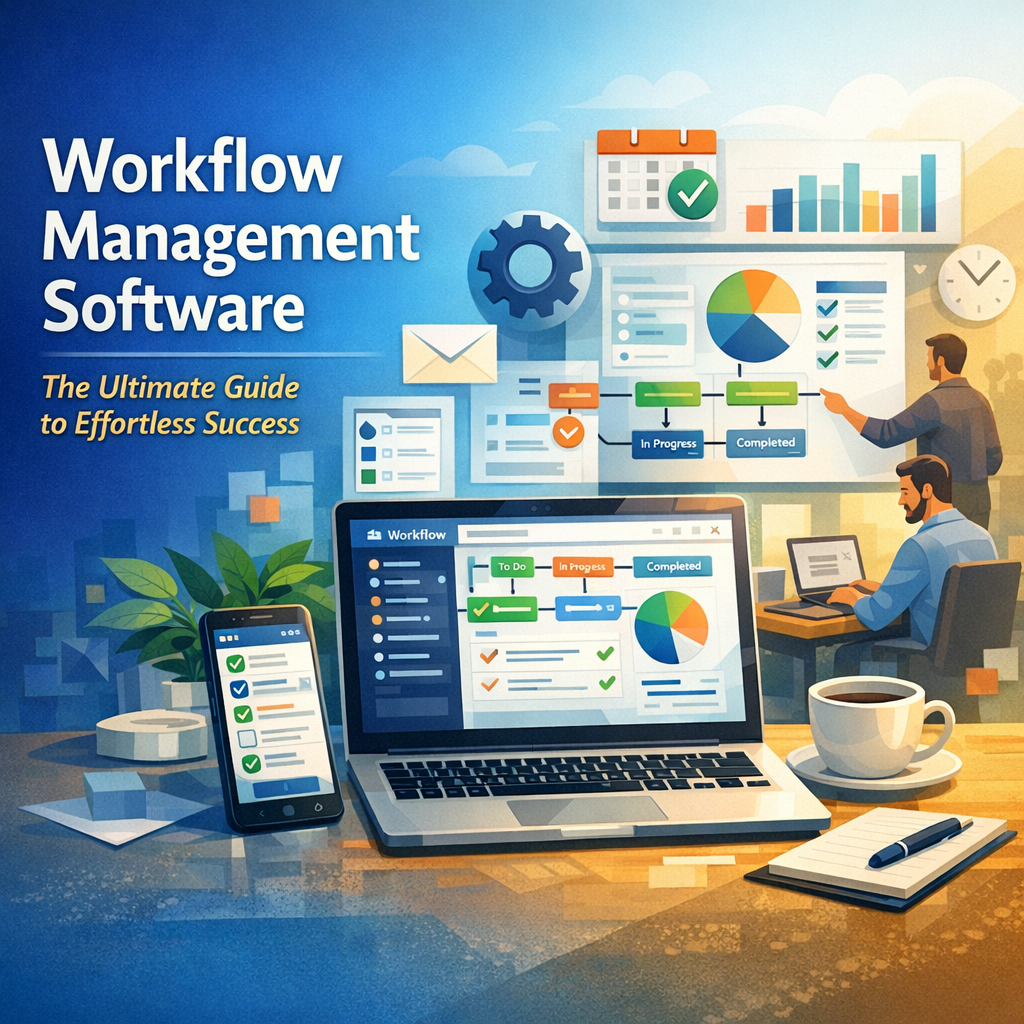
Workflow management software is a digital platform designed to help businesses automate, monitor, and optimize their workflows—sequences of tasks and processes necessary to complete a project or achieve a goal. Unlike simple task managers, workflow management software provides a more structured approach that maps out the flow of work, assigns responsibilities, sets deadlines, and tracks progress in real-time.
By centralizing work processes and minimizing manual intervention, this software empowers teams to focus on what matters most, eliminating bottlenecks and reducing human errors.
Key Features of Workflow Management Software
When choosing the right workflow management software, understanding its core features is crucial. Here are some essential characteristics that make the software stand out:
– Task Automation: Automates repetitive tasks such as approvals, notifications, and data entry, saving time and reducing errors.
– Customizable Workflows: Allows businesses to design and tailor workflows specific to their processes rather than adapting to a one-size-fits-all solution.
– Collaboration Tools: Facilitates communication within teams by offering shared workspaces, commenting, and file attachments.
– Real-time Tracking and Reporting: Provides visibility into ongoing tasks and progress, helping managers identify bottlenecks and adjust resources.
– Integration Capabilities: Connects with other business tools like CRM, email, or calendar apps to streamline operations.
– Access Control and Security: Ensures sensitive information is only viewed or edited by authorized personnel.
Benefits of Using Workflow Management Software
Implementing workflow management software brings a multitude of advantages to any organization, regardless of size or industry.
Enhanced Productivity and Efficiency
By automating routine processes and clearly defining roles, employees spend less time on administrative tasks and more time focusing on high-value work. Workflows that might have taken days to complete manually can now be accomplished in hours, if not minutes.
Improved Transparency and Accountability
With everything documented and easily accessible, teams can track the status of each task and know who is responsible for what. This transparency motivates employees to meet deadlines and fosters a culture of accountability.
Reduced Errors and Increased Consistency
Manual workflows are prone to human error, which can derail important projects. Workflow management software minimizes mistakes by standardizing processes and providing clear instructions at every stage.
Scalable Processes for Business Growth
As your company expands, workflow complexity increases. This software can effortlessly adapt to growing needs, adding new steps, roles, or approval layers without disrupting existing operations.
Better Collaboration Across Departments
By breaking down silos and enabling real-time communication, workflow management software promotes cross-departmental collaboration, ensuring all stakeholders are aligned and working toward common goals.
How to Choose the Best Workflow Management Software for Your Business
Selecting the ideal workflow management software requires careful consideration of your company’s unique needs and future goals. Here are some tips to guide your decision:
– Assess Your Current Workflows: Map out your existing processes to identify inefficiencies, pain points, and where automation can help.
– Involve Your Team: Gather input from the end users who will interact with the software regularly to ensure the solution meets their needs.
– Evaluate User Interface and Ease of Use: Software should be intuitive to encourage adoption across the organization.
– Check Integration Options: The software should work seamlessly with your existing tools and platforms.
– Scalability and Customization: Ensure that the system can grow with your organization and adapt to changes.
– Support and Training: Consider vendors that provide robust onboarding, customer support, and resources.
Best Practices for Implementing Workflow Management Software
To get the most out of your software investment, follow these implementation tips:
1. Start Small: Begin with a pilot project to test workflows, gather feedback, and make adjustments.
2. Train Your Team: Provide comprehensive training sessions and resources to help users familiarize themselves with the system.
3. Define Clear Objectives: Set measurable goals to evaluate the impact of the software on business performance.
4. Monitor and Optimize: Continuously track workflow performance and refine processes to maximize benefits.
5. Encourage Adoption: Promote a culture that embraces technology and innovation.
The Future of Workflow Management Software
As artificial intelligence (AI), machine learning, and cloud computing advance, workflow management software is becoming more intelligent and accessible. The next generation of tools will not only automate tasks but also predict delays, suggest improvements, and customize workflows based on user behavior. Businesses that proactively adopt these technologies will gain a competitive edge, achieving effortless success with streamlined, data-driven workflows.
Conclusion
Workflow management software is a game-changer for organizations seeking to optimize their processes and enhance team productivity. By automating repetitive tasks, improving collaboration, and providing real-time visibility into projects, this tool empowers businesses to operate more smoothly and efficiently. Whether you are a startup or an established enterprise, understanding and leveraging the capabilities of workflow management software will help you achieve your goals with less effort and greater success.