
Workflow Management Software: The Ultimate Guide to Best Tools
In today’s fast-paced business environment, workflow management software has become indispensable for organizations seeking to streamline processes, enhance productivity, and improve collaboration. Whether you’re a small startup or a large enterprise, selecting the right software can transform how your teams operate, ensuring work flows smoothly from inception to completion. This comprehensive guide delves into the essentials of workflow management software, highlights key features, and reviews some of the best tools on the market to help you make informed decisions.
What is Workflow Management Software?
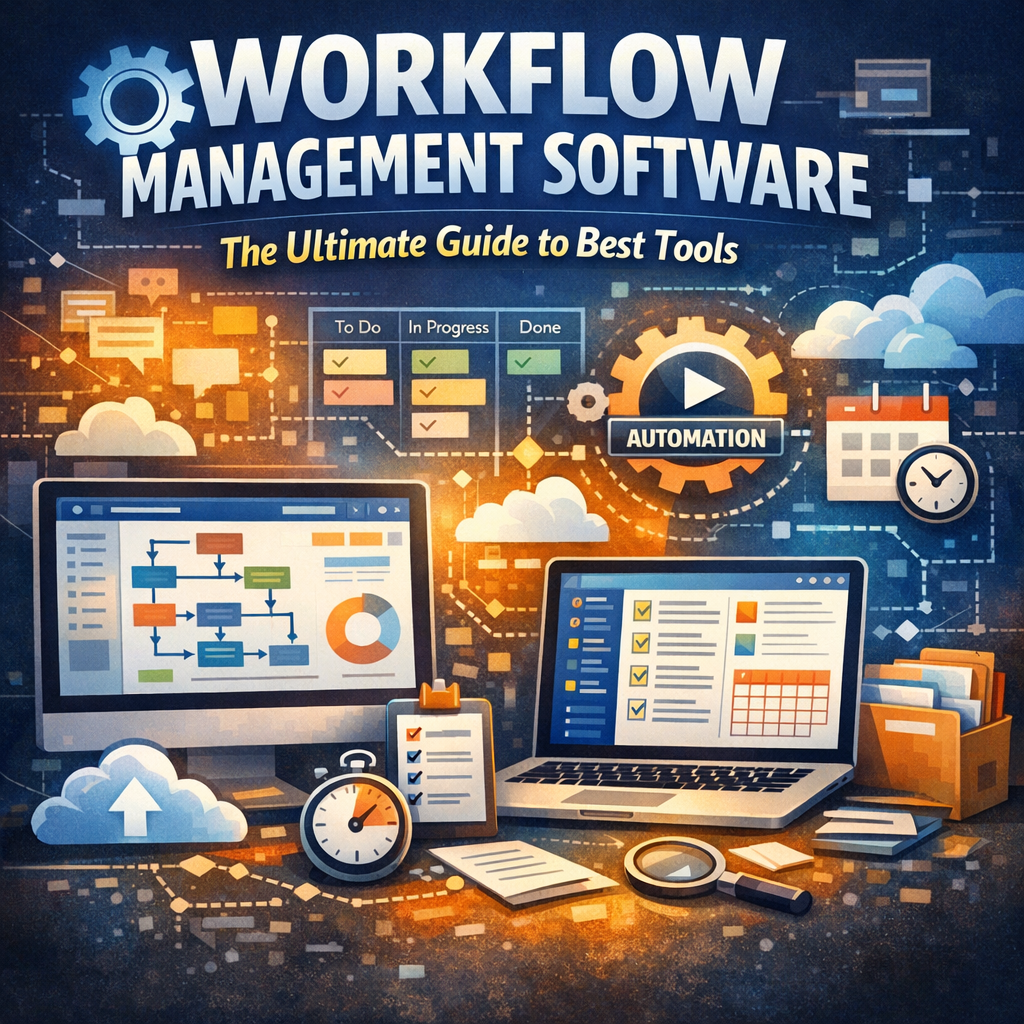
Workflow management software is a digital solution designed to automate, monitor, and optimize business processes. It helps teams plan, execute, and track workflows — defined sequences of tasks needed to complete projects or operations. By providing a centralized platform, this software minimizes manual interventions and bottlenecks, allowing for faster turnaround times and higher accuracy.
Businesses use these tools to reduce errors, ensure compliance with company policies, and increase transparency across departments. From HR onboarding and invoice approvals to customer support ticket handling, workflow management software adapts to a wide range of applications.
Key Features to Look for in Workflow Management Software
When choosing the right workflow management software, there are several critical features to consider:
1. Customizable Workflow Design
The ability to design unique workflows that align with your organization’s specific processes is crucial. Drag-and-drop interfaces and visual workflow builders provide ease in mapping out complex sequences without needing technical expertise.
2. Automation Capabilities
Look for software that automates repetitive tasks such as notifications, approvals, data entry, and status updates. Automation not only speeds up work but also reduces human error.
3. Collaboration Tools
Efficient communication is fundamental in any workflow. Effective software integrates team communication features like comments, file sharing, and real-time updates, ensuring everyone stays informed and aligned.
4. Reporting and Analytics
Insightful reports and dashboards allow managers to monitor workflow efficiency, identify bottlenecks, and make data-driven decisions for continuous improvement.
5. Integration with Other Tools
Workflow management software should integrate with your existing business tools such as CRM systems, email platforms, cloud storage, and project management apps for seamless data flow and process continuity.
Benefits of Using Workflow Management Software
Implementing workflow management software offers numerous advantages:
– Improved Efficiency: Automating routine tasks accelerates processes and frees employees to focus on higher-value activities.
– Greater Transparency: Clear visibility into each stage of a workflow helps track progress and accountability.
– Enhanced Collaboration: Centralized communication reduces misunderstandings and promotes teamwork.
– Scalability: As your business grows, these tools can adapt to handle increased workloads with minimal manual intervention.
– Compliance and Audit Trails: Automated workflows ensure adherence to policies and generate documentation necessary for audits.
Top Workflow Management Software Tools in 2024
With an abundance of options available, it’s important to know which tools stand out for their functionality, ease of use, and value. Here are some of the best workflow management software solutions to consider:
1. Monday.com
Monday.com excels with its highly visual and flexible platform, making it easy to design complex workflows. It offers extensive integrations, automation features, and real-time collaboration capabilities suitable for teams of all sizes.
2. Asana
Asana is a renowned project management tool with robust workflow automation features. Its intuitive interface lets users set up task dependencies, automate routine processes, and track project milestones efficiently.
3. Smartsheet
Smartsheet combines the familiarity of spreadsheets with powerful workflow automation. It’s particularly effective for teams that rely on data analysis and want detailed reporting woven into their workflow processes.
4. Kissflow
Kissflow focuses specifically on workflow and process automation, providing a no-code platform that enables non-technical users to automate business workflows quickly. It’s ideal for organizations wanting to eliminate paper-based and manual processes.
5. Trello
Trello uses a card-based system that organizes tasks in boards, perfect for teams looking for a simple yet effective way to track workflows. While less advanced in automation, its user-friendly design makes onboarding easy.
How to Choose the Right Workflow Management Software
Selecting the best workflow management software hinges on several factors:
– Understand Your Needs: Map out your existing workflows and pinpoint pain points.
– Budget Considerations: Balance feature richness with affordability.
– User Experience: Ensure the software matches your team’s technical abilities.
– Scalability: Look for tools that can grow alongside your business.
– Trial Periods: Take advantage of free trials to test usability and performance.
Conclusion
Workflow management software is a transformative tool that brings efficiency, clarity, and agility to business operations. By deeply understanding what these platforms offer and carefully evaluating your organizational needs, you can choose a solution that drastically improves productivity and team coordination. The right software not only organizes your work but also empowers your workforce to deliver better results — making it a worthy investment in today’s competitive market.