
Workflow Management Software: The Ultimate Guide to Best Tools
In today’s fast-paced business environment, workflow management software has become an essential asset for organizations aiming to streamline operations, enhance productivity, and maintain clear communication across teams. Whether you’re a small startup or a large enterprise, adopting the right workflow management software can transform the way work gets done, reduce bottlenecks, and ensure tasks are completed efficiently.
This ultimate guide will explore the core benefits of workflow management software, key features to look for, and review some of the best tools available on the market today.
Understanding Workflow Management Software
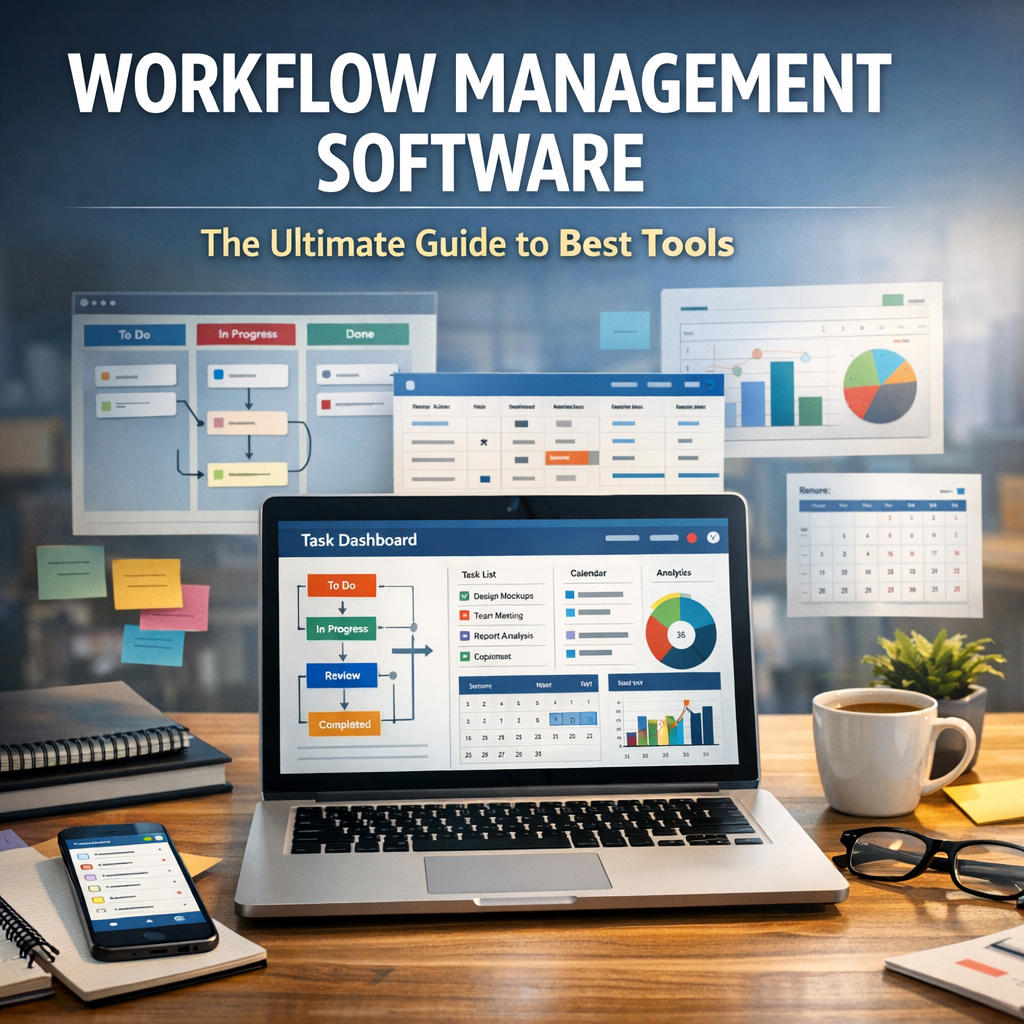
At its core, workflow management software is a digital solution designed to automate, monitor, and optimize business processes. It enables teams to create workflows – a series of sequential steps or tasks – that align with organizational operations. By automating repetitive tasks and providing visibility into each phase of the process, these tools help businesses save time and resources.
Imagine a scenario where a marketing team needs to launch a campaign. Instead of manually tracking each step, assigning tasks, and following up with team members, workflow management software automates task allocations, deadlines, and status updates. This not only reduces human error but dramatically improves team collaboration.
Why Your Organization Needs Workflow Management Software
Investing in workflow management software offers several tangible benefits:
– Increased Efficiency: Automating routine tasks frees your team to focus on high-value work.
– Improved Transparency: Managers and stakeholders can track project progress in real-time.
– Consistency: Standardized workflows ensure quality and reduce variations in outcomes.
– Better Collaboration: Centralized communication and document sharing simplify teamwork.
– Data-Driven Decisions: Many platforms offer analytics to help optimize workflows based on performance metrics.
Key Features to Look for in Workflow Management Software
When choosing workflow management software, it’s important to consider features that align with your business needs:
1. Customizable Workflow Templates
Different departments have unique processes. Look for software that allows you to create, edit, and reuse workflow templates tailored to your specific operations.
2. Task Automation
Automating repetitive tasks such as sending notifications, updating statuses, or generating reports can save significant time.
3. Integration Capabilities
Seamless integration with existing tools like email clients, CRM systems, cloud storage, and communication platforms makes workflow management more effective.
4. User-Friendly Interface
An intuitive design ensures quick adoption by team members, minimizing training time.
5. Collaboration Tools
Features like real-time commenting, file attachments, and shared calendars foster better teamwork.
6. Reporting and Analytics
Insightful reports help monitor bottlenecks and enhance workflow efficiency over time.
Top Workflow Management Software Tools of 2024
Here are some of the best workflow management tools available, each offering unique strengths:
Trello
Trello uses a visual board-and-card system that’s excellent for managing simple to moderately complex workflows. Its drag-and-drop interface and integration with apps like Slack and Google Drive make it popular for teams looking for flexibility and ease of use.
Asana
Asana offers robust workflow management capabilities with customizable project views (list, board, timeline), task dependencies, and automation rules. It’s ideal for teams that require detailed task tracking and collaboration.
Monday.com
Known for its versatility, Monday.com supports a wide range of workflows from project management to sales pipelines. It features automation, integrations, and extensive reporting options, catering to medium and large businesses.
Smartsheet
Smartsheet combines spreadsheet-like interfaces with workflow automation and collaboration features. It’s a powerful choice for organizations that prefer working with data grids but want added workflow capabilities.
Kissflow
Kissflow stands out for its focus on simplicity and process automation. It’s widely used for managing HR processes, finance approvals, and other cross-department workflows.
Best Practices for Implementing Workflow Management Software
To maximize the benefits of workflow management software, consider these tips:
– Map Existing Processes: Understand your current workflows thoroughly before automating them.
– Involve Your Team: Get input from end users during setup to ensure the tool meets real needs.
– Start Small: Begin with a pilot project, gradually expanding as the team becomes comfortable.
– Train Users: Provide comprehensive training and resources to encourage adoption.
– Regularly Review Workflows: Use analytics to identify inefficiencies and update workflows accordingly.
Conclusion
Selecting and deploying the right workflow management software can revolutionize how your organization operates. By automating repetitive tasks, improving transparency, and fostering better collaboration, these tools help teams work smarter, not harder. With a clear understanding of your needs and the features available, you’re well-equipped to choose a solution that will drive sustained productivity and growth.
Exploring options like Trello, Asana, Monday.com, Smartsheet, or Kissflow can provide a great starting point. Remember, the ultimate goal of workflow management software is to create seamless, efficient processes that empower your team to focus on what truly matters – delivering value and innovation.