
Workflow Automation Tools: The Ultimate Guide to the Best Solutions
In today’s fast-paced business environment, workflow automation tools have become indispensable. These tools streamline repetitive tasks, reduce errors, and free up valuable time for employees to focus on more strategic activities. Whether you’re running a small startup or managing a large enterprise, leveraging the right automation solutions can significantly boost productivity and operational efficiency. This ultimate guide will explore the top workflow automation tools available, their key features, and how to choose the best one for your unique needs.
What Are Workflow Automation Tools?
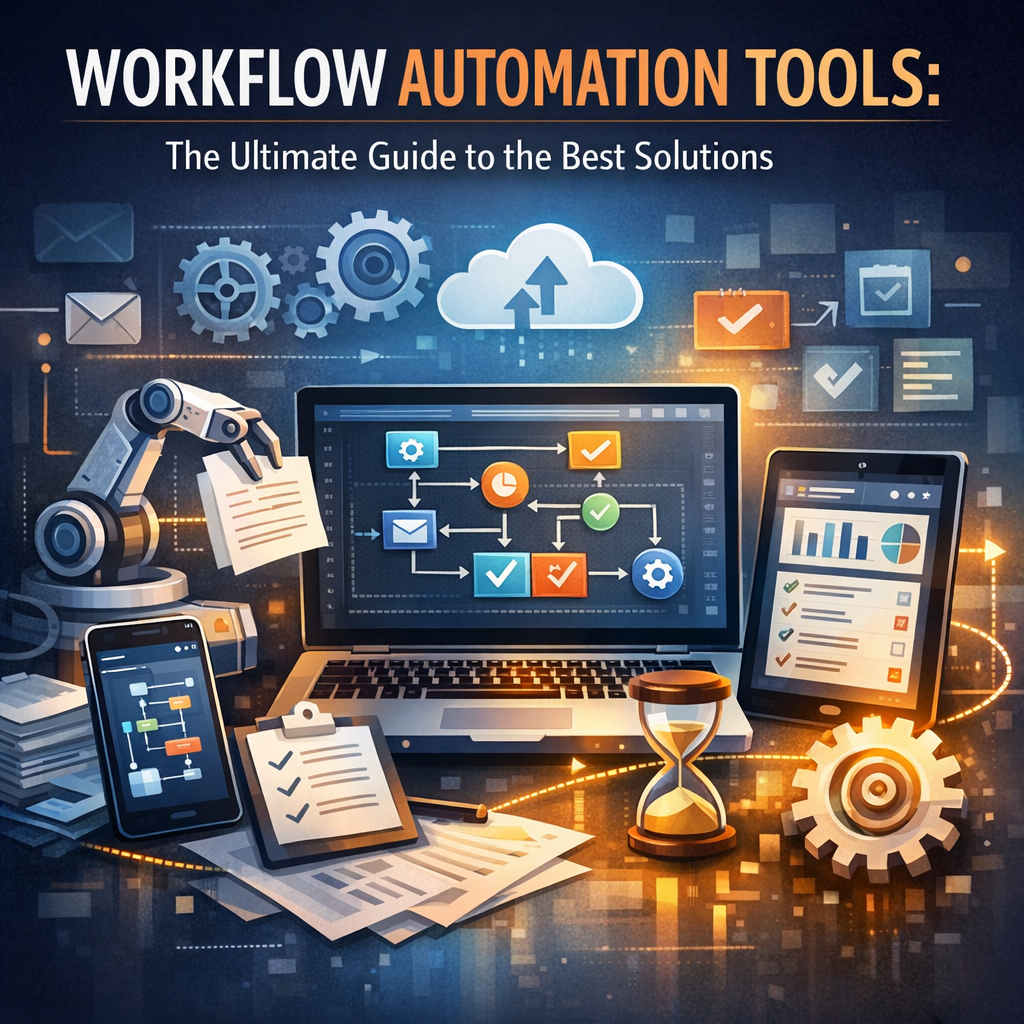
Workflow automation tools are software applications designed to automate routine business processes. They allow users to create rules and triggers that initiate specific actions without manual intervention. From simple tasks like email notifications to complex multi-step approvals, these tools help reduce bottlenecks and ensure consistent execution of processes.
By implementing workflow automation, organizations can improve accuracy, increase speed, and enhance collaboration across departments. This reduces human error and eliminates the repetitive workload that often leads to employee burnout.
Benefits of Using Workflow Automation Tools
Before diving into the best tools on the market, it’s important to grasp why workflow automation is vital:
– Efficiency and Time Savings: Automating repetitive tasks like data entry, invoicing, or status updates saves hours of manual work.
– Improved Accuracy: Automation minimizes the risk of errors caused by manual input, ensuring consistent quality.
– Enhanced Transparency: Workflow tools provide real-time monitoring and reporting, making it easy to track the progress of various processes.
– Better Collaboration: Integrated communication features streamline team coordination, reducing misunderstandings and delays.
– Scalability: As your business grows, workflows can be scaled and adjusted without overhauling entire systems.
Top Workflow Automation Tools to Consider
Choosing the right solution depends on your business size, complexity of workflows, and budget. Below are some of the best workflow automation tools tailored to different needs:
1. Zapier
Zapier is perfect for small to medium-sized businesses looking for an easy-to-use automation tool. It connects over 3,000 apps, allowing you to create “Zaps”—automated workflows that trigger actions across multiple platforms.
– Use cases: Automatically add leads from web forms into your CRM, sync data between apps, and set up alerts.
– Strengths: No coding required, vast integration library, intuitive interface.
2. Microsoft Power Automate
For businesses entrenched in the Microsoft ecosystem, Power Automate offers powerful automation capabilities that integrate seamlessly with Office 365, SharePoint, Dynamics 365, and more.
– Use cases: Automate approvals, synchronize files, generate reports, and integrate with AI models.
– Strengths: Robust enterprise features, deep Microsoft app integration, advanced logic flows.
3. Trello + Butler
Trello, combined with its built-in automation tool Butler, serves project management workflows efficiently. It automates card movements, assigns tasks, and updates statuses based on predefined rules.
– Use cases: Manage projects with automated task reminders, deadline adjustments, and checklist completions.
– Strengths: Visual interface, easy setup, great for team collaboration.
4. Nintex
Nintex is a comprehensive workflow automation platform well-suited for complex enterprise processes. It supports document generation, robotic process automation (RPA), and analytics.
– Use cases: Automate contract workflows, employee onboarding, and compliance tracking.
– Strengths: Advanced customization, strong security features, scalable.
5. Integromat (Make)
Integromat (recently rebranded as Make) enables highly customizable automation scenarios with a drag-and-drop interface. It’s great for businesses that need complex routing and multi-app integrations.
– Use cases: Extract data from emails, automate customer support workflows, sync databases.
– Strengths: Visual workflow builder, extensive apps list, cost-effective plans.
How to Choose the Right Workflow Automation Tool
Selecting the best tool hinges on several factors:
Understand Your Workflow Complexity
Identify which processes you want to automate. Simple task automation can be handled by user-friendly tools like Zapier, while more intricate workflows require platforms like Nintex or Power Automate.
Integration Capabilities Matter
The best workflow automation tools offer seamless integration with your current software environment. Ensure the tool supports your CRM, communication apps, databases, and other critical systems.
User Experience & Accessibility
Choose a tool with an intuitive interface that your team can easily adopt. Extensive training requirements can delay automation benefits.
Security and Compliance
Automation tools dealing with sensitive data must adhere to strict security protocols. Especially if you’re in regulated industries, verify compliance with standards such as GDPR or HIPAA.
Budget Considerations
Costs vary widely depending on features, user licenses, and support. Many tools offer free tiers or trials—leverage these to assess suitability before committing.
Best Practices for Implementing Workflow Automation
Introducing workflow automation tools successfully calls for strategic planning:
– Map Out Processes First: Document existing workflows to pinpoint bottlenecks before automating.
– Start Small: Begin with automating simple workflows and gradually expand as your team becomes comfortable.
– Train Your Team: Provide adequate training and foster a culture open to technological change.
– Monitor & Optimize: Regularly review automated workflows to optimize performance and update rules as needed.
– Ensure Executive Support: Leadership backing ensures resources and focus for successful adoption.
Future Trends in Workflow Automation Tools
Workflow automation is evolving quickly, with emerging trends such as:
– Artificial Intelligence Integration: AI is enabling intelligent decision-making within workflows.
– Hyperautomation: Combining RPA, AI, and process mining for end-to-end automation.
– Low-Code Platforms: Empowering non-developers to build complex workflows.
– Cross-Platform Ecosystems: Increasing interoperability across multiple SaaS products.
These developments promise greater efficiency and unprecedented customization options for businesses of all sizes.
Conclusion
Investing in workflow automation tools is no longer optional in today’s digitized economy—it’s a competitive necessity. By automating repetitive tasks and optimizing business processes, organizations can save time, reduce costs, and boost productivity. Whether you’re a small business owner or part of a large enterprise, choosing the right workflow automation tools tailored to your specific needs will unlock new growth opportunities and operational excellence.
Embrace automation today and let your workforce shift focus from mundane tasks to innovation and strategy. The right workflow automation tool is out there—ready to transform how your business runs.