
Work Scheduling Tools: The Ultimate Guide to Best Must-Have Solutions
In today’s fast-paced and increasingly remote work environment, work scheduling tools have become essential for businesses looking to streamline operations, improve team collaboration, and manage employee shifts efficiently. Whether you’re running a small startup or overseeing a large enterprise, the right scheduling software can save you time, reduce errors, and boost productivity.
This comprehensive guide will walk you through the must-have features of work scheduling tools, why they matter, and highlight some of the best solutions available on the market. By the end, you’ll have a clearer understanding of how to choose the perfect scheduler for your unique business needs.
Why Work Scheduling Tools Are Important for Modern Businesses
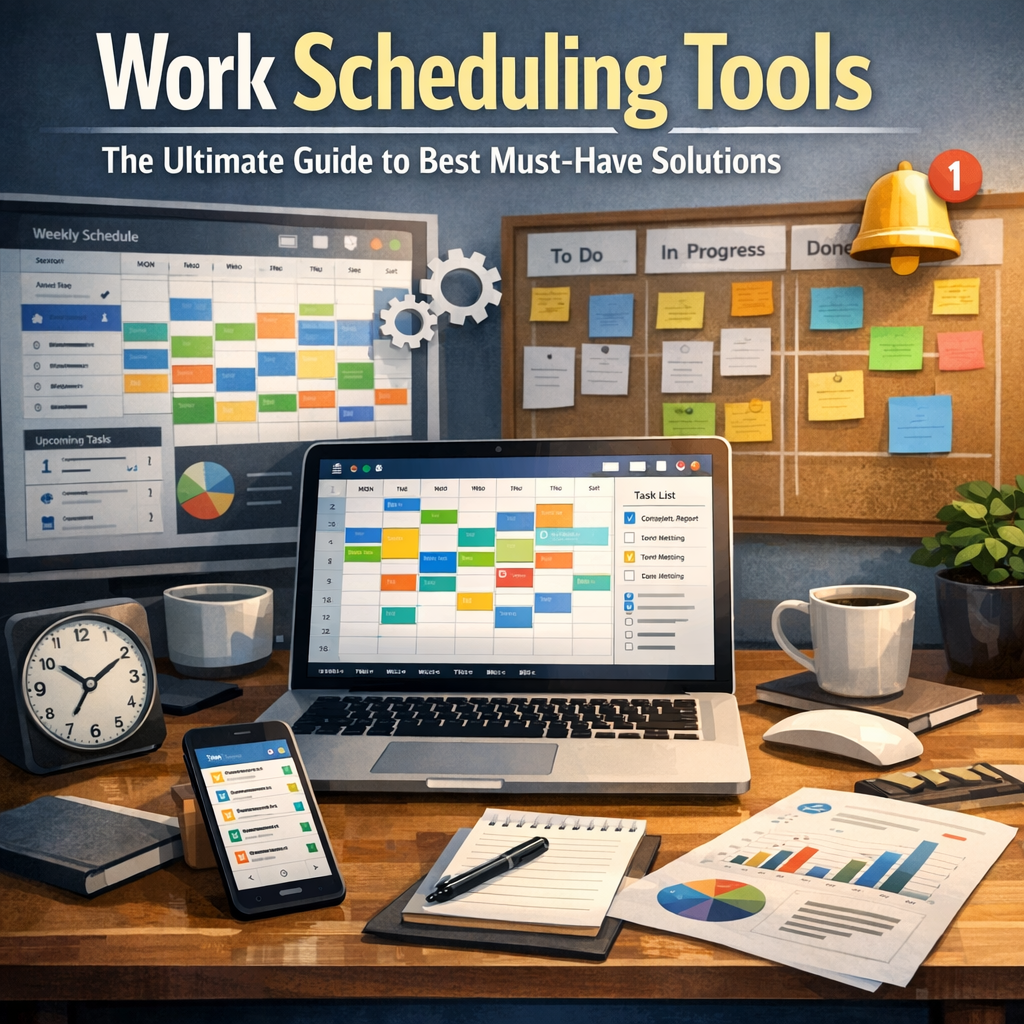
Work scheduling tools are more than just digital calendars or shift planners—they are powerful platforms designed to optimize workforce management. Here’s why they have become indispensable:
– Efficiency and Time Savings: Automating the creation of schedules eliminates tedious manual entries and reduces scheduling conflicts.
– Improved Communication: Many scheduling tools include built-in messaging and notifications to keep everyone informed about shift changes or updates.
– Error Reduction: Automated alerts and validation prevent overlapping shifts or understaffing scenarios.
– Employee Satisfaction: Self-service portals let employees swap shifts or request time off without directly involving managers, enhancing flexibility.
– Data-Driven Decisions: Analytics and reporting features help managers monitor attendance trends and workforce productivity.
Key Features to Look for in Work Scheduling Tools
Selecting the right work scheduling tool involves understanding your specific business needs and comparing the features of different platforms. Here are fundamental features your solution should support:
1. User-Friendly Interface
A simple and intuitive interface ensures that both managers and employees can use the software without steep learning curves or extensive training.
2. Shift Planning and Automation
Look for tools that allow you to set recurring shifts, assign employees based on availability or skill level, and automatically create optimized schedules.
3. Mobile Accessibility
Given the ubiquity of smartphones, having mobile apps or responsive web versions means on-the-go schedule updates and easy communication.
4. Real-Time Notifications and Alerts
Automatic notifications about shift assignments, changes, or upcoming deadlines keep everyone aligned and avoid last-minute surprises.
5. Time Tracking and Attendance Integration
Seamless integration with time clocks or attendance systems helps in accurate payroll processing and ensures regulatory compliance.
6. Employee Self-Service Features
Allowing staff to view schedules, swap shifts, request leaves, or report availability through a portal reduces the managerial workload.
7. Reporting and Analytics
Detailed insights into labor costs, attendance patterns, and productivity can help refine workforce strategies.
Top Must-Have Work Scheduling Tools in 2024
To help you navigate the crowded market, here are some of the best work scheduling tools widely recognized for their functionality and user satisfaction in 2024.
When I Work
Ideal for small to medium-sized businesses, When I Work excels in ease of use. The platform offers scheduling templates, shift swapping, and automated notifications. Employees appreciate the mobile app’s convenience, allowing them to manage their schedules from anywhere.
Deputy
Deputy combines scheduling with robust time tracking and task management. It provides smart scheduling features like availability rules and skill-based shift assignments. The tool also supports compliance with labor laws, making it suitable for industries with strict regulations.
Shiftboard
Shiftboard is perfect for large, complex organizations requiring detailed shift management and workforce analytics. It supports multiple locations and offers integrations with payroll and HR software, making it an enterprise-grade solution.
Sling
Sling offers a free plan with core scheduling and communication tools, making it great for startups or small teams. Sling’s drag-and-drop scheduling and powerful messaging options ensure smooth team coordination.
BambooHR
Though primarily an HR management system, BambooHR offers integrated scheduling features combined with employee self-service, benefits tracking, and performance management, making it a holistic option for businesses wanting to streamline HR and scheduling together.
How to Choose the Best Work Scheduling Tool for Your Business
When evaluating various options, consider these strategic points:
– Understand Your Workforce Needs: Number of employees, shifts per day, and complexity of scheduling.
– Budget Constraints: Some tools offer tiered pricing; determine what features are essential versus nice-to-have.
– Integration Capabilities: Look for software that integrates smoothly with your existing payroll, HR, or project management tools.
– Scalability: Choose a solution that can grow with your business.
– User Feedback: Read reviews and seek demos or free trials to test usability before committing.
Conclusion
Incorporating efficient work scheduling tools into your business operations goes beyond convenience—it empowers your workforce, enhances communication, and drives productivity. By understanding the critical features, evaluating top options, and aligning the software with your specific needs, you can make an informed decision that will improve both day-to-day management and long-term workforce planning.
Investing time in the right scheduling solution today means smoother operations and a happier, more engaged team tomorrow.