
Work Scheduling Tools Guide: Best Must-Have Solutions for Success
In today’s fast-paced business environment, work scheduling tools have become essential for organizations aiming to boost productivity, manage resources efficiently, and enhance team collaboration. Whether you run a small startup or oversee a large enterprise, having the right scheduling software can transform the way you handle employee shifts, appointments, and project timelines. This guide will walk you through the best must-have solutions for success, helping you choose the tools that perfectly match your business needs.
Why Are Work Scheduling Tools Important?
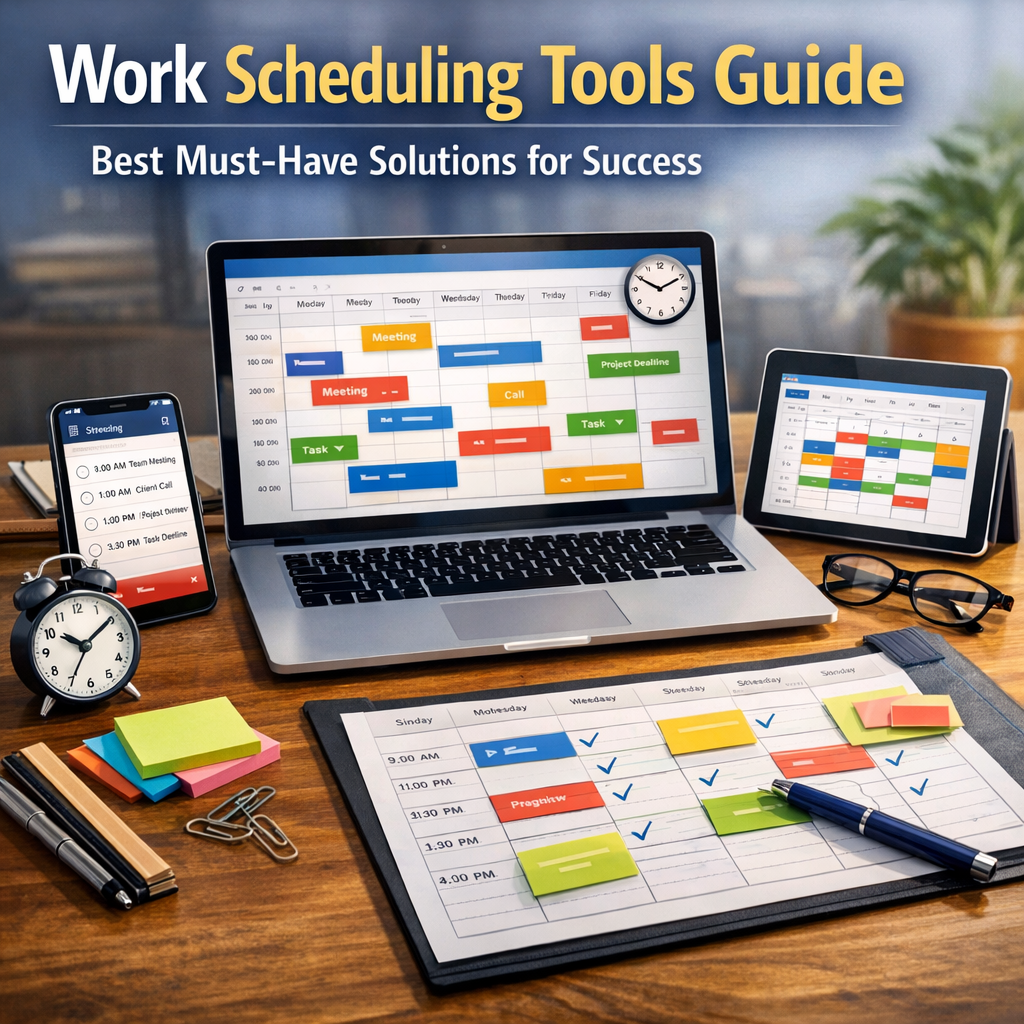
Managing work schedules manually or relying on outdated methods like paper rosters or spreadsheets often leads to errors, miscommunication, and wasted time. Work scheduling tools automate the process, providing an organized, real-time overview of staff availability, upcoming shifts, and task assignments. This reduces scheduling conflicts, improves employee satisfaction by allowing flexible shift swaps, and ensures projects stay on track with deadline adherence.
Moreover, in remote and hybrid work environments, these tools empower teams to coordinate seamlessly despite physical distances. They also help managers make data-driven decisions, track attendance, and streamline payroll by integrating with other HR and accounting systems.
Key Features to Look for in Work Scheduling Tools
When selecting the best work scheduling tools, it’s important to prioritize features that align with your business operations:
1. Intuitive Calendar Interface: A clear, user-friendly calendar that displays shifts, tasks, or appointments at a glance.
2. Shift Management: Easy assignment, modification, and approval of shifts, including handling time-off requests and shift swaps.
3. Employee Self-Service: Empower team members to check schedules, request changes, or update availability from their devices.
4. Automated Notifications: Alerts for upcoming shifts, changes, or critical deadlines to avoid no-shows and miscommunication.
5. Integration Capabilities: Sync with payroll, attendance tracking, messaging apps, and CRM systems.
6. Reporting and Analytics: Insights into labor costs, workload distribution, punctuality, and productivity metrics.
Best Work Scheduling Tools for Different Business Needs
1. When I Work – Ideal for Small to Medium Businesses
When I Work is a highly popular work scheduling tool that excels in simplicity and functionality. It offers a drag-and-drop scheduling interface, real-time shift updates, and mobile apps for both managers and employees. Additional features such as time tracking, team messaging, and labor cost reporting make it a comprehensive solution for businesses like retail stores, restaurants, and healthcare providers.
2. Deputy – Comprehensive Solution with Advanced Features
Deputy is known for its robust capabilities beyond basic scheduling. It supports automated shift assignment based on employee availability and skill sets, which is perfect for complex shift patterns. Its integration with popular payroll and POS systems makes it a favorite for hospitality and service industries. Deputy also offers a built-in time clock, task management, and real-time labor compliance monitoring.
3. Sling – Great for Managing Communication and Scheduling
Sling combines scheduling with team communication and task coordination, creating a blended workflow management platform. It helps managers create shift templates, share schedules, and handle last-minute changes quickly. The built-in messaging eliminates the need for separate communication tools, simplifying team interactions.
4. ZoomShift – Budget-Friendly and Easy to Use
ZoomShift is tailored for businesses looking for straightforward scheduling without overwhelming features. It’s ideal for startups and small teams who need essential shift planning and time tracking. The platform provides shift swapping, employee time-off tracking, and automated scheduling rules to maintain fairness in shift distribution.
5. Humanity – Enterprise-Grade Scheduling
For larger organizations with multiple locations and diverse teams, Humanity offers scalability and customization. It includes features like quota management, labor forecasting, and skill-based scheduling. Its advanced analytics help managers optimize workforce allocation, reduce overtime, and increase operational efficiency.
Tips for Maximizing the Effectiveness of Work Scheduling Tools
– Choose a Tool That Fits Your Business Size: Overly complex tools might overwhelm small teams, while simplistic ones may fall short for larger operations.
– Involve Employees in the Scheduling Process: Tools that offer self-service options boost transparency and employee engagement.
– Integrate Scheduling with Payroll and Time Tracking: This reduces administrative burden and errors.
– Train Staff Thoroughly: Overcoming initial resistance to new software usage is easier when employees understand the benefits.
– Regularly Review and Adjust Schedules: Use analytics provided by these tools to identify inefficiencies and optimize workflows continuously.
Conclusion
Integrating effective work scheduling tools into your business workflow is no longer a luxury but a necessity for operational success and employee satisfaction. The best solutions combine ease of use, automation, robust features, and integrations that meet your specific industry demands. By leveraging the right scheduling software, managers can reduce chaos, improve accountability, and create a work environment where teams thrive.
Make sure to evaluate your company’s unique needs and team size before selecting a tool, and remember that consistent use and adaptation are key to unlocking the full potential of these scheduling solutions. With the right approach, your organization will enjoy streamlined operations, happier employees, and ultimately, stronger business results.