
Work Planning Tools: The Ultimate Guide to Best Must-Have Solutions
In today’s fast-paced business environment, work planning tools have become essential for organizations and individuals aiming to boost productivity and streamline project management. Whether you’re leading a small team or managing complex workflows, using the right tools can make a significant difference in how efficiently tasks are completed. This comprehensive guide will walk you through the best must-have work planning tools available, their features, and how to choose the ideal solution for your needs.
Why Work Planning Tools Are Essential
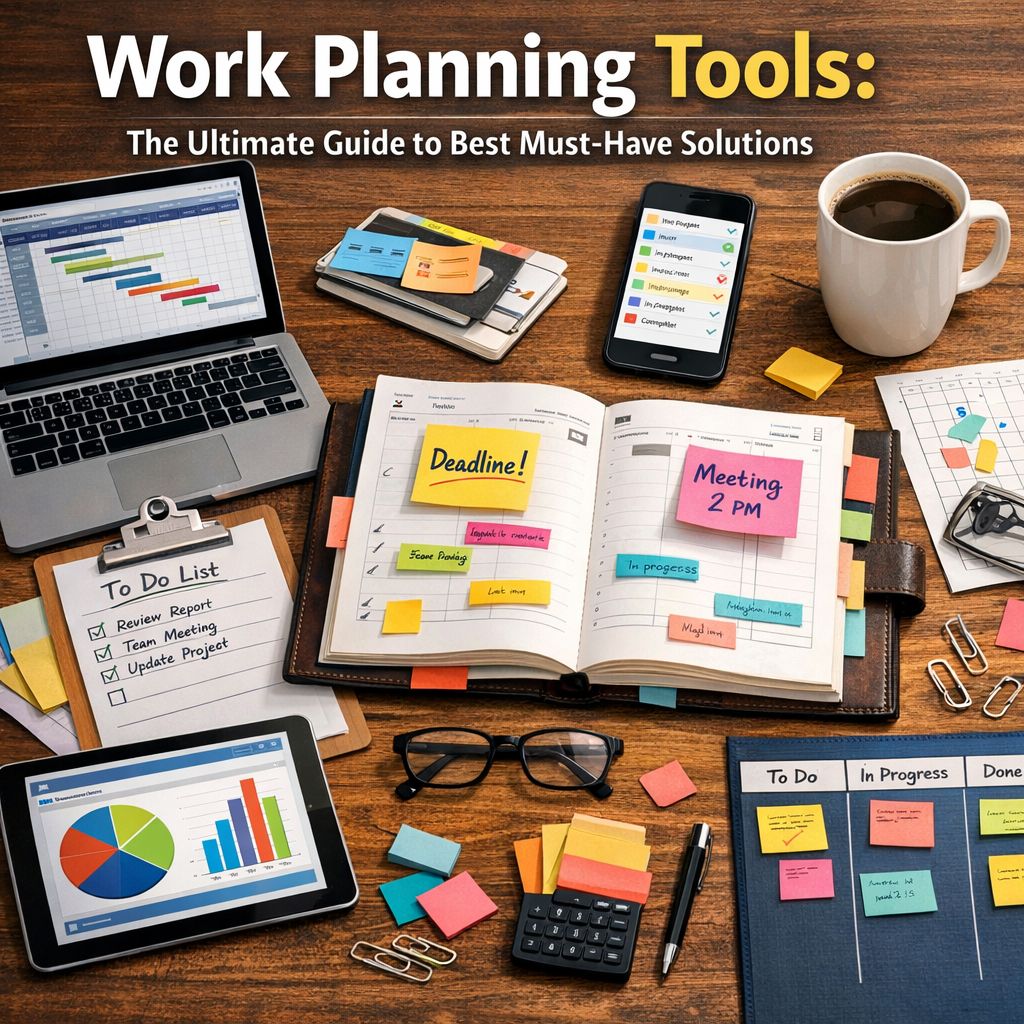
Work planning tools help teams organize tasks, set deadlines, allocate resources, and track progress in a centralized manner. Without a structured approach, projects can quickly become chaotic, leading to missed deadlines, budget overruns, and lower quality outcomes. By leveraging work planning tools, teams gain clarity on:
– What needs to be done
– Who is responsible for each task
– When tasks are due
– How different phases of work intersect
This level of transparency not only improves accountability but also fosters better communication among team members.
Key Features to Look for in Work Planning Tools
When evaluating work planning tools, it’s crucial to consider features that align with your workflow needs. Here are some key capabilities most organizations look for:
Task Management and Scheduling
At its core, a work planning tool should allow users to create, assign, and prioritize tasks. Integrated calendars or Gantt charts help visualize deadlines and dependencies between tasks, making it easier to manage schedules proactively.
Collaboration and Communication
Modern work planning tools often include built-in chat, comment sections, or integration with communication platforms like Slack or Microsoft Teams. This facilitates ongoing discussions directly within the context of a task or project.
Resource Allocation
Understanding team capacity and resource availability is critical. Advanced tools provide insights into how time and personnel are distributed across projects, helping avoid overloading certain team members.
Reporting and Analytics
Access to real-time data and customizable reports enables managers to track progress, identify bottlenecks, and make data-driven decisions that keep projects on track.
Best Must-Have Work Planning Tools in 2024
Here’s a rundown of some of the top-rated work planning tools that cater to various business sizes and industries:
1. Asana
Asana is a favorite for teams seeking flexibility combined with ease of use. It offers task boards, timeline views, and automation features that reduce manual work. Its integrations with tools like Google Drive and Zoom make it a central hub for project management.
2. Trello
Known for its intuitive kanban-style boards, Trello excels in visual task management. Its simple drag-and-drop interface is ideal for smaller teams or projects with straightforward workflows.
3. Monday.com
Monday.com stands out due to its highly customizable dashboards and automation capabilities. It suits both project managers and teams that need detailed resource planning alongside task tracking.
4. Microsoft Planner
For organizations already using Office 365, Microsoft Planner integrates well within the Microsoft ecosystem. It offers task assignment, scheduling, and collaboration features linked directly with Outlook and Teams.
5. ClickUp
ClickUp combines project management, docs, and goals tracking in one platform. Its versatility makes it a top choice for businesses needing an all-in-one solution.
How to Choose the Right Work Planning Tool for Your Team
Selecting the best work planning tools depends on your specific requirements and team size. Here are some tips:
– Assess Your Workflow Complexity: Simple projects may only need basic task boards, while complex projects with multiple dependencies might require Gantt charts and resource management.
– Consider User-Friendliness: Choose a tool that your team will readily adopt without a steep learning curve.
– Integration with Existing Tools: Ensure the work planning tool integrates with your current software stack to avoid siloed workflows.
– Budget and Scalability: Factor in costs and whether the platform can scale with your team as you grow.
– Trial Periods and Demos: Take advantage of free trials to evaluate usability and feature sets in a real-world context.
Tips for Maximizing Efficiency with Work Planning Tools
Using work planning tools effectively goes beyond just implementation. Here are some helpful tips:
– Set Clear Goals and Milestones: Outline objectives clearly so everyone understands priorities and deadlines.
– Regular Updates and Check-ins: Encourage team members to update statuses frequently to reflect real progress.
– Automate Repetitive Tasks: Use built-in automation to save time on routine notifications and task assignments.
– Encourage Collaboration: Utilize communication features to keep discussions transparent and connected to specific tasks.
– Review and Adjust: Periodically assess how the tool is supporting your workflow and make necessary changes.
Final Thoughts
Investing time in selecting and implementing the right work planning tools can significantly enhance productivity and project outcomes. Whether you prefer visual kanban boards, detailed timelines, or integrated communication platforms, the must-have work planning tools on the market today cater to diverse needs and budgets. By focusing on features, usability, and integration compatibility, you’ll empower your team to work smarter, meet deadlines, and achieve goals more consistently. The key is to start simple, adapt as you learn, and keep your focus on fostering collaboration and transparency throughout the project lifecycle.