
Work Planning Tools: The Ultimate Guide to Best Must-Have Solutions
In today’s fast-paced professional environment, work planning tools have become essential for individuals and teams striving to stay organized, meet deadlines, and boost productivity. Whether you’re managing complex projects or simply trying to streamline daily tasks, having the right set of tools can make all the difference. This ultimate guide will walk you through the best must-have solutions available, their unique features, and how to choose the right ones to suit your workflow.
Why You Need Work Planning Tools
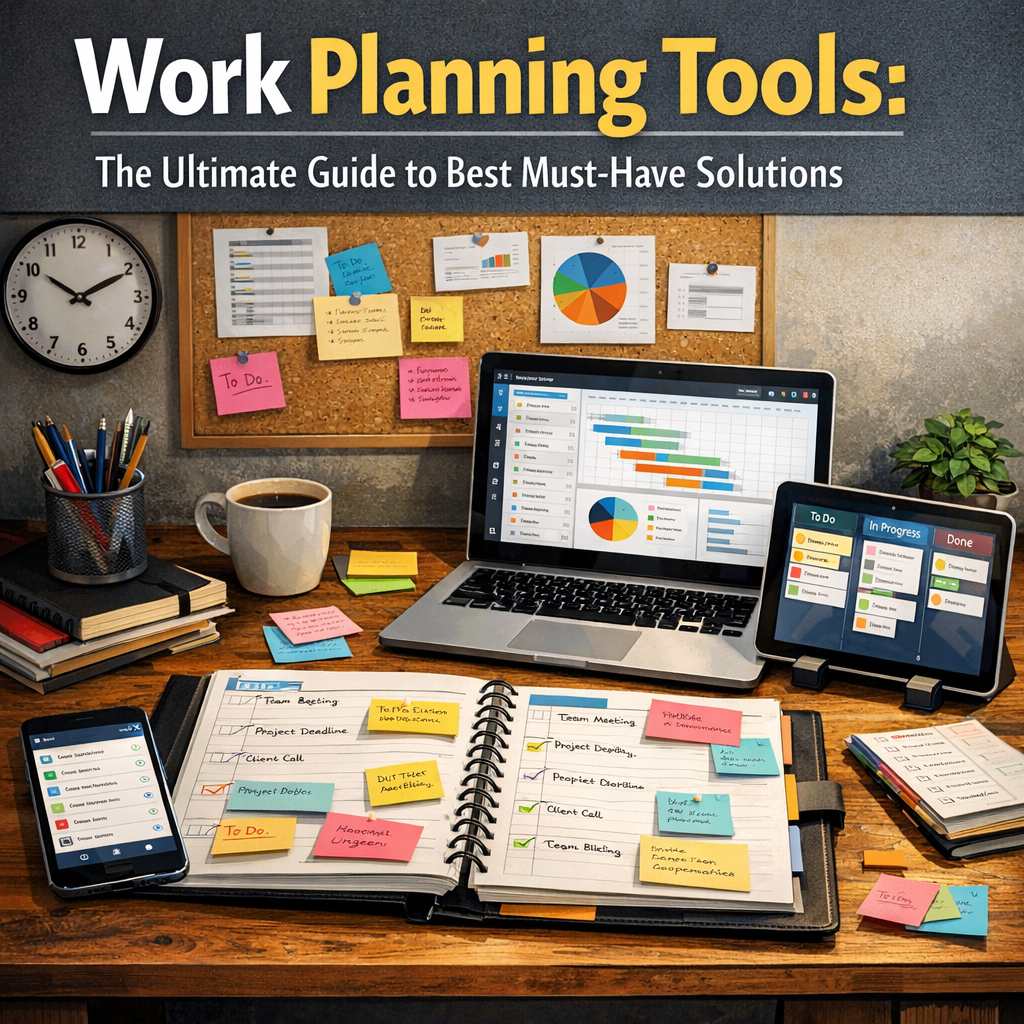
Work planning tools are software or applications designed to help structure tasks, allocate resources, set deadlines, and track progress in a systematic way. Without these tools, projects can easily become chaotic, leading to missed deadlines, confusion, and decreased morale.
Some of the key benefits of work planning tools include:
– Enhanced organization: They help break down large projects into manageable tasks.
– Improved collaboration: Many tools integrate communication features to keep all stakeholders on the same page.
– Time management: Features like calendars, reminders, and priority settings aid in efficient use of time.
– Transparency: Real-time progress tracking allows easier monitoring and accountability.
Now, let’s explore the categories and top picks for work planning tools you should consider.
Types of Work Planning Tools
1. Project Management Software
Project management tools are focused on overseeing the entire lifecycle of a project. They often include task assignments, timelines, and resource management features.
Top Picks:
– Trello: Known for its user-friendly kanban boards, Trello makes it easy to visualize workflows and collaborate in real time.
– Asana: A flexible tool for teams, offering task dependencies, subtasks, and multiple project views.
– Microsoft Project: A robust option for complex projects requiring detailed scheduling and resource allocation.
2. Task and To-Do List Apps
For those who prefer simplicity or managing individual tasks, task and to-do list apps are excellent.
Top Picks:
– Todoist: Combines a clean interface with powerful features like task prioritization and integrations with other apps.
– Microsoft To Do: Offers seamless syncing with Microsoft 365 and focuses on personal task management.
– Remember The Milk: Great for both work and personal life with smart lists and reminders.
3. Calendar and Scheduling Tools
Scheduling tools help allocate time effectively and coordinate meetings or deadlines.
Top Picks:
– Google Calendar: Popular for its ease of use and integration with other Google Workspace apps.
– Calendly: Excellent for scheduling meetings without the back-and-forth emails.
– Outlook Calendar: Preferred in corporate environments, especially when paired with Microsoft Exchange.
4. Collaboration Platforms
Some work planning tools incorporate collaboration features to improve communication along with project tracking.
Top Picks:
– Slack: While mainly a communication tool, Slack integrates with many project management apps to keep conversations connected to tasks.
– Monday.com: Combines project planning with communication and file-sharing, ideal for teams.
– Notion: A flexible workspace where you can build project databases, notes, and calendars all in one place.
Choosing the Right Work Planning Tools for Your Needs
Selecting the perfect work planning tools depends on your goals, team size, project complexity, and budget. Here are some tips to help you decide:
– Assess your workflow: Consider whether you need a high-level overview of projects or detailed task tracking.
– Prioritize ease of use: Choose tools that the entire team can quickly adapt to avoid resistance.
– Look for integrations: Ensure the tools work well with your existing software to streamline processes.
– Evaluate collaboration features: If your work involves multiple stakeholders, opt for tools with robust communication capabilities.
– Try before committing: Most tools offer free trials—use these to test which fits best.
Best Practices for Using Work Planning Tools Effectively
Even the best tools require thoughtful implementation. Here’s how to maximize their benefits:
– Standardize processes: Create and document workflows to maintain consistency.
– Set clear goals: Define what success looks like for each project or task.
– Regularly update tasks: Ensure the plan reflects current realities.
– Train your team: Provide onboarding and continuous support for users.
– Review and adapt: Continuously analyze how the tools are impacting productivity and make adjustments.
Conclusion
Integrating work planning tools into your professional routine is no longer optional—it’s a necessity for maintaining productivity and clarity in dynamic work environments. By leveraging the right combination of project management, task tracking, scheduling, and collaboration software, you can dramatically improve your ability to meet deadlines and keep your team aligned. Use this ultimate guide as a starting point to explore the many options available and find the must-have solutions tailored to your unique work needs. With the right tools at your fingertips, achieving your goals becomes not just possible but inevitable.