
Work Planning Tools: The Ultimate Guide to Best Effortless Solutions
In today’s fast-paced professional environment, work planning tools have become essential for boosting productivity, maintaining organization, and ensuring that projects meet deadlines. Whether you’re managing a team, balancing multiple projects, or simply trying to organize your daily tasks, choosing the right work planning tools can dramatically simplify your workflow. This guide dives into the best effortless solutions available, showcasing how they can streamline your planning process and transform the way you work.
Why You Need Work Planning Tools
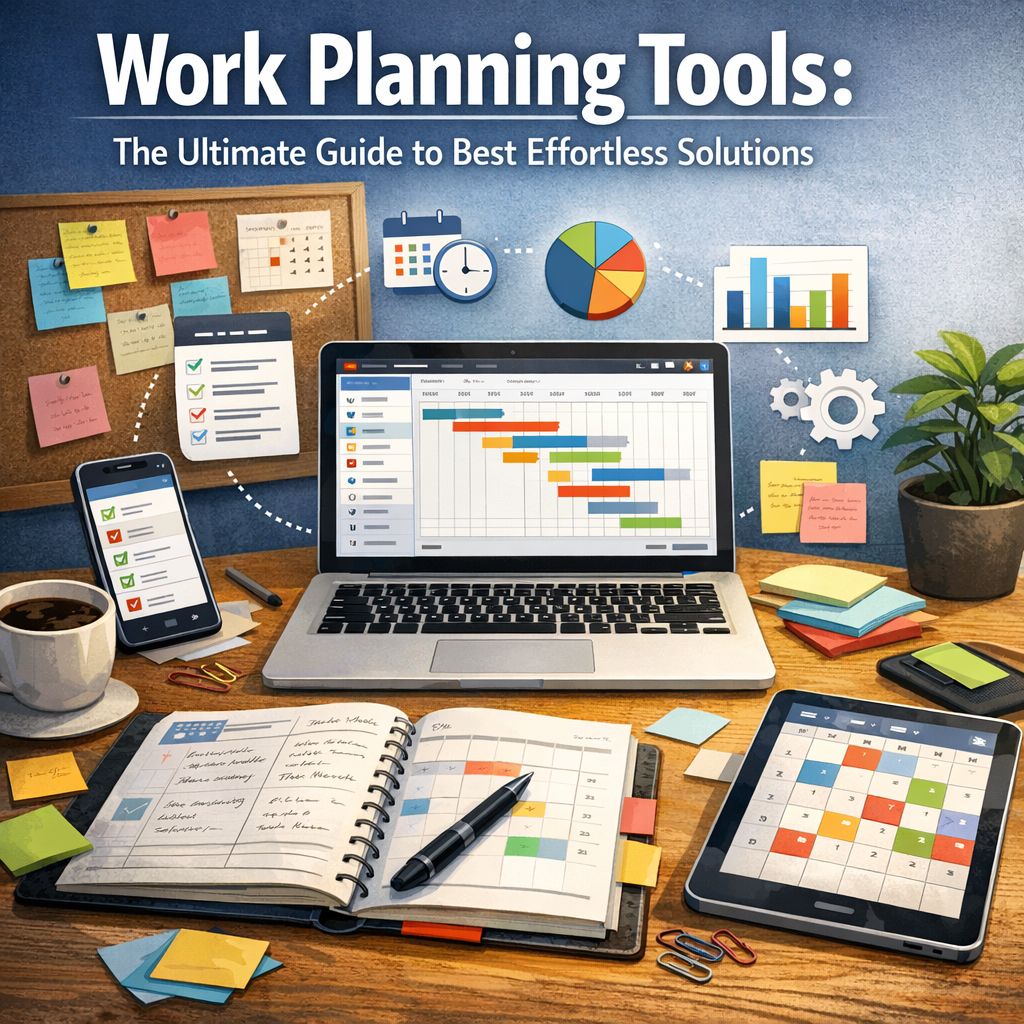
Work planning tools offer more than just a place to jot down tasks. They provide a centralized platform where you can outline projects, assign responsibilities, track progress, and maintain clear communication among team members. The benefits include:
– Improved time management: Plan your days, weeks, or months with clear deadlines and priorities.
– Enhanced collaboration: Share updates and files, and communicate efficiently.
– Increased transparency: Everyone involved can see the status of tasks, reducing confusion.
– Better resource allocation: Allocate people and tools where they are needed most.
By adopting effective work planning tools, you’re not only saving time but also minimizing errors and boosting overall productivity.
Key Features to Look For in Work Planning Tools
Before diving into specific solutions, it’s important to understand what features make a work planning tool truly effective and effortless:
1. User-friendly Interface: An intuitive design that doesn’t require hours of training.
2. Task Management: Ability to create, assign, prioritize, and track tasks easily.
3. Calendar Integration: Synchronize with popular calendar apps for better scheduling.
4. Collaboration Capabilities: Commenting, file sharing, and real-time updates.
5. Reporting and Analytics: Track progress, generate reports, and analyze productivity.
6. Customization: Adapt the tool to fit your specific workflow and project needs.
7. Mobile Accessibility: Manage work on-the-go with responsive mobile versions or apps.
Top Work Planning Tools for Effortless Solutions
Trello
Trello’s card-based system is one of the most popular work planning tools on the market. Its visual approach helps users track projects through customizable Kanban boards. Key advantages include drag-and-drop functionality, integrations with tools like Slack and Google Drive, and automation with built-in Butler Power-Ups to reduce repetitive tasks. Trello’s simplicity makes it suitable for small teams and individual professionals seeking an easy way to stay organized.
Asana
Asana is a powerful work planning tool designed for teams of any size. It combines task lists, timelines, and calendars to provide a comprehensive project overview. Asana’s strength lies in its flexibility—projects can be managed through boards, lists, or even Gantt charts. This tool’s collaboration features are robust, with task commenting, notifications, and workload management helping prevent team burnout.
Monday.com
Monday.com turns work planning into a highly visual and customizable experience. It offers a variety of templates across industries, making it easy to get started. Users appreciate the automation features that eliminate manual updates and the vibrant dashboards that provide clear snapshots of progress. This tool’s ability to integrate with dozens of apps enhances workflow automation and data synchronization.
ClickUp
ClickUp is an all-in-one work planning solution that accommodates task management, time tracking, note-taking, and goal setting. Its modular design allows users to customize the layout and workflow to their liking. With more than 15 views, such as list, board, and calendar, ClickUp supports different working styles. Its extensive automation options help make recurring processes virtually effortless.
Microsoft Planner
For companies already embedded in the Microsoft ecosystem, Microsoft Planner is a natural choice. It integrates seamlessly with Office 365 apps like Teams, Outlook, and OneDrive. Planner offers task assignment, checklists, and progress charts. It’s especially helpful for teams that require basic project management tools with familiar Microsoft interface and collaboration standards.
Tips for Choosing the Right Work Planning Tools
With a diverse range of options available, selecting the right tool can feel overwhelming. Here are some practical tips:
– Identify your needs: Consider team size, project complexity, and specific workflows.
– Start small: Many tools offer free plans or trial periods—test before committing.
– Evaluate integration potential: Make sure your tool connects with existing software to avoid data silos.
– Prioritize ease of use: A tool that everyone can adopt quickly ensures better engagement.
– Consider scalability: Opt for solutions that can grow with your team and projects.
– Look for automation: Save time by automating routine tasks wherever possible.
How to Maximize Efficiency With Work Planning Tools
Once you’ve chosen a work planning tool, maximizing its effectiveness is just as vital. Begin by clearly defining project goals and breaking them down into actionable tasks. Encourage regular updates and communication within the platform to keep everyone aligned. Utilize calendar views and reminders to stay on track with deadlines. Don’t hesitate to customize boards, workflows, or reports to suit your team’s unique needs. Finally, periodically review the usage and results, and adjust your planning strategy as necessary.
Conclusion
Incorporating the right work planning tools into your daily routine can revolutionize the way you manage projects and collaborate with teams. With many effortless solutions available—from Trello and Asana to Monday.com and ClickUp—there’s a perfect fit for every work style and requirement. The key is to choose thoughtfully, focusing on tools that enhance productivity, foster communication, and simplify the complex process of planning work. Embrace these digital aids, and watch your efficiency and outcomes improve dramatically.