
Work Automation Tools Guide: Must-Have Solutions for Effortless Productivity
In today’s fast-paced business environment, work automation tools have become essential for boosting productivity and streamlining operations. These tools help individuals and organizations minimize manual tasks, reduce errors, and free up valuable time for more strategic activities. Whether you are a solopreneur, a member of a small team, or part of a large enterprise, integrating the right work automation tools can transform the way you approach your workload.
What Are Work Automation Tools?
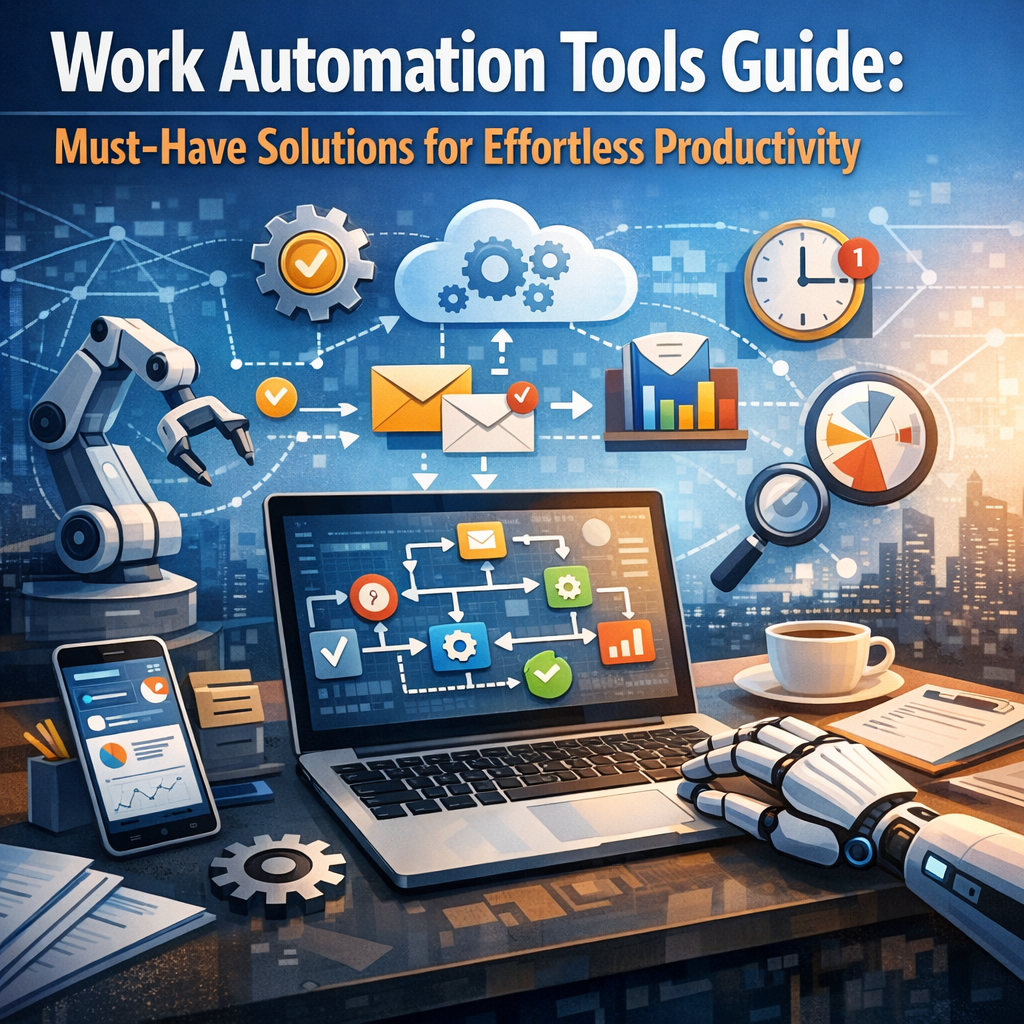
Work automation tools are software applications designed to perform repetitive or routine tasks without human intervention. They range from simple task automation, like scheduling emails, to complex processes involving data analysis and workflow management. By automating these tasks, employees can focus on creative and decision-making functions, leading to higher efficiency and better outcomes.
Benefits of Using Work Automation Tools
Implementing work automation tools carries numerous advantages, including:
– Time Savings: Automating routine tasks speeds up processes and reduces delays.
– Increased Accuracy: Automation minimizes human error, especially in data entry and calculations.
– Cost Efficiency: Reducing manual labor lowers operational costs.
– Improved Collaboration: Many tools facilitate communication and project tracking among teams.
– Scalability: As businesses grow, automation helps handle increasing workloads smoothly.
Top Work Automation Tools for Different Needs
1. Task and Project Management Automation
Tools like Trello, Asana, and Monday.com offer automation features that manage workflows, assign tasks, and send notifications automatically. These platforms help keep teams aligned and projects on track without constant manual follow-up.
2. Email and Communication Automation
Email automation platforms such as Mailchimp and Sendinblue simplify sending personalized emails and newsletters at scale. Similarly, chatbots and messaging apps with automation capabilities, like Slack combined with automated workflows, improve customer support and internal communication.
3. Data Processing and Reporting
Using tools like Zapier or Integromat (now known as Make), you can connect various apps to automate data transfer between them. For example, automatically saving email attachments to cloud storage or syncing CRM records with marketing platforms cuts down tedious data handling.
4. Accounting and Finance Automation
Finance teams benefit greatly from tools like QuickBooks and Xero which automate invoicing, expense tracking, and financial reporting. These help avoid errors in bookkeeping and save countless hours of manual input.
5. Human Resources and Recruitment Automation
Platforms like BambooHR and Workday automate employee onboarding, time-off requests, and performance reviews. For recruitment, tools such as Greenhouse streamline candidate sourcing and interview scheduling.
How to Choose the Right Work Automation Tools for Your Business
Selecting the right tools requires understanding your specific needs and workflow challenges. Consider the following steps:
– Analyze Your Workflow: Identify repetitive tasks that consume significant time or cause bottlenecks.
– Set Clear Goals: Define what you want to achieve through automation, whether it’s reducing errors, saving time, or improving communication.
– Evaluate Integration Capabilities: Choose tools that seamlessly integrate with your existing software ecosystem.
– User-Friendliness: Opt for solutions with intuitive interfaces to encourage adoption across your team.
– Budget Considerations: Assess pricing models to find a balance between features and affordability.
– Trial and Feedback: Use free trials and gather feedback from users before fully committing.
Best Practices for Implementing Automation in the Workplace
Introducing work automation tools can be disruptive if not managed properly. To ensure smooth adoption:
– Start Small: Begin with automating one or two processes to test effectiveness.
– Train Your Team: Provide adequate training to help employees understand and utilize new systems.
– Monitor and Optimize: Regularly review automation outcomes to tweak and improve workflows.
– Maintain Flexibility: Automation should support, not replace, human judgment and creativity.
The Future of Work Automation Tools
As artificial intelligence (AI) and machine learning advance, work automation tools are becoming even more intelligent and capable. Predictive analytics, natural language processing, and robotic process automation (RPA) are some of the emerging technologies enhancing efficiency across sectors. Businesses that embrace these innovations will be better positioned to compete in the evolving digital landscape.
Conclusion
Work automation tools are no longer optional but a necessity for maintaining productive and efficient operations. By carefully selecting and implementing these solutions, organizations can streamline their workflows, reduce errors, save costs, and empower their teams to focus on high-impact tasks. Whether managing projects, communicating across departments, processing data, or handling finances, automation paves the way for effortless productivity. Embracing this technology today prepares your business for the challenges of tomorrow.