
Time Tracking Tools: The Ultimate Guide to Best Must-Have Solutions
In today’s fast-paced work environment, time tracking tools have become indispensable for businesses and individuals aiming to boost productivity, manage projects efficiently, and ensure accurate billing. Whether you’re a freelancer juggling multiple clients or a project manager overseeing a large team, choosing the right solution can make all the difference. This guide will walk you through the essentials of time tracking tools, highlight their benefits, and introduce some of the best must-have options available.
What Are Time Tracking Tools?
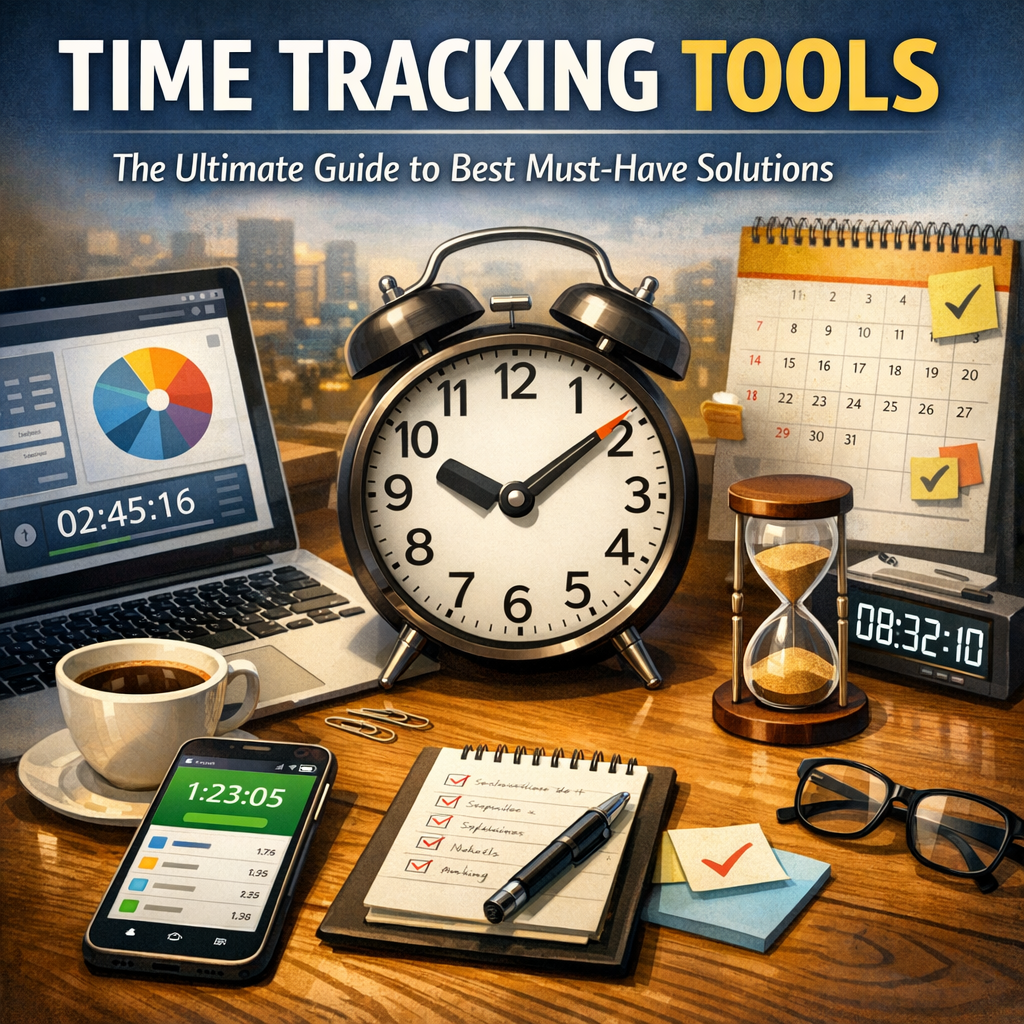
Time tracking tools are software applications designed to monitor how much time is spent on various tasks and projects. They help users log hours in real time or retrospectively, offering insights into work patterns, productivity, and efficiency. These tools often integrate with other software such as project management platforms, invoicing systems, and calendars to streamline workflows.
Why You Need Time Tracking Tools
Many businesses and freelancers underestimate the importance of accurate time tracking. However, these tools deliver a variety of critical benefits:
1. Improved Productivity
By recording exactly how time is spent, you can identify time-wasting activities and optimize your schedule. Time tracking tools encourage accountability and focus, helping reduce procrastination and distractions.
2. Accurate Billing and Payroll
For service-based businesses or freelancers, precise time tracking ensures invoices reflect actual hours worked, eliminating disputes over payments. Similarly, companies can ensure fair compensation by measuring employees’ work hours accurately.
3. Enhanced Project Management
Time tracking provides valuable data for project managers to monitor progress, allocate resources, and set realistic deadlines. It allows better forecasting and helps identify tasks that consume more time than anticipated.
4. Data-Driven Insights
Many time tracking tools come with reporting features that help analyze work habits, project costs, and overall productivity trends. This data is essential for continuous improvement and making informed business decisions.
Key Features to Look for in Time Tracking Tools
Before selecting a solution, consider the following features to find the best fit for your needs:
– User-Friendly Interface: An intuitive design makes it easier for teams to adopt and use consistently.
– Real-Time Tracking: Monitor active work hours as they happen, with pause and resume options.
– Automated Tracking: Some tools use AI or activity monitoring to track time without manual input.
– Reporting and Analytics: Generate detailed reports to analyze productivity, project costs, and employee hours.
– Integration Capabilities: Seamless integration with project management, payroll, and invoicing software is crucial.
– Mobile Accessibility: Mobile apps allow tracking on the go, which is perfect for remote and field workers.
– Multi-User Support: For teams, features like role management and permissions ensure smooth collaboration.
– Offline Mode: Ability to log time without internet access and sync later.
Best Must-Have Time Tracking Tools for 2024
Here is a curated list of some of the best time tracking tools, each offering unique features tailored to various needs:
1. Toggl Track
Toggl Track stands out for its simplicity and powerful analytics. It supports one-click tracking, detailed reports, and integrates with popular tools like Asana and Slack. Ideal for freelancers and small to medium teams, it provides a clean interface and mobile apps for easy access.
2. Harvest
Harvest is a comprehensive tool combining time tracking, expense management, and invoicing. Its robust reporting and team management features make it a favorite among project managers and agencies. Harvest integrates well with platforms like Trello and QuickBooks.
3. Clockify
Clockify offers a free plan that supports unlimited users, making it a budget-friendly option for startups and large teams alike. It features manual and automatic time tracking, comprehensive reports, and billable hours tracking. Its versatility and scalability are key advantages.
4. RescueTime
If you need automatic tracking based on app and website usage, RescueTime is an excellent choice. It works in the background to monitor digital habits and delivers productivity scores and detailed reports. This is especially useful for individuals looking to combat distractions.
5. Hubstaff
Hubstaff combines time tracking with GPS location monitoring and employee productivity features, making it perfect for remote teams and field workers. It offers time sheets, payroll integrations, and activity levels monitoring.
Tips for Maximizing the Benefits of Time Tracking Tools
Adopting time tracking tools is only the first step—maximizing their value requires smart implementation:
– Set Clear Goals: Define what you want to achieve with time tracking, whether it’s better billing, enhanced productivity, or team accountability.
– Encourage Consistency: Make time tracking part of daily routines to gather accurate data.
– Analyze Data Regularly: Use reports to identify trends and areas for improvement.
– Limit Manual Errors: Automate tracking whenever possible to reduce mistakes.
– Communicate with Your Team: Ensure everyone understands the benefits and usage of the tool to promote adoption.
Final Thoughts
Time tracking tools have evolved into powerful allies in managing work hours efficiently and gaining valuable insights into productivity. By selecting the right tool tailored to your needs and using it effectively, you can streamline workflows, improve employee performance, and ensure financial accuracy. Whether you are an individual professional or leading a large team, the right time tracking solution is a must-have in your productivity arsenal.
Embrace these tools, and unlock a new level of efficiency in how you manage and value your time.