
Time Tracking Tools Guide: Must-Have Best Solutions for Efficiency
In today’s fast-paced world, time tracking tools have become essential for individuals and businesses aiming to maximize productivity and ensure efficient use of work hours. Whether you’re a freelancer managing your projects, a project manager overseeing a team, or a business owner wanting to optimize workflows, leveraging the right time tracking solution can transform the way you work. This guide will explore the must-have best solutions to help you boost efficiency seamlessly.
Why Time Tracking Tools Matter
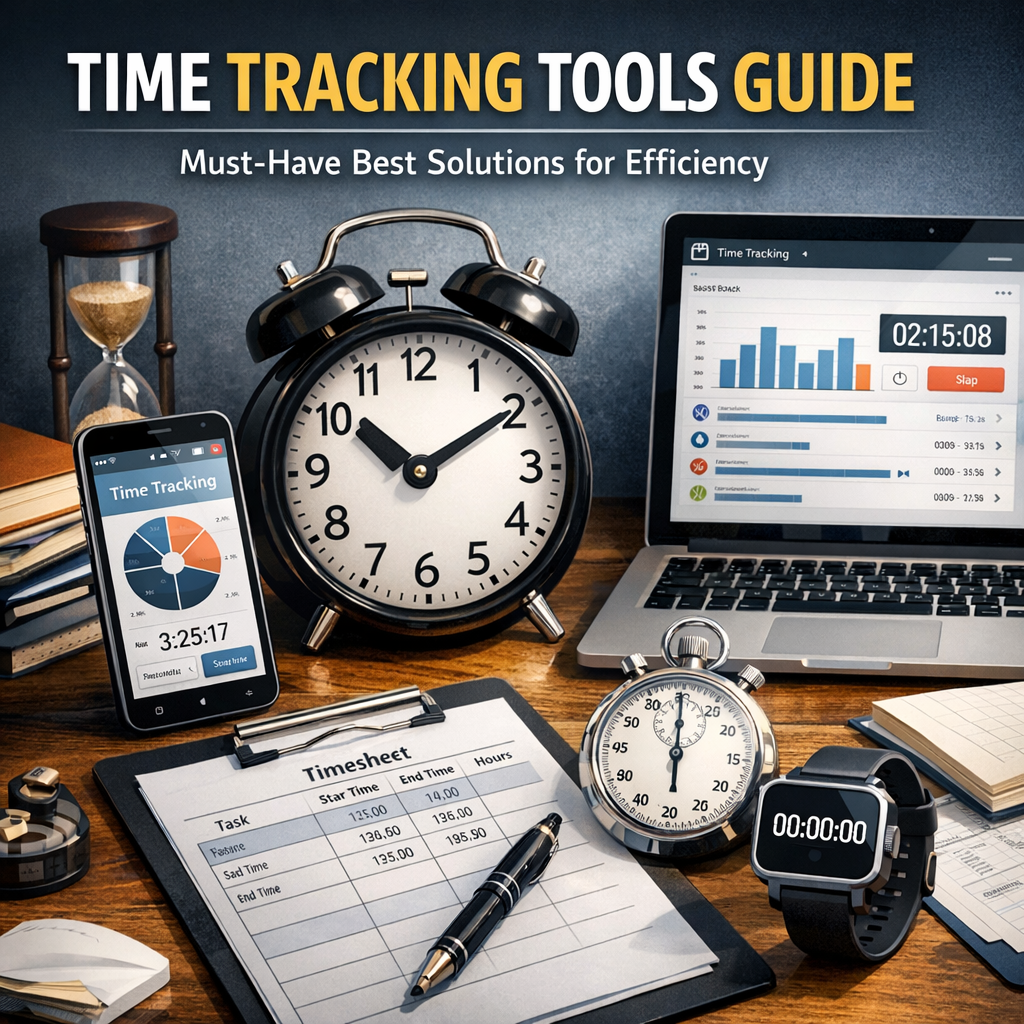
Before diving into the best options available, it’s important to understand why these tools have gained significant traction. Time tracking tools are designed to monitor how much time is spent on various tasks and projects. This isn’t just about clocking hours; it’s about gaining actionable insights into your work habits, identifying bottlenecks, and improving overall time management.
For businesses, these tools ensure accurate billing, enhance project transparency, and improve client communication by providing detailed reports of where time and resources are being allocated. Individuals benefit equally by identifying distractions and enhancing focus during work periods.
Key Features to Look for in Time Tracking Tools
When choosing a time tracking tool, it’s crucial to consider features that align with your specific needs. Here are some must-have features in the best solutions:
– Automatic Time Tracking: Automatically capture time spent on applications and websites without manual input.
– Manual Time Entry: Allows flexibility to log or adjust hours as needed.
– Project and Task Management: Assign tracked time to projects, clients, and tasks for organized reporting.
– Integrations: Seamless connectivity with tools like project management software, invoicing, and calendars.
– Reporting and Analytics: Visual dashboards and exportable reports to analyze productivity trends.
– Cross-Platform Access: Availability on desktop, mobile, and web to track time anytime, anywhere.
– User-Friendly Interface: Intuitive design to minimize the learning curve for teams.
Top Time Tracking Tools for Efficiency
1. Toggl Track
Toggl Track stands out as one of the most popular and user-friendly time tracking tools on the market. It offers an automatic timer that is easy to start and stop, along with manual input options. Toggl excels with its robust reporting features and supports integration with over 100 apps, including Asana, Trello, and Slack. Its cross-platform availability makes it perfect for freelancers and teams alike.
2. Harvest
Harvest is another excellent choice for businesses focused on optimizing billing and invoicing processes. It not only tracks time but also manages expenses, invoices clients, and produces detailed reports. Harvest’s integration with popular project management tools makes it ideal for teams that rely on collaborative workflows.
3. Clockify
If you’re looking for a free option that doesn’t skimp on features, Clockify is worth exploring. It’s a comprehensive time tracking and timesheet app that supports unlimited users, projects, and reports. Clockify’s simplicity and zero cost make it a favorite among startups and freelancers.
4. RescueTime
RescueTime offers a slightly different approach by emphasizing automatic tracking of computer usage to identify productivity patterns. Its strength lies in providing insights into how time is spent on various applications and websites, which helps in eliminating distractions and improving focus.
5. Hubstaff
Hubstaff combines time tracking with employee monitoring features, making it a great tool for remote or distributed teams. It includes GPS tracking, productivity monitoring, and payroll integration, which enhances overall workforce management.
How to Maximize Efficiency with Time Tracking Tools
Simply installing a time tracking tool is not enough to guarantee improved productivity. Here are some practical tips to get the most out of these solutions:
– Set Clear Goals: Define what you want to achieve by tracking time, whether it’s reducing meetings, improving focus, or managing billable hours.
– Use Data to Adjust Workflows: Regularly review your tracked data to identify inefficiencies and optimize task distribution.
– Encourage Team Adoption: For organizations, training and motivating your team to consistently use the tool is critical for accurate results.
– Combine With Task Management: Integrate time tracking with project management systems to create a seamless workflow.
– Review and Reflect: Weekly or monthly summaries can help you stay accountable and continuously improve how time is allocated.
Conclusion
Incorporating time tracking tools into your workflow can be a game-changer for efficiency and productivity. From freelancers wanting to understand time investments to businesses aiming for precise billing and better project oversight, the right solution provides clarity and control. By choosing a tool that fits your needs and actively using the data it generates, you pave the way for more focused workdays, greater accountability, and ultimately, better results. Start exploring these must-have tools today and unlock the potential of every minute you spend working.