
Team Project Tracker: The Ultimate Must-Have Guide for Success
In today’s fast-paced work environment, keeping track of a project’s progress can be a daunting task, especially when multiple team members are involved. A team project tracker is an essential tool that can transform chaos into order and help teams stay aligned toward their goals. Whether you are managing a small group or a large department, understanding how to effectively use a project tracker can dramatically improve productivity and collaboration.
What Is a Team Project Tracker?
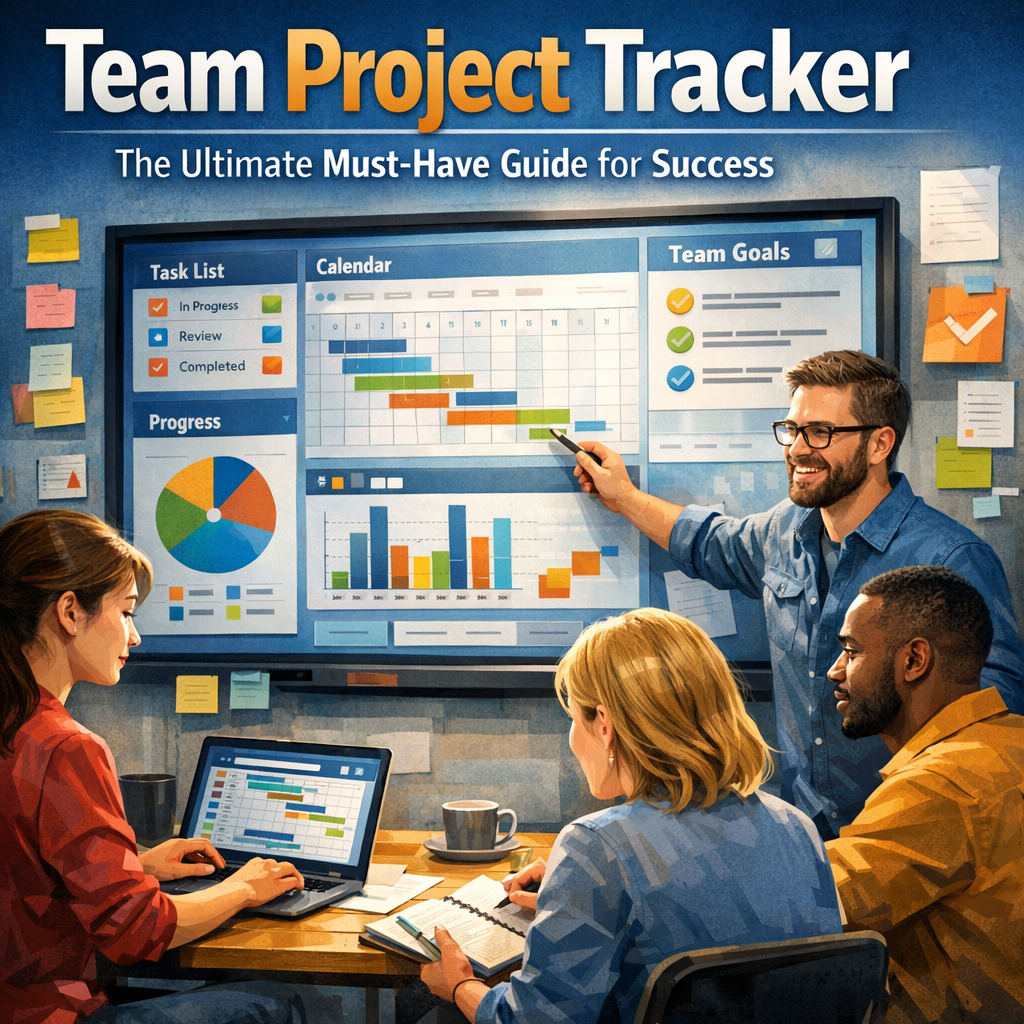
A team project tracker is a system or software tool designed to monitor the progress, tasks, deadlines, and responsibilities within a group project. Unlike simple to-do lists, it offers a centralized platform where team members can update the status of their tasks, share documents, comment on progress, and visualize project timelines. This transparency ensures everyone knows what needs to be done, by whom, and by when.
Why Every Team Needs a Team Project Tracker
Managing a project without a team project tracker is like sailing a ship without a compass. Deadlines can be missed, responsibilities overlooked, and communication breakdowns become common hurdles. Here are some crucial reasons why a tracker is an absolute must:
– Improved Accountability: When every task is assigned to a specific person with a clear deadline, team members are more likely to take ownership of their responsibilities.
– Enhanced Communication: Team members can easily share updates, notes, and files within the project tracker, reducing confusion and miscommunication.
– Real-Time Progress Monitoring: Project managers can get instant insights into how the project is advancing, identify bottlenecks early, and reallocate resources as needed.
– Increased Efficiency: By having a clear overview and structured workflow, teams waste less time on administrative tasks and focus on delivering quality results.
Key Features to Look for in a Team Project Tracker
Not all project trackers are created equal. To achieve the greatest benefits, consider these features when selecting or setting up your team project tracker:
1. Task Assignment and Status Updates
The ability to assign tasks to specific individuals and track their progress is fundamental. Team members should be able to mark tasks as “To Do,” “In Progress,” “Under Review,” or “Completed” to reflect the current state.
2. Deadline Management and Notifications
Integrating deadlines with automatic reminders ensures tasks don’t fall through the cracks. Notifications help the team stay on track and avoid last-minute rushes.
3. Collaboration Tools
Comment sections, file sharing, and @mentions foster seamless communication directly in the context of tasks and projects.
4. Visualization Tools
Gantt charts, Kanban boards, and dashboards provide visual overviews that help both team members and managers grasp the timeline and dependencies at a glance.
5. Integration with Other Software
Compatibility with tools like email, calendars, and communication platforms (e.g., Slack, Microsoft Teams) promotes a holistic workflow.
How to Effectively Implement a Team Project Tracker
Setting up a team project tracker is just the first step; success depends on how well it is adopted across the team. Follow these guidelines to get the most out of your tracker:
– Define Clear Roles and Permissions: Ensure each team member knows their responsibilities within the tracker and what information they should update.
– Train Your Team: Spend time on onboarding sessions to familiarize everyone with how to use the tracker effectively.
– Set Realistic Deadlines: Avoid overwhelming the team by breaking down projects into manageable tasks with achievable timelines.
– Encourage Regular Updates: Promote a culture where team members consistently update their progress to keep information current.
– Review and Adjust: Use tracker data in regular team meetings to assess progress and tweak workflows or priorities if necessary.
The Bottom Line: Why a Team Project Tracker Drives Success
Without a reliable team project tracker, projects can become muddled, deadlines missed, and team morale drop due to frustration and confusion. On the other hand, an effective tracker empowers teams with clarity, accountability, and collaboration. This ultimately leads to better results, timely delivery, and a more engaged workforce.
In conclusion, no matter the size or type of project, making a team project tracker your go-to tool will streamline your processes and set you on the path to success. Embrace this powerful resource and watch your team thrive in a structured, productive, and collaborative environment.