
Task Management Software: The Ultimate Guide to Best Powerful Tools
In today’s fast-paced work environment, task management software has become an essential asset for individuals and teams looking to streamline their workflows, improve productivity, and stay organized. Whether you are managing personal projects, coordinating a small team, or overseeing complex enterprise operations, having the right tool can make all the difference. This comprehensive guide will explore top task management software solutions, their key features, and how to choose the best one for your needs.
What Is Task Management Software?
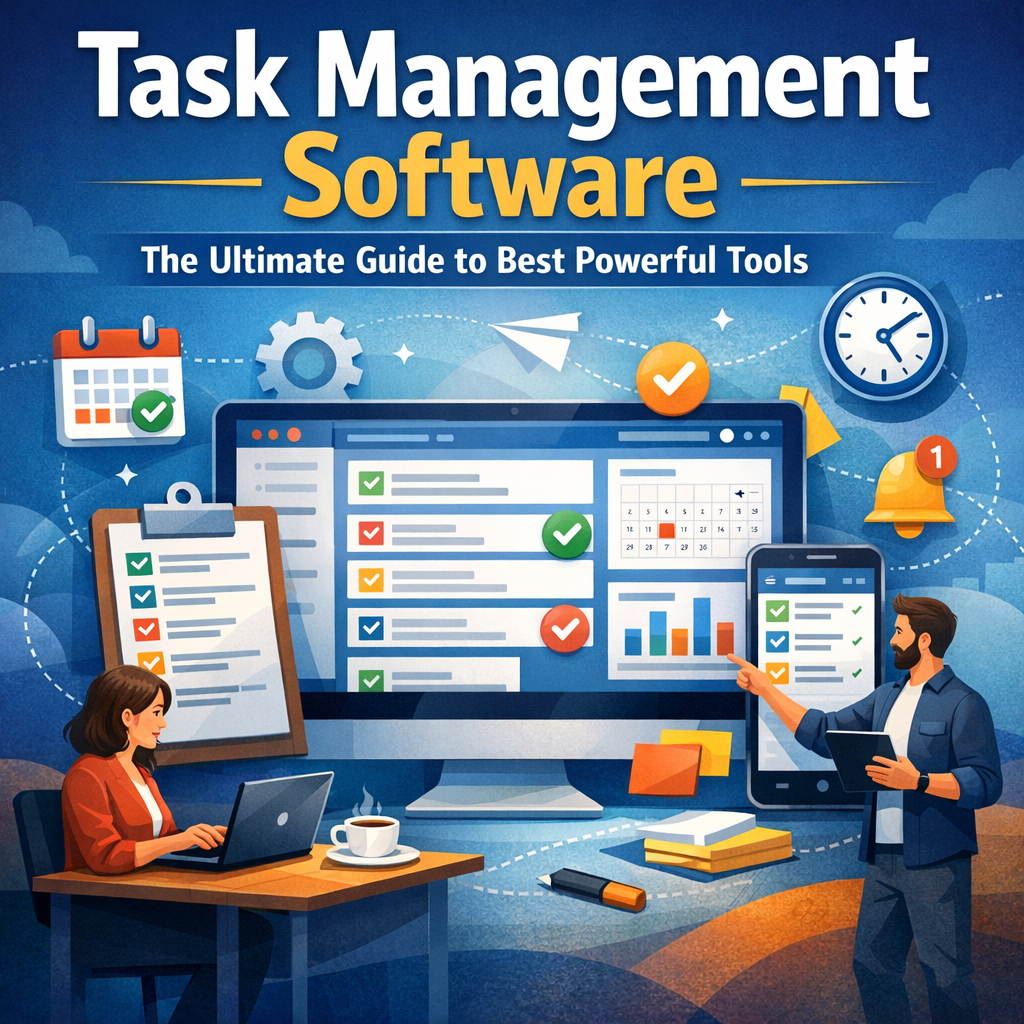
At its core, task management software is a digital tool designed to help users create, assign, track, and complete tasks efficiently. It replaces traditional methods such as pen-and-paper lists or basic spreadsheets by offering a centralized platform where tasks can be organized with deadlines, priorities, collaborators, and progress status. These applications aim to reduce the chaos of managing multiple responsibilities while providing transparency and accountability within teams.
Why Use Task Management Software?
Using task management software comes with numerous benefits. For starters, it enhances organization by visually displaying tasks in lists, boards, or calendars. This ensures no task is overlooked or forgotten. Additionally, it promotes collaboration by allowing team members to communicate within the context of specific tasks, attach relevant documents, and provide real-time updates. Moreover, task management software often includes reporting features that offer insights into productivity patterns and project milestones.
Key Features of Powerful Task Management Software
Understanding the features that distinguish powerful task management software will help you make an informed choice:
1. Task Creation and Assignment
A robust system should allow easy task creation with customizable fields such as descriptions, deadlines, and priorities. Assigning tasks to the appropriate team members and setting notifications ensures accountability.
2. Project and Subtask Management
Projects can be decomposed into smaller tasks or subtasks for better granularity. This hierarchical organization is crucial for managing complex initiatives.
3. Collaboration and Communication Tools
Built-in chat, comment sections, and file sharing enable seamless teamwork without the need to switch between different apps.
4. Time Tracking and Deadlines
Tracking time spent on tasks helps measure efficiency, while deadline reminders prevent missed targets.
5. Visualization Tools
Kanban boards, Gantt charts, and calendar views provide diverse ways to visualize tasks and progress, catering to different work styles.
6. Integration Capabilities
Integrate with other productivity tools like email, calendars, CRM systems, or cloud storage to create a unified workflow.
7. Reporting and Analytics
Insights into task completion rates, bottlenecks, and team performance enable smarter planning and resource allocation.
Best Powerful Task Management Software to Consider
There are many options available, each with unique strengths. Here are some of the best task management software tools highly regarded in today’s market:
Trello
Trello’s intuitive Kanban board approach is excellent for visual task management. It is user-friendly and supports drag-and-drop functionality, making it ideal for teams who want simplicity without losing effectiveness.
Asana
Asana combines project management with task tracking features. It allows users to create workflows, assign tasks, set priorities, and visualize progress with timeline views.
Monday.com
Monday.com offers extensive customization and automation options. It is suitable for both small teams and large enterprises seeking a versatile platform to handle diverse workflows.
ClickUp
ClickUp is a comprehensive platform that packages task management, docs, goals, and chat in one place. Its flexibility makes it a favorite for teams needing an all-in-one solution.
Todoist
For personal task management and small teams, Todoist provides a clean interface with powerful natural language input, priority levels, and productivity tracking.
How to Choose the Right Task Management Software
Selecting the perfect software depends on several factors:
– Team Size and Structure: Small teams might prefer simpler tools, while larger organizations need scalable solutions.
– Type of Projects: Creative projects may benefit from visual boards, whereas technical projects might require detailed timelines.
– Integration Needs: Ensure the tool integrates well with applications your team already uses.
– User Experience: Ease of use encourages adoption and consistent utilization.
– Budget: Many platforms offer free tiers, but advanced features usually require subscription plans.
Tips for Maximizing Task Management Software Efficiency
1. Define Clear Goals: Outline what you want to achieve to configure the software accordingly.
2. Standardize Workflows: Establish consistent processes to reduce confusion.
3. Encourage Team Adoption: Provide training and encourage consistent use to realize benefits.
4. Regularly Review Progress: Use reporting tools for continuous improvement.
5. Take Advantage of Integrations: Connect the software with other tools to enhance productivity.
Conclusion
In summary, task management software is a powerful resource to keep work organized, track progress, and boost team collaboration. With a variety of tools available – from Trello’s simplicity to Monday.com’s customization – there is an option for every type of user and project. By understanding features, evaluating your team’s needs, and committing to disciplined use, you can harness the full potential of task management software and transform how you work. Investing in the right solution today can pave the way for a more productive and less stressful tomorrow.