
Smart Work Tools: The Ultimate Guide to Must-Have Efficiency Boosters
In today’s fast-paced digital world, smart work tools have become essential for anyone looking to improve productivity and streamline daily tasks. These innovative tools leverage technology to help individuals and teams manage their workload more effectively, communicate seamlessly, and focus on what truly matters. Whether you are working remotely, managing a team, or simply looking to optimize your personal workflow, incorporating the right smart work tools can make a significant difference.
What Are Smart Work Tools?
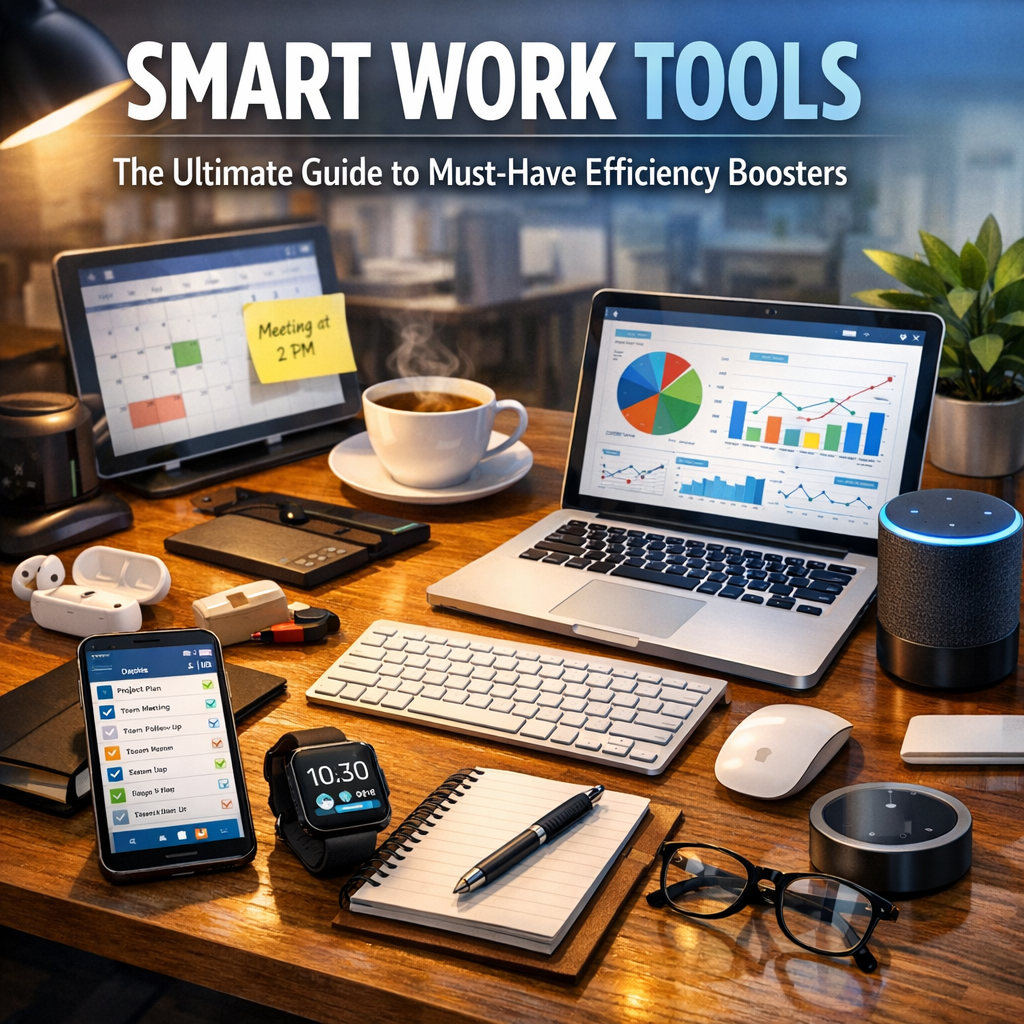
Smart work tools are software applications, platforms, and devices designed to enhance efficiency, improve collaboration, and automate repetitive tasks. Unlike traditional tools, these are often cloud-based and utilize artificial intelligence, data integration, and automation to help users get more done in less time. This category includes everything from task management apps and digital calendars to time tracking software and smart communication platforms.
Why You Need Smart Work Tools in Your Workflow
Boosting productivity isn’t just about working harder — it’s about working smarter. Smart work tools help you:
– Organize your tasks and deadlines: Keeping everything in one place prevents missed deadlines and last-minute rushes.
– Enhance collaboration: Real-time updates and team communication tools keep everyone on the same page.
– Automate repetitive tasks: Save time by automating emails, reminders, and reporting.
– Improve focus: Tools to minimize distractions help maintain concentration during high-priority tasks.
– Track progress: Analytics and reporting features allow for continuous improvement based on performance metrics.
Top Smart Work Tools to Include in Your Arsenal
Here’s a list of some of the best smart work tools widely adopted by professionals and organizations:
1. Task and Project Management
Tools like Asana, Trello, and Monday.com allow users to organize projects, assign tasks, set deadlines, and track progress visually. These platforms usually offer customizable workflows, making them adaptable across industries.
2. Communication Platforms
With remote work becoming the norm, effective communication tools like Slack, Microsoft Teams, and Zoom are indispensable. These tools support instant messaging, video conferencing, file sharing, and seamless integration with other applications.
3. Time Management and Tracking
Understanding how your time is spent is pivotal for efficiency. Apps such as Toggl Track, RescueTime, and Clockify provide insights into your work habits, allowing you to identify distractions and optimize your schedule.
4. Automation Tools
Services like Zapier and IFTTT enable the automation of repetitive tasks by connecting various apps and triggering workflows with minimal manual intervention. This can include automatically saving email attachments or syncing calendar events.
5. Note-Taking and Knowledge Management
Organizing information is critical for smart work. Apps like Evernote, Notion, and OneNote help capture ideas, create checklists, and collaborate on documents in real time.
How to Choose the Right Smart Work Tools
Selecting the ideal smart work tools depends on your unique needs and work style. Consider the following factors:
– Integration: Choose tools that integrate smoothly with your existing tech setup.
– User-friendliness: A simple interface reduces the learning curve.
– Collaboration capabilities: If working with a team, prioritize tools that enable effective communication.
– Scalability: Select tools that can grow with your workload or business.
– Cost: Many tools offer free tiers; assess what features you need versus the budget available.
Tips for Maximizing Efficiency with Smart Work Tools
Adopting smart work tools is only the first step. To truly boost productivity, implement these best practices:
– Normalize regular updates: Ensure all team members consistently update task status to maintain transparency.
– Set clear boundaries: Utilize “Do Not Disturb” or focus modes within tools to minimize distractions during deep work.
– Customize workflows: Tailor tools to match your processes instead of forcing new habits.
– Schedule periodic reviews: Regularly analyze task completion and team communication to identify bottlenecks.
– Invest time in training: Ensure everyone understands how to use the tools effectively.
Future Trends in Smart Work Tools
The evolution of smart work tools is closely tied to advancements in AI, machine learning, and IoT. Expect future solutions to provide:
– Predictive analytics: Anticipating project delays or resource shortages before they occur.
– Voice-activated commands: Hands-free control over scheduling and task updates.
– Enhanced personalization: Tools that adapt automatically to your work preferences and productivity patterns.
– Greater integration with physical devices: Smart desks, wearables, and other IoT devices syncing with software to provide holistic productivity environments.
Conclusion
Integrating smart work tools into your daily routine is a powerful strategy to enhance efficiency, foster collaboration, and reduce stress. By carefully selecting and optimizing these tools according to your needs, you can create an environment that supports your best work. As technology continues to advance, staying up-to-date with the latest smart work tools will ensure you remain competitive and productive in an increasingly digital workspace. Embrace these efficiency boosters today, and watch your output soar.