
Smart Work Tools Guide: Discover the Best Must-Have Solutions
In today’s fast-paced and ever-evolving professional environment, smart work tools have become essential for maximizing productivity, enhancing collaboration, and managing tasks efficiently. Whether you work remotely, in a corporate office, or run your own business, leveraging the right tools can make a significant difference in how you organize your day, communicate with colleagues, and achieve your goals. This guide will walk you through some of the best must-have smart work tools that can transform the way you work.
Why Smart Work Tools Are Essential in the Modern Workplace
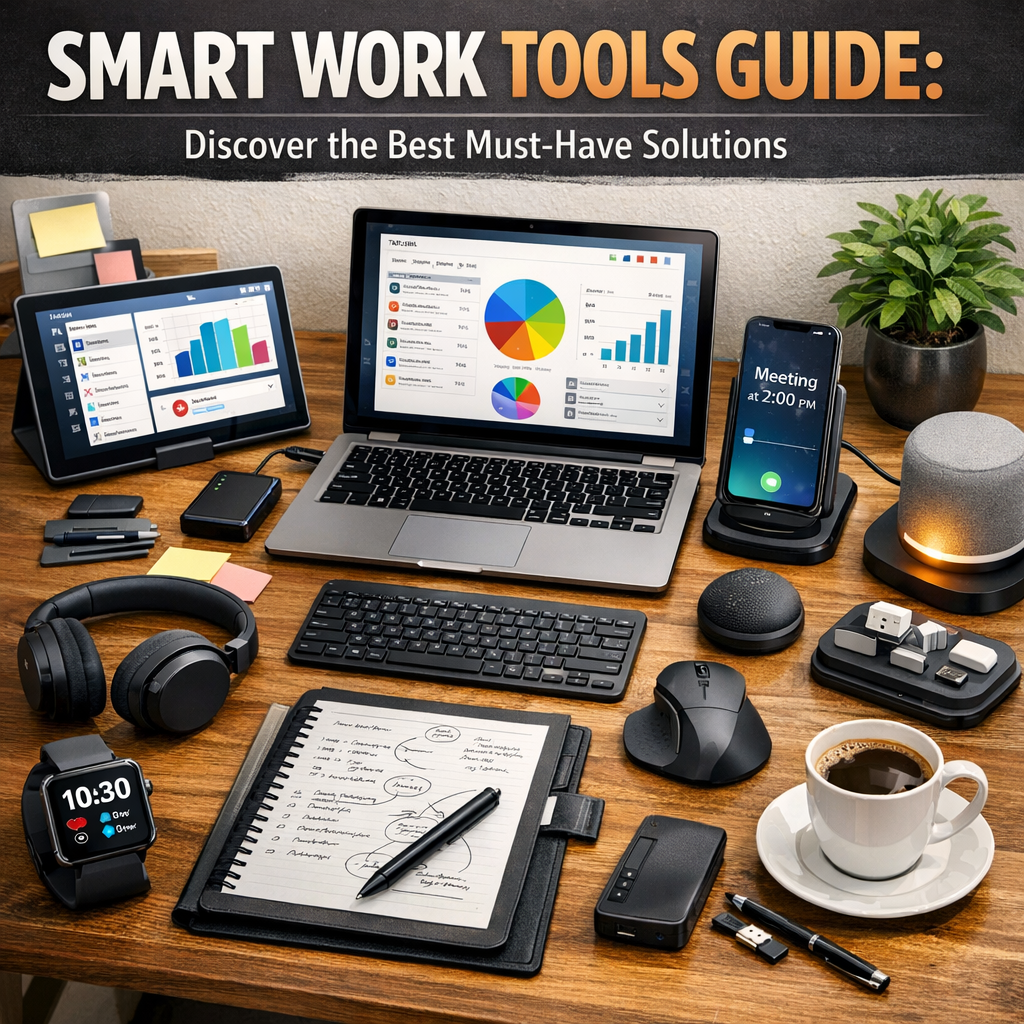
The shift to digital workflows, virtual meetings, and remote teams has made traditional methods of working insufficient. Smart work tools integrate technology with everyday tasks to streamline operations, reduce manual workloads, and provide insights that help make smarter decisions. These tools focus on automation, real-time communication, project management, and data analysis, allowing professionals to focus on what matters most — delivering quality work efficiently.
Top Categories of Smart Work Tools You Should Know About
Before diving into specific products, it’s helpful to categorize smart work tools based on their primary function. This way, you can identify which type aligns best with your unique needs.
1. Project Management Platforms
Smart work tools in this category help you plan, track, and manage projects from start to finish. They offer features such as task assignments, deadline tracking, progress dashboards, and integration with other apps.
– Trello: Uses boards and cards for visual task management, perfect for individuals and small teams.
– Asana: Offers more detailed project tracking and team collaboration features, suitable for larger teams with complex workflows.
– Monday.com: Combines project management with automation to reduce manual updates.
2. Communication and Collaboration Tools
Effective communication is the backbone of any successful project, especially when teams are dispersed across different locations.
– Slack: A chat-based platform that supports instant messaging, file sharing, and integrations with project management and other tools.
– Microsoft Teams: Combines chat, video calls, file storage, and seamless integration with Microsoft Office apps.
– Zoom: Popular for high-quality video meetings and webinars, essential for remote interactions.
3. Time Management and Automation Tools
Time is a valuable resource, and smart work tools aimed at time management help optimize how it is spent.
– RescueTime: Automatically tracks your computer usage to provide insights on productivity habits.
– Zapier: Enables automation of workflows by connecting different apps, such as automatically saving email attachments to cloud storage.
– Toggl: A straightforward time-tracking tool to monitor how long tasks and projects take.
Benefits of Incorporating Smart Work Tools in Your Workflow
Increased Productivity
Smart work tools reduce time spent on repetitive or administrative tasks, freeing you to focus on more important priorities. Automation and streamlined communication mean fewer distractions and constant context switching.
Improved Collaboration
Whether your team is working in the same office or across continents, smart work tools keep everyone connected. Real-time updates, shared files, and clear assignment of responsibilities minimize misunderstandings and delays.
Data-Driven Decision Making
Many smart tools collect and analyze data related to workflow efficiency, project progress, and employee output. These analytics allow managers to make informed decisions quickly, optimizing resources and strategies.
Scalability and Flexibility
As your organization grows or shifts direction, smart work tools are flexible enough to adapt. Many platforms allow custom workflows, integrations, and additional user management, enabling seamless scaling.
How to Choose the Best Smart Work Tools for You
Selecting the right smart work tools starts with a clear understanding of your workflow needs. Consider the following steps:
– Identify pain points: What current challenges do you face? Is it poor communication? Missed deadlines? Excessive multitasking?
– Set priorities: What features matter most—collaboration, automation, integration, ease of use?
– Evaluate compatibility: Ensure tools integrate smoothly with platforms already in use.
– Test options: Most smart tools offer free trials or tiered pricing plans; give them a try before committing.
– Focus on user experience: The tool should be intuitive and boost adoption among team members.
Conclusion: Taking Smart Work Tools to the Next Level
Smart work tools are no longer optional add-ons but vital components of a modern professional environment. By carefully selecting and integrating these solutions, you can build an ecosystem that enhances efficiency, improves communication, and supports your long-term goals. Start small, track what works, and continuously optimize your setup. In a world that demands agility and innovation, smart work tools help you stay ahead of the curve and get more done with less stress. Embrace the power of technology, and watch your productivity soar.
—
By implementing the right blend of smart work tools, professionals and organizations alike can unlock greater levels of success and satisfaction in their daily workflows.