
Smart Office Tools: The Ultimate Must-Have Guide for Success
In today’s rapidly evolving business landscape, smart office tools have become indispensable for boosting productivity, enhancing collaboration, and streamlining everyday tasks. As companies aim to stay competitive and agile, integrating the right technological solutions into the workplace is no longer a luxury but a necessity. Whether you’re a startup owner, a corporate manager, or a remote professional, leveraging smart office tools can transform the way you work and drive success like never before.
What Are Smart Office Tools?
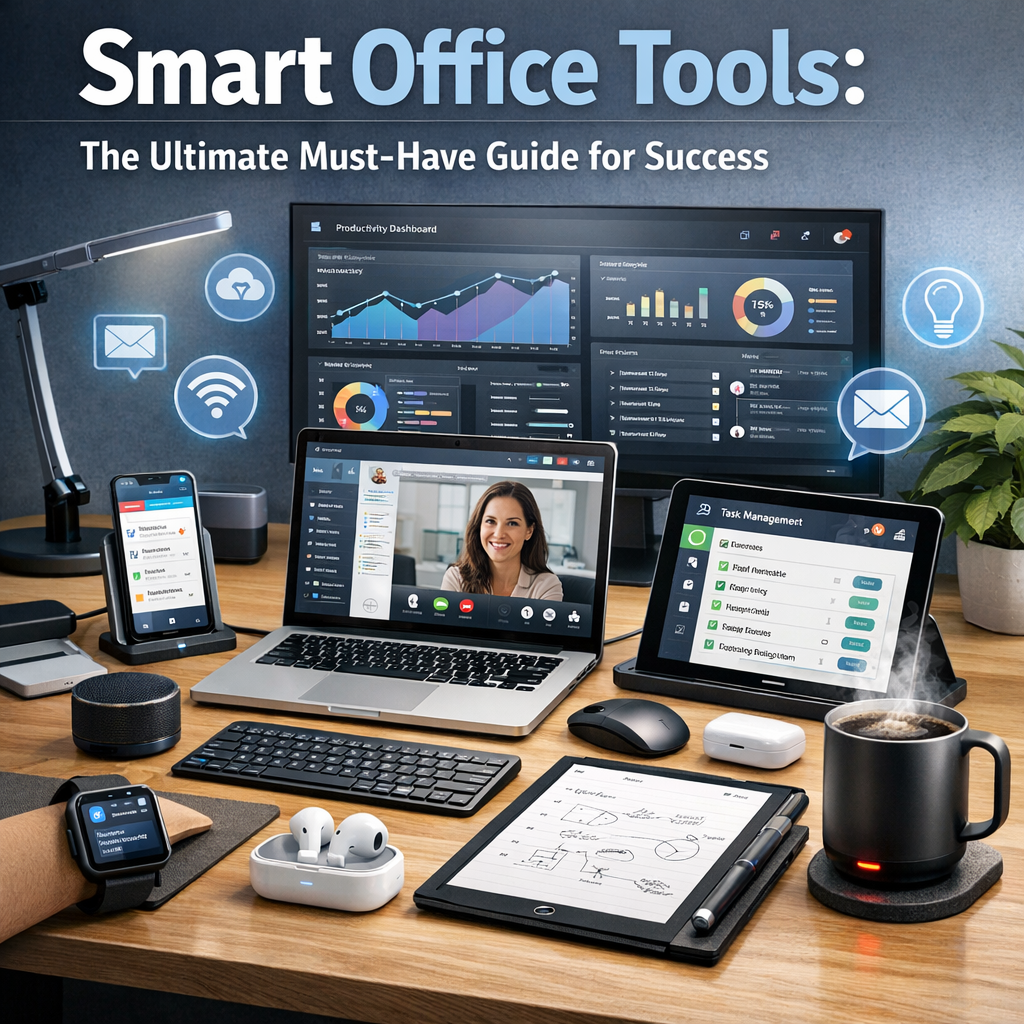
Smart office tools refer to a wide array of digital applications, devices, and systems designed to automate routine tasks, improve communication, and facilitate efficient workflow management. These tools capitalize on technologies such as artificial intelligence, cloud computing, and IoT (Internet of Things) to create an interactive and highly adaptive work environment.
From intelligent scheduling assistants to collaborative platforms and smart desks, these tools aim to reduce manual effort while maximizing output.
Why Smart Office Tools Are Essential for Success
The modern workplace is characterized by fast-paced changes, diverse teams, and an increasing move toward remote and hybrid working models. Here’s why smart office tools are crucial in this environment:
– Time Efficiency: Automating repetitive tasks such as meeting scheduling or data entry frees up valuable time for employees to focus on higher-impact activities.
– Enhanced Communication: Tools that centralize communication channels break down silos and ensure everyone is on the same page regardless of physical location.
– Data-Driven Decisions: Many smart office applications come packed with analytics features, enabling teams to make better, informed decisions.
– Cost Savings: Reducing unnecessary meetings, travel, and paperwork can lead to significant cost reductions.
– Improved Employee Experience: Smart workplaces tailored to personal preferences and needs foster employee satisfaction and retention.
Types of Smart Office Tools You Must Consider
1. Collaboration and Communication Platforms
Apps like Slack, Microsoft Teams, and Zoom revolutionize how teams stay connected. They offer real-time chat, video conferencing, file sharing, and project tracking — essential for seamless teamwork.
2. Smart Scheduling Assistants
Tools such as Calendly and x.ai simplify appointment setting by syncing calendars and proposing optimal meeting times, eliminating the hassle of back-and-forth emails.
3. Cloud Storage and Document Management
Platforms including Google Drive, Dropbox, and OneDrive allow secure, centralized storage and easy access to documents, promoting collaboration and reducing the risk of version control issues.
4. Task and Project Management Software
Applications like Trello, Asana, and Monday.com help organize workloads, set deadlines, and monitor progress with intuitive visual boards and automated reminders.
5. AI-powered Virtual Assistants
Virtual assistants like Cortana or Siri can handle tasks such as managing emails, setting reminders, or even controlling smart office devices, enhancing daily productivity.
6. IoT-enabled Smart Devices
From adjustable smart desks to IoT-enabled lighting and climate control systems, these devices create comfortable, adaptive office environments tailored to user preferences, promoting wellbeing and focus.
How to Choose the Right Smart Office Tools for Your Business
Selecting the appropriate smart office tools involves assessing your team’s unique needs and goals. Here are some steps to guide the decision-making process:
– Identify Pain Points: Understand what challenges your team faces—be it communication gaps, task management bottlenecks, or inefficient scheduling.
– Set Clear Objectives: Define what success looks like. Are you seeking to improve collaboration, reduce meeting time, or automate administrative work?
– Evaluate Integration Options: Ensure tools you choose can seamlessly integrate with existing software and workflows.
– Consider User Experience: A user-friendly interface is critical for adoption; complex tools often lead to frustration.
– Focus on Security: Data protection should be a priority, so opt for tools with robust security credentials.
Implementation Tips for Maximizing the Benefits of Smart Office Tools
Successfully integrating smart office tools requires more than just installation. Consider the following tips to maximize the benefits:
– Provide Training: Offer comprehensive training sessions to familiarize employees with new tools and features.
– Encourage Feedback: Create channels for users to share experiences and suggest improvements.
– Start Small and Scale: Pilot tools with one team or department before rolling out company-wide.
– Maintain Flexibility: Stay open to adjusting tools or processes based on evolving needs.
– Monitor Performance Metrics: Track productivity and engagement metrics to gauge effectiveness and inform future investments.
The Future of Work Is Smart
Investing in smart office tools is an investment in your organization’s future. As technology continues to advance, the boundary between human creativity and machine efficiency will blur, creating workplaces that are not only smarter but also more human-centric. By embracing these innovations today, businesses can position themselves for sustained growth, agility, and success in a dynamic marketplace.
—
In conclusion, smart office tools offer a comprehensive solution for addressing the modern challenges of the workplace. By enhancing efficiency, fostering collaboration, and leveraging data, these tools empower teams to work smarter, not harder. Whether you are just starting to explore the options or looking to optimize your existing setup, understanding and implementing the right smart office tools is a critical step toward achieving unparalleled business success.