
Smart Office Tools Guide: Must-Have Affordable Solutions for Success
In today’s fast-paced business environment, smart office tools have become essential for enhancing productivity, streamlining workflows, and fostering collaboration. Whether you’re running a startup, managing a small business, or leading a remote team, integrating smart office technology can transform the way your workplace operates—without breaking the bank. This guide explores must-have affordable smart office tools that can set your team on the path to success.
What Are Smart Office Tools?
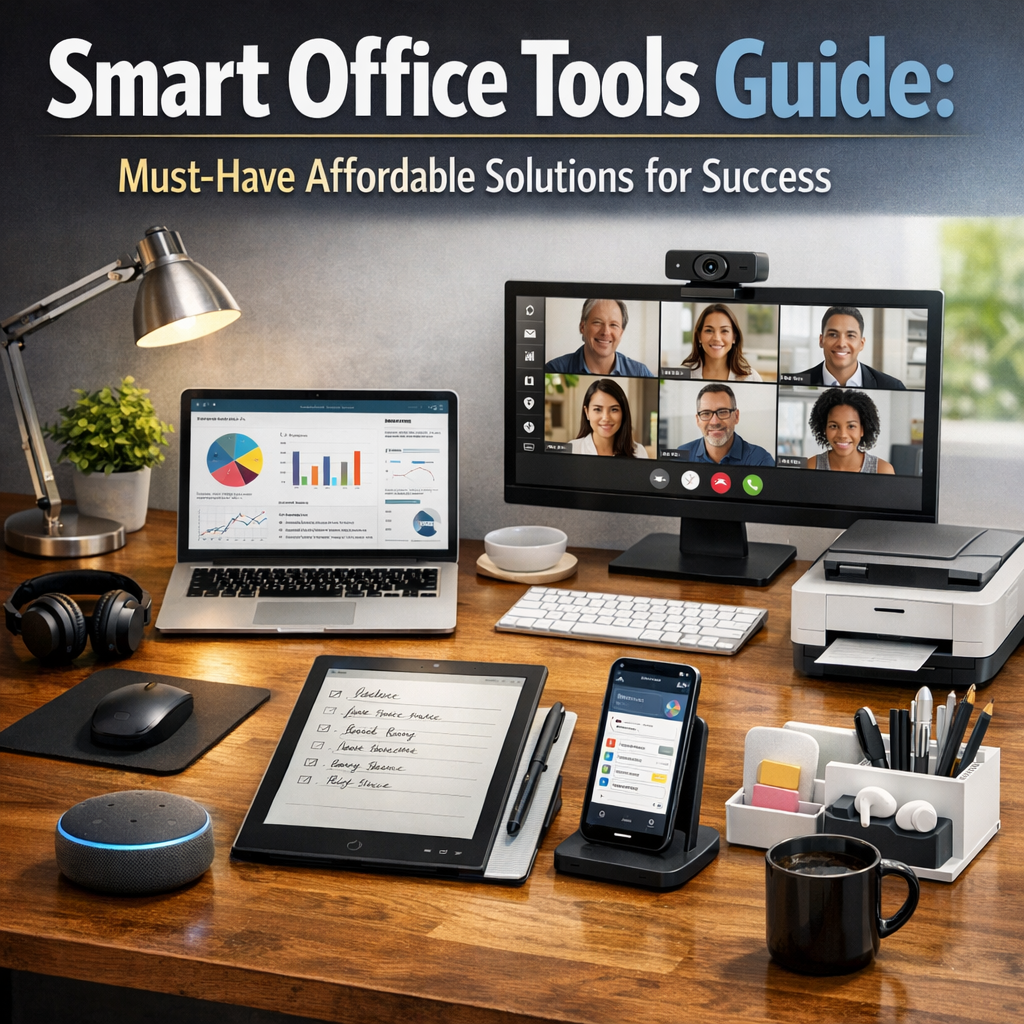
Before diving into specific tools, it’s important to understand what smart office tools actually are. These are digital solutions and devices designed to automate routine tasks, improve communication, optimize workspace usage, and support remote collaboration. They leverage modern technology such as cloud computing, AI, IoT (Internet of Things), and data analytics to create a more efficient and comfortable work environment.
Smart office tools can range from software applications like project management platforms to hardware devices like smart lighting or ergonomic gadgets. What makes a tool “smart” is its ability to adapt, learn, and connect with other systems for seamless workflow integration.
Key Benefits of Using Smart Office Tools
Integrating smart tools in the office isn’t just a trend—it delivers measurable benefits:
– Increased Productivity: Automation of mundane tasks frees up time for creative and strategic work.
– Enhanced Communication: Real-time collaboration tools keep teams connected, especially in hybrid or remote settings.
– Cost Efficiency: Many smart office tools are affordable or offer freemium models, minimizing upfront investment.
– Better Workplace Environment: Smart devices can improve comfort and focus, from lighting to environmental controls.
– Data-Driven Decisions: Analytics tools provide insights that inform better business strategies.
Must-Have Affordable Smart Office Tools for Every Business
Here are some categories and examples of smart office tools that can be adopted at a reasonable cost.
1. Project Management and Collaboration Software
Efficient project management is the backbone of any successful office. Tools like Trello, Asana, and Monday.com offer user-friendly interfaces to track tasks, deadlines, and responsibilities. These platforms often come with free or low-cost plans that allow teams to communicate within a task, share files, and get real-time status updates.
2. Communication Platforms
Staying connected is crucial. Tools such as Slack and Microsoft Teams facilitate instant messaging, voice and video calls, and integration with other productivity apps. Many of these services provide free tiers suitable for small teams, removing the need for expensive communication infrastructure.
3. Cloud Storage and File Sharing
Affordable and secure cloud storage solutions like Google Drive, Dropbox, and OneDrive make file sharing and collaboration hassle-free. These platforms eliminate the need for on-site servers and allow employees to access documents from anywhere, ensuring continuous workflow.
4. Time Management and Scheduling Tools
Saving time means saving money. Effective scheduling tools like Calendly or Doodle reduce back-and-forth emails by allowing colleagues and clients to book meetings based on your availability. For individual productivity, apps like RescueTime help track how time is spent throughout the day, encouraging better habits.
5. Smart Hardware for Office Efficiency
Affordable smart gadgets can enhance the physical workplace without significant cost:
– Smart Lighting: Using programmable LED lights can improve focus and reduce energy bills.
– Wireless Charging Stations: Keep devices powered without cable clutter.
– Ergonomic Accessories: Adjustable desks or smart chairs promote health and comfort, reducing sick days.
6. Automated Workflow Tools
Tools like Zapier or IFTTT automate repetitive digital tasks by connecting different apps. For example, automatically saving email attachments to cloud storage or posting updates across social media platforms. These services usually offer free or low-cost plans for basic automation needs.
Implementing Smart Office Tools Successfully
Choosing the right tools is only half the battle—successful implementation requires planning and buy-in from your team.
Assess Your Needs
Start by identifying pain points in your workflow. Is communication inefficient? Do you struggle with scheduling or data management? Understanding your unique challenges will help you select appropriate smart office tools.
Start Small and Scale
Many smart office tools enable you to start with free or basic plans. Pilot these with a small group before a wider rollout. Gather feedback, measure effectiveness, and adjust as needed.
Train Your Team
Even the most intuitive tools require some training. Offer tutorials, create quick reference guides, and encourage an open atmosphere for questions.
Monitor Performance
Regularly evaluate how the tools impact productivity and collaboration. Look for areas to optimize or integrate additional smart devices or software.
Future Trends in Smart Office Tools
The landscape of smart office solutions is constantly evolving. Emerging trends include AI-driven assistants that can schedule meetings or summarize emails, IoT devices that monitor workspace occupancy, and VR/AR tools for immersive meetings. Staying informed and open to innovation will keep your office competitive and efficient.
Conclusion
Leveraging affordable smart office tools is a practical and strategic way to boost your organization’s success. By streamlining communication, automating routine tasks, and enhancing workplace comfort, these smart solutions empower teams to work smarter—without costly investments. Start by assessing your needs, adopt essential tools, and continuously refine your approach to create a truly smart office environment.
Embracing the smart office revolution positions your business not just to survive, but to thrive in a rapidly changing world.