
Smart Office Tools Guide: Must-Have Affordable Solutions for Success
In today’s fast-paced business environment, smart office tools have become essential for boosting productivity, streamlining workflows, and fostering collaboration. Whether you’re a startup owner, a remote worker, or part of a growing team, leveraging the right technology can make a significant difference in your daily operations. However, many businesses shy away from adopting these solutions due to concerns about cost or complexity. The good news is that there are plenty of affordable smart office tools that offer powerful features without breaking the bank.
In this guide, we will explore must-have affordable smart office tools that can help you achieve success, improve efficiency, and create a more connected workplace.
Why Smart Office Tools Matter
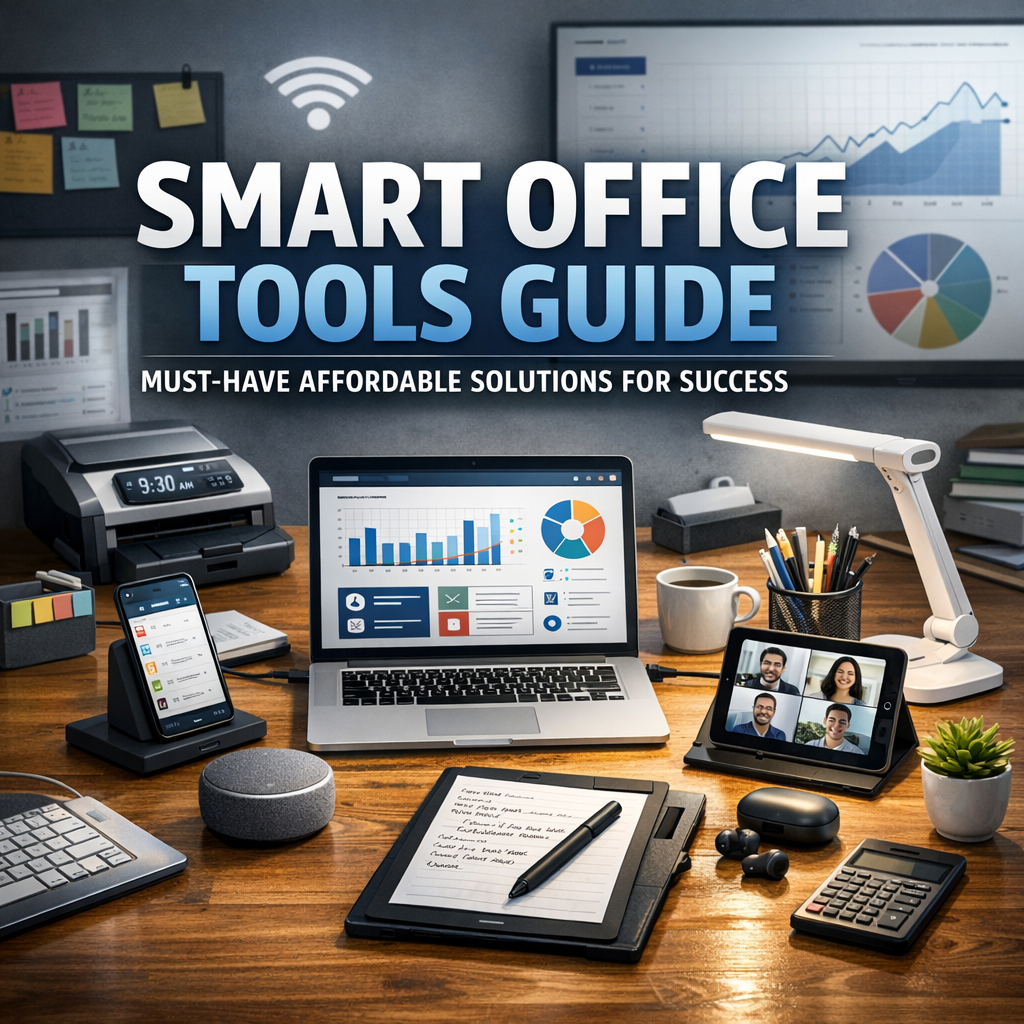
Smart office tools are software and hardware solutions designed to enhance communication, automate repetitive tasks, and optimize office management. These tools reduce manual work, minimize errors, and free up valuable time for employees to focus on higher-value tasks. Additionally, they promote teamwork by providing seamless platforms for sharing information and managing projects.
Adopting smart office technology is no longer a luxury reserved for large corporations. In fact, many affordable options offer scalable solutions that grow with your business. By integrating these tools into your workflow, you are investing in long-term efficiency and competitive advantage.
Essential Affordable Smart Office Tools for Every Business
1. Collaboration and Communication Platforms
Strong communication is the backbone of productive work environments. Affordable tools like Slack or Microsoft Teams enable real-time messaging, file sharing, and video conferencing to keep teams connected no matter where they are located. These platforms often offer free or low-cost plans perfect for small businesses and startups.
– Slack offers channels for different projects or departments, making it easy to organize conversations.
– Microsoft Teams integrates well with Office 365 apps and supports large meetings.
2. Project Management and Task Tracking
Keeping projects on track is crucial for meeting deadlines and delivering quality results. Tools such as Trello, Asana, and ClickUp provide user-friendly interfaces for creating tasks, assigning responsibilities, setting deadlines, and monitoring progress.
These platforms often feature drag-and-drop boards, visual timelines, and automated notifications, helping teams stay aligned and accountable.
3. Cloud Storage and File Sharing
A clutter-free office and seamless access to important documents enhance productivity. Cloud services like Google Drive, Dropbox, and OneDrive offer affordable storage plans with robust security features.
These smart office tools enable collaborative document editing, version control, and instant file sharing across devices, making remote work hassle-free.
4. Time Management and Scheduling Software
Managing appointments, meetings, and deadlines efficiently is easier with smart scheduling tools. Affordable options like Calendly and Google Calendar help organize your day, send automatic reminders, and reduce scheduling conflicts.
These tools typically sync with email platforms and integrate with video conferencing software, streamlining the booking process for both employees and clients.
5. Automation and Workflow Optimization
Automating repetitive tasks can save countless hours. Tools like Zapier and IFTTT allow users to connect various applications and automate workflows with simple “if this, then that” rules.
For example, you can automate email responses, data entry, or social media posting without needing coding knowledge—ideal for small teams looking to improve efficiency on a budget.
6. Smart Office Hardware
Affordable smart devices also play a role in creating a modern office environment. Wireless charging stations, smart speakers like Amazon Echo or Google Nest, and energy-efficient smart lighting systems can increase convenience and reduce operating costs.
Investing in these hardware tools enhances employee comfort and supports a connected workplace.
Tips for Choosing the Right Smart Office Tools
With countless options available, selecting the best tools for your business can be challenging. Here are some strategic tips to guide your decision-making process:
– Assess Your Needs: Identify pain points in your current workflow. Whether it’s poor communication, lack of organization, or slow task completion, different tools address different challenges.
– Consider Scalability: Choose tools that can grow with your business. Starting small with free or low-cost plans and upgrading as needed prevents wasteful spending.
– Integration Capabilities: Opt for tools that seamlessly integrate with your existing software stack to avoid data silos and improve efficiency.
– User-Friendly Design: Adoption rates increase when tools are intuitive and require minimal training.
– Security and Compliance: Ensure that any smart tool you implement meets your industry’s security standards to protect sensitive information.
Embracing the Future with Smart Office Solutions
Technology is rapidly transforming the way we work, and smart office tools play a vital role in this evolution. By embracing affordable solutions, businesses of all sizes can enhance productivity, improve collaboration, and stay ahead of competition.
Start by exploring a few of the tools mentioned in this guide and gradually introduce them into your workflow. Monitor their impact and gather feedback from your team to tailor your technology stack over time.
Incorporating smart office tools is more than an upgrade — it’s a strategic investment in your company’s success. With the right mix of affordable technology and thoughtful implementation, your office can become a hub of innovation and efficiency.