
Remote Office Tools: The Ultimate Guide to Must-Have Solutions
In today’s fast-paced digital world, remote work has transformed from a niche option to a widespread necessity. Businesses of all sizes now rely on remote office tools to maintain productivity, communication, and collaboration outside of traditional office spaces. Whether you’re managing a fully remote team or integrating flexible work arrangements, equipping yourself with the right tools is critical to success. This comprehensive guide explores the essential remote office tools you need to streamline workflows and enhance team connectivity.
Why Remote Office Tools Are Essential
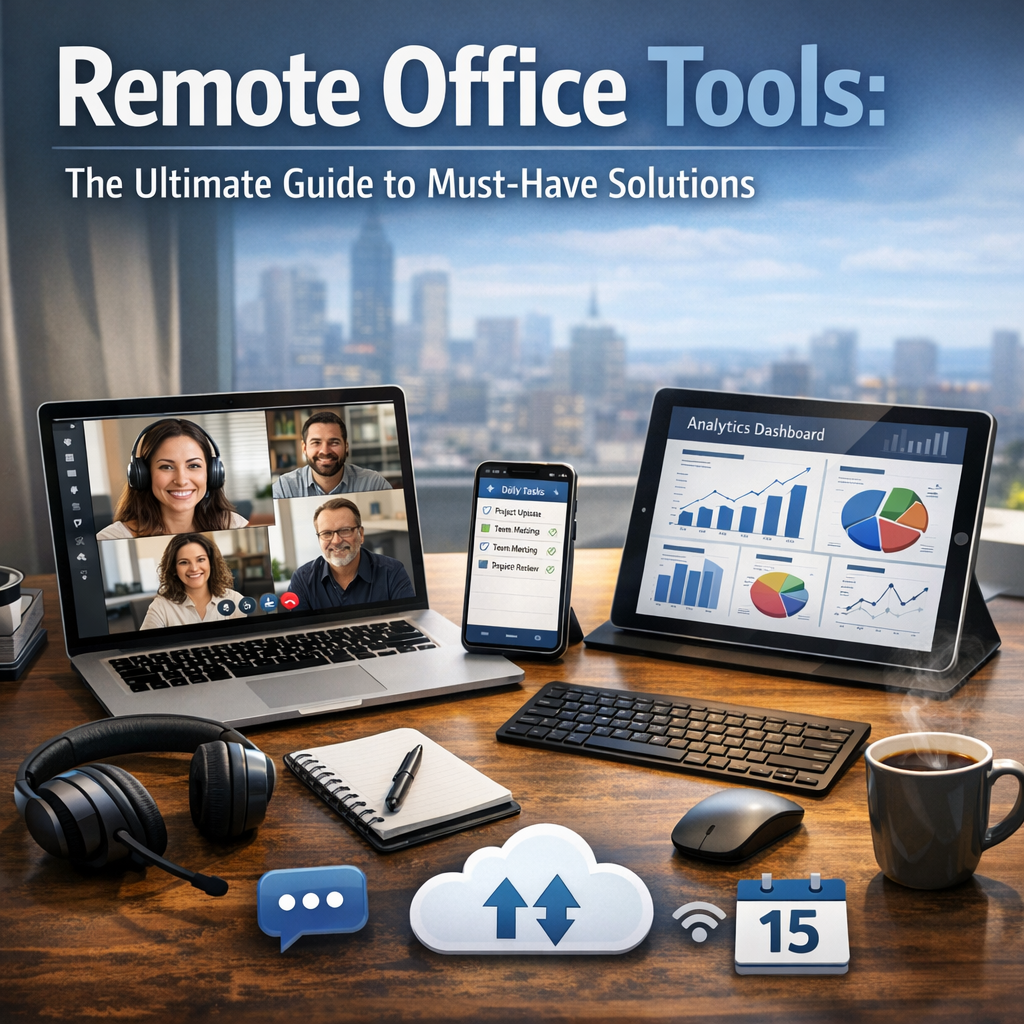
Before diving into specific software and applications, it’s important to understand why remote office tools have become indispensable. Unlike a physical office environment, remote work presents unique challenges such as communication barriers, task tracking difficulties, and isolation. Remote office tools help bridge these gaps by providing platforms designed for:
– Seamless communication
– Efficient project management
– Easy file sharing
– Reliable cybersecurity
– Robust time tracking
By leveraging these tools, teams stay connected regardless of location, deadlines are met, and productivity remains high.
Communication Tools: The Backbone of Remote Work
Effective communication is the foundation of any successful remote operation. Without face-to-face interaction, clear and consistent channels are critical.
Popular Solutions
– Slack: A powerful messaging app offering channels, direct messages, voice calls, and rich integration with other tools.
– Microsoft Teams: Combines chat, video conferencing, and file collaboration with seamless integration within the Microsoft 365 ecosystem.
– Zoom: Widely-used for its easy-to-join video meetings, webinars, and conference calls.
Choosing the right communication tool depends on the size of your team and the nature of your tasks. Look for platforms that facilitate quick messaging but also allow scheduled video meetings to maintain personal connection.
Project Management Tools for Organization and Clarity
Without physical supervision, managing tasks and deadlines can become chaotic. Project management software provides visibility and accountability for all team members.
Must-Have Features
– Task assignments and tracking
– Deadline reminders and calendar syncing
– Progress visualization through boards or timelines
– Collaboration on shared documents and notes
Recommended Tools
– Trello: Known for its card and board system, easy to use for both small teams and large projects.
– Asana: Offers detailed task workflows, timelines, and automation to streamline complex projects.
– Monday.com: Provides customizable workflows with in-depth reporting tools suited for growing teams.
Implementing project management tools encourages transparency and helps every team member understand their responsibilities.
File Sharing and Collaboration Tools
Remote teams rely heavily on sharing documents and collaborating in real-time. Cloud-based solutions are essential to access and edit files from anywhere.
Leading Platforms
– Google Workspace: Includes Google Docs, Sheets, and Drive, allowing multiple users to edit documents simultaneously.
– Dropbox Business: Offers secure file storage and sharing with advanced syncing capabilities.
– OneDrive: Microsoft’s cloud storage that integrates smoothly with Office apps and Teams.
Adopting cloud-based tools reduces email overload and version control issues, making collaboration smoother and more efficient.
Cybersecurity Tools to Protect Remote Work
With decentralized operations, security risks escalate. Remote office tools should include features or integrations that protect sensitive data and maintain compliance with privacy standards.
Key Security Practices
– Use VPNs for encrypted internet connections.
– Enable two-factor authentication on every account.
– Implement password managers to promote strong, unique passwords.
– Regularly update software to patch vulnerabilities.
Recommended Solutions
– NordVPN: Provides secure network tunnels to protect your internet connection.
– LastPass: A trusted password manager simplifying credential security.
– Bitdefender: Offers endpoint protection tailored for remote environments.
Balancing accessibility with robust security measures is vital to protect company information and build trust among clients.
Time Tracking and Productivity Monitoring
Remote work can sometimes blur work-life boundaries, leading to burnout or reduced accountability. Time-tracking tools help employees manage their schedules and allow managers to monitor progress fairly.
Tools to Consider
– Toggl: User-friendly with detailed reporting and integrations.
– Clockify: Free plan available for teams to easily track billable hours.
– RescueTime: Provides insights about time spent on websites and applications to boost productivity.
Encouraging employees to monitor their own productivity fosters responsibility while providing data for informed management decisions.
Conclusion: Tailoring Your Remote Office Toolkit
Choosing the right remote office tools isn’t about picking the most popular apps; it’s about selecting the right combination that fits your team’s unique workflow, culture, and goals. Start by assessing your biggest remote work challenges—be it communication, project tracking, or cybersecurity—and then implement tools step-by-step to ensure smooth adoption.
The remote work revolution isn’t slowing down, and with the ultimate toolkit in place, your team can thrive anywhere, anytime. By embracing the right solutions, businesses unlock flexibility, enhance collaboration, and position themselves for sustained success in a rapidly evolving workplace landscape.