
Online Project Management Tools: The Must-Have Guide for Best Results
In today’s fast-paced digital world, online project management tools have become essential for teams and organizations aiming to deliver projects efficiently and on time. These tools not only streamline workflows but also enhance collaboration, track progress, and improve overall productivity. Whether you are a freelancer, part of a small business, or managing a large corporate team, understanding how to leverage the right project management software can be a game-changer.
Why Online Project Management Tools are Essential
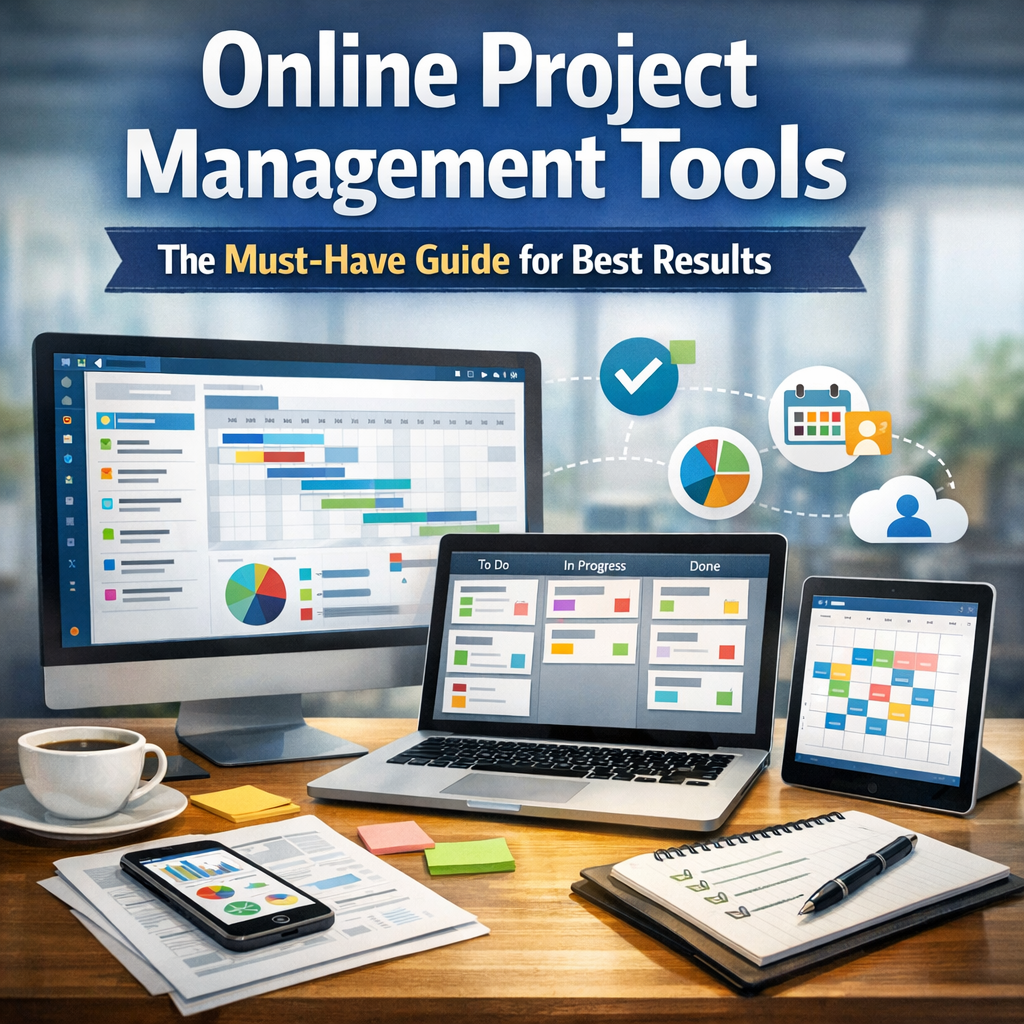
Online project management tools serve as digital hubs where project details, deadlines, communication, and resources are centralized. Unlike traditional project management methods, which might rely on emails, spreadsheets, or in-person meetings, these tools bring everything into one accessible platform, offering transparency and ease of access.
With teams increasingly working remotely or in hybrid environments, the importance of having cloud-based project management solutions has only increased. These tools provide a real-time update feature, ensuring every stakeholder is on the same page regardless of location. This capability significantly reduces misunderstandings and the risk of tasks slipping through the cracks.
Key Features to Look for in Online Project Management Tools
Not all project management tools are created equal. When exploring your options, here are some key features to consider:
1. Task Management and Delegation
Effective tools allow you to break down projects into granular tasks, assign responsibilities clearly, and set due dates. This feature helps ensure accountability and keeps everyone’s workload visible.
2. Collaboration Capabilities
Seamless communication is vital for project success. Look for tools with built-in chat, comment sections on tasks, file sharing, and integration with popular communication apps. This functionality fosters real-time interaction and reduces the need for multiple communication channels.
3. Time Tracking and Reporting
Knowing how long tasks take and where bottlenecks occur helps improve project estimates and future planning. Time tracking features and automated reports are invaluable for managers overseeing multiple projects.
4. Integration Options
A good project management tool should integrate easily with other software your team uses, such as email platforms, calendars, CRM systems, and file storage services. This reduces manual data entry and makes workflows more efficient.
5. User-Friendly Interface
Complex software can create confusion rather than clarity. Intuitive design and easy navigation encourage team members to engage with the tool regularly and minimize training time.
Popular Online Project Management Tools in Today’s Market
The market offers a wide array of online project management options tailored to different needs and budgets. Here are some top performers:
– Trello: Known for its simplicity and use of Kanban boards, Trello is ideal for small teams and visual project tracking.
– Asana: Offers flexible task management features and is suitable for medium to large-sized teams needing customizable workflows.
– Monday.com: An all-in-one platform that excels in automation and integration, great for complex projects.
– Jira: Preferred by software development teams due to its robust issue tracking and agile project support.
– Basecamp: Focuses on communication and basic project management, suitable for teams prioritizing collaboration over complexity.
Best Practices to Maximize the Benefits of Online Project Management Tools
Having access to the best tools doesn’t guarantee success unless they are used effectively. Here are some strategies to maximize your results:
Set Clear Goals and Expectations
Before starting, define the project scope, deadlines, and roles clearly within the tool. This aligns everyone from the get-go.
Keep Communication Transparent
Use the tool for all project-related discussions to avoid fragmented conversations scattered across emails and messaging apps.
Regularly Update Project Status
Encourage team members to update the status of their tasks promptly. This habit keeps the project timeline accurate and allows managers to address issues early.
Utilize Analytics and Reports
Leverage built-in analytics to monitor progress and resource allocation. This data-driven approach improves decision-making and efficiency.
Train Your Team
Invest time in training your staff on the tool’s features and best usage tactics to ensure everyone can contribute productively.
Conclusion: Transforming Project Success with Online Project Management Tools
Online project management tools are no longer optional; they are a fundamental element in modern project execution. By selecting the right tool and applying best practices, teams can drastically reduce project delays, improve communication, and boost productivity. In a competitive business landscape, mastering these digital platforms can give your organization the edge needed to deliver best-in-class results consistently. Embracing these tools could be the strategic move that transforms your project challenges into triumphs.