
Online Organization Tools: The Ultimate Must-Have Guide for Effortless Productivity
In today’s fast-paced digital world, staying organized can be a daunting challenge. That’s where online organization tools come into play, transforming the way we manage tasks, collaborate, and keep our personal and professional lives in order. Whether you are a busy professional, a student, or someone simply looking to streamline your daily activities, the right tools can make all the difference. This ultimate must-have guide will walk you through the essential online organization tools that can help boost your productivity effortlessly.
Why You Need Online Organization Tools
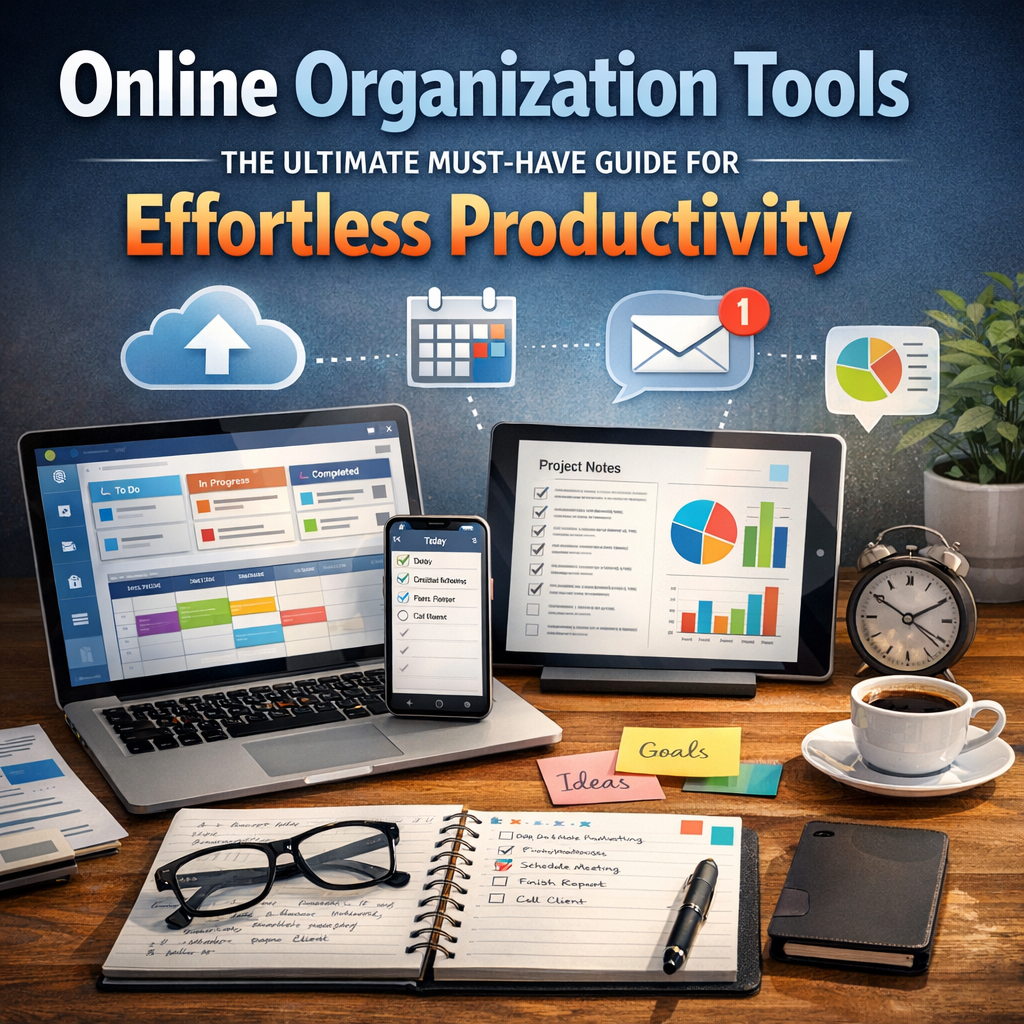
We live in an age where information overload is common. Emails pile up, meetings multiply, and deadlines seem never-ending. Traditional paper planners or scattered sticky notes just don’t cut it anymore. Online organization tools provide a centralized, accessible platform where you can:
– Manage your tasks efficiently
– Collaborate easily with others
– Track progress seamlessly
– Avoid missing deadlines
These tools are designed to integrate with devices you already use, enabling synchronization across smartphones, tablets, and computers. This means you can stay on top of your responsibilities anytime, anywhere.
Key Features to Look for in Online Organization Tools
Before diving into specific tools, it’s important to know what features make an organization app truly effective:
– Task Management: Ability to add, prioritize, set deadlines, and categorize tasks.
– Calendar Integration: Sync with calendars to visualize deadlines and appointments.
– Collaboration: Share projects or lists with colleagues, friends, or family members.
– Automation: Automate repetitive tasks or reminders to save time.
– Cross-Platform Access: Access your data from multiple devices and platforms.
– User-Friendly Interface: Easy navigation and minimal learning curve to encourage consistent use.
Understanding these features helps you choose the most appropriate online organization tools tailored to your needs.
Top Online Organization Tools to Maximize Productivity
1. Trello: Visual Task Management Made Simple
Trello is a popular online organization tool that uses the kanban board system to help you visualize your projects. Its drag-and-drop interface allows users to create cards for tasks, organize them into lists, and move them based on status (e.g., To Do, In Progress, Done). Trello’s flexibility makes it perfect for both personal to-do lists and complex team projects.
2. Asana: Powerhouse for Team Collaboration
For those who require a robust solution for team productivity, Asana stands out. It allows users to create detailed task lists, assign responsibilities, set deadlines, and track project milestones. Notifications and reporting features ensure everyone stays on the same page, reducing miscommunication.
3. Evernote: The Ultimate Digital Notebook
Evernote isn’t just about note-taking; it’s a comprehensive organizational tool perfect for managing ideas, documents, and to-do lists. Its powerful search function enables you to quickly find information, while syncing across devices makes it easy to stay productive on the go.
4. Google Keep: Simple & Quick Organization
If you want a straightforward tool for quick notes or checklists, Google Keep shines. Integrated with Google Workspace, it lets users create colorful labels, share notes, and set location-based reminders. Despite its simplicity, it’s a perfect starting point for those new to online organization tools.
5. Notion: All-in-One Workspace
Notion takes online organization tools to the next level by combining note-taking, project management, databases, and collaboration into a single platform. With customizable templates, you can create pages for anything from personal goals to company workflows, centralizing all your organizational needs.
How to Get Started with Online Organization Tools
Start Small and Build Gradually
Jumping into a complex tool with an overloaded setup may be overwhelming. Begin by listing your immediate needs—whether it’s task tracking, calendar management, or note-taking—and pick one or two tools that align with those needs.
Take Advantage of Tutorials and Templates
Most online organization tools provide extensive tutorials, webinars, and templates tailored to different industries and use cases. Leveraging these resources can shorten your learning curve and help you make the most out of the tool.
Consistency is Key
The benefits of online organization tools only materialize when they are used consistently. Make a habit of updating your tasks and reviewing your progress daily or weekly to maintain momentum.
Benefits Beyond Productivity
Beyond simply getting more done, online organization tools also improve your mental clarity and reduce stress. When tasks and ideas are organized in a reliable system, it frees up mental space to focus on creativity and strategic thinking. Additionally, many tools offer analytics that help identify productivity patterns, enabling continuous self-improvement.
Final Thoughts
Harnessing the power of online organization tools can lead to effortless productivity by helping you stay organized, focused, and connected. Whether managing complex projects at work or organizing your personal life, selecting the right tools tailored to your needs can revolutionize your workflow. Embrace these tools today and experience a smarter, more organized way of living and working.
—
With the right resources and a commitment to consistency, the journey to enhanced productivity becomes less daunting and much more achievable. The era of disorganized chaos is over—now it’s your time to thrive with the ultimate online organization tools at your fingertips.