
Note Taking Apps: The Ultimate Guide to Best Must-Have Tools
In today’s fast-paced digital world, note taking apps have become essential tools for students, professionals, and anyone looking to organize their thoughts efficiently. These apps go beyond just jotting down information; they enhance productivity, facilitate collaboration, and ensure that important ideas are never lost. Whether you’re managing meeting minutes, brainstorming ideas, or keeping a personal journal, the right note taking app can make all the difference.
Why You Need Note Taking Apps
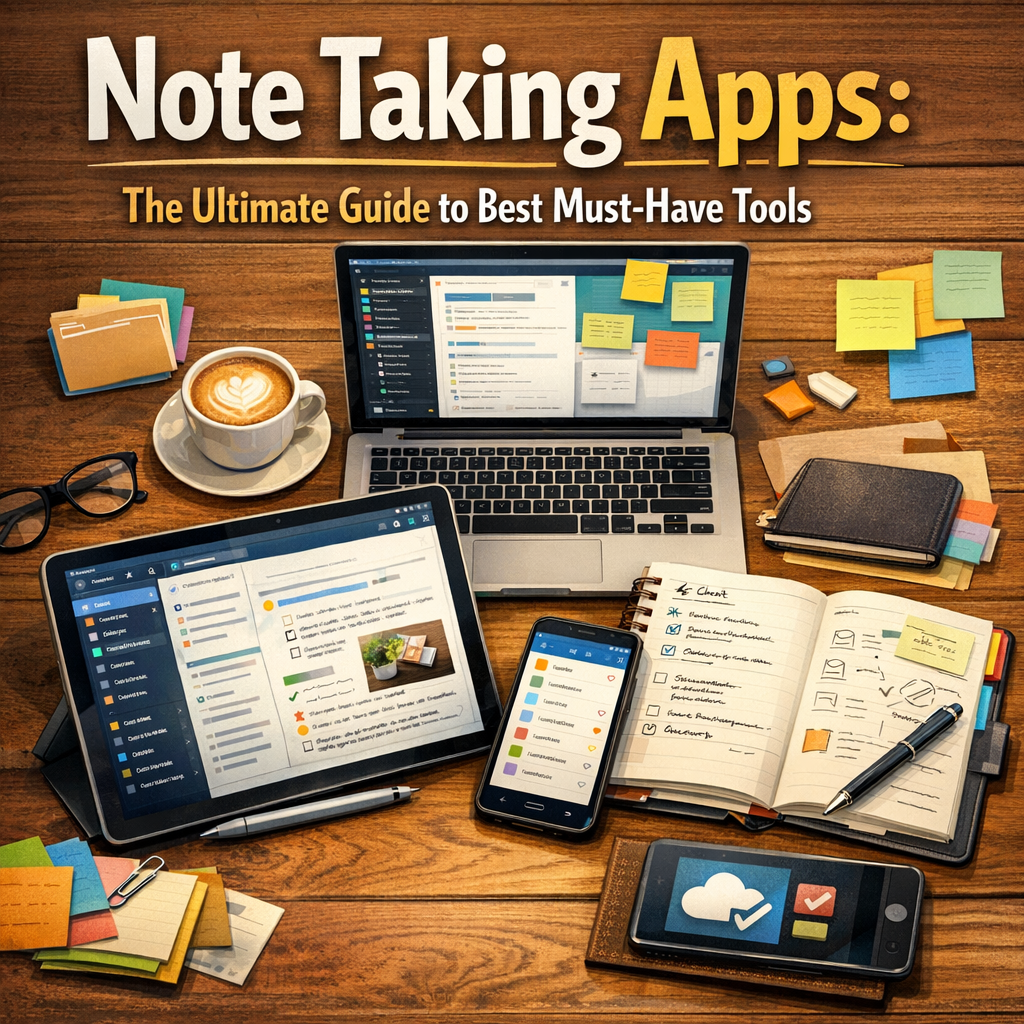
Gone are the days of carrying bulky notebooks or scrambling to find scraps of paper. Note taking apps provide a seamless way to capture and store information digitally, offering convenience and accessibility. These apps are designed to help users:
– Organize notes with tags, folders, and notebooks
– Sync information across multiple devices
– Add multimedia elements like images, audio recordings, and drawings
– Search through notes instantly with powerful search functions
– Share and collaborate on notes in real-time with others
With these features, note taking apps promote better information retention and improve workflow by making note retrieval and sharing faster and easier.
Key Features to Look for in Note Taking Apps
Choosing the best note taking app depends on your specific needs, but some core features are common in top apps:
Cross-Platform Synchronization
The ability to access your notes on smartphones, tablets, and computers ensures that you can capture and review information anytime, anywhere. Look for apps that offer real-time synchronization without glitches.
Rich Text Formatting and Multimedia Support
Robust formatting options, including bullet points, tables, checklists, and embedded images or videos, allow for more expressive and useful notes. Some apps also support handwriting, which is great for stylus users.
Search and Organization
Effective note taking apps feature advanced search tools that allow users to find notes quickly by keyword or tag. Organizational tools like folders or tags help keep your content sorted and easy to navigate.
Collaboration and Sharing
If you work in teams, find apps that support sharing notes, commenting, and joint editing. Collaborative features streamline teamwork and keep everyone on the same page.
Security and Privacy
As notes often contain sensitive information, security features like encryption, password protection, and two-factor authentication are crucial for protecting your data.
Top Note Taking Apps for Different Needs
Evernote: The All-Rounder
Evernote is one of the most popular note taking apps, thanks to its powerful features and user-friendly design. It offers cross-platform support, web clipping tools, and basic collaboration features. Evernote’s robust search function can even find text within images, making it a versatile option for both personal and professional use.
Microsoft OneNote: Best for Students and Professionals
OneNote integrates seamlessly with the Microsoft Office suite, making it ideal for users already invested in the Microsoft ecosystem. It supports freeform note taking, audio recording, and drawing, ideal for lectures, meetings, or creative brainstorming sessions.
Notion: Perfect for Project Management and Team Collaboration
Notion combines note taking with project management tools. It allows users to create databases, task lists, calendars, and rich text notes all in one place. Teams can collaborate on shared workspaces, making it perfect for complex workflows and knowledge management.
Bear: Clean Design for Apple Users
Bear is a beautifully designed note taking app exclusive to Apple devices. It emphasizes markdown support and a distraction-free interface. Its tagging system makes organization simple, while its export options provide flexibility.
Google Keep: Quick and Simple Note Taking
Google Keep is an excellent choice for users needing quick note capture and reminders. It integrates with Google Drive and supports voice notes, photo attachments, and color-coded labels for easy sorting.
Tips for Maximizing Your Note Taking Apps
1. Regularly Review and Organize Your Notes: Don’t let digital clutter build up. Use tags and folders effectively to keep your notes manageable.
2. Utilize Templates and Checklists: Many apps offer templates for meetings, project planning, or journaling. Using these can save time and ensure completeness.
3. Leverage Multimedia: Enhance your notes by adding pictures, voice memos, or sketches—especially when standard text isn’t enough.
4. Backup Your Notes: Even though most note taking apps sync data online, having offline backups ensures you won’t lose critical content.
5. Create a Routine: Set specific times during your day to review and update notes, helping information retention and prioritization.
The Future of Note Taking Apps
With advancements in AI, future note taking apps are expected to become even more intuitive. Features like automatic summarization, smart tagging, and voice-to-text transcription will further enhance productivity. Integration with other productivity tools and virtual assistants will also allow smoother workflows.
—
In conclusion, note taking apps are indispensable in managing information efficiently and boosting productivity in various contexts. Whether you prioritize collaboration, multimedia capabilities, or simple, quick note capture, there’s a tool out there tailored to your needs. By selecting the right app and adopting effective note-taking practices, you can transform the way you organize and interact with your ideas.