
Note Taking Apps: The Ultimate Guide to Best Must-Have Tools
In today’s fast-paced digital world, note taking apps have become indispensable tools for students, professionals, and creatives alike. The ability to quickly capture ideas, organize information, and access your notes across devices has transformed the way we work and learn. This ultimate guide will walk you through the best must-have tools for note taking, highlighting their unique features and helping you choose the right app to boost your productivity.
Why You Need Note Taking Apps
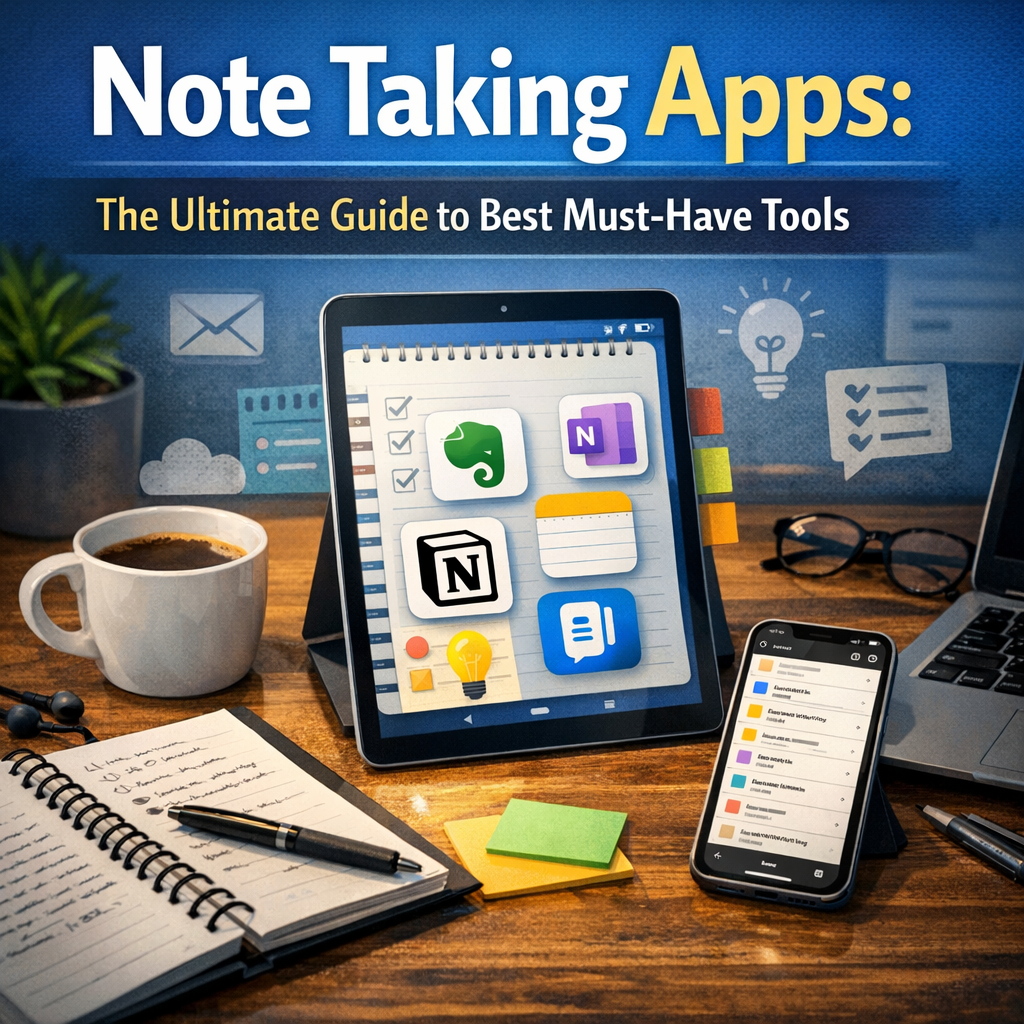
Gone are the days of scribbling notes in paper notebooks that easily get lost or damaged. Note taking apps bring several advantages:
– Accessibility: Access your notes anytime, anywhere on your smartphone, tablet, or computer.
– Organization: Categorize and search through your notes quickly with tags, folders, or notebooks.
– Multimedia support: Embed photos, audio, videos, and links for richer notes.
– Collaboration: Share and co-edit notes with teammates or classmates in real-time.
– Backup and sync: Prevent loss of data by automatically syncing your notes to the cloud.
These benefits make note taking apps essential tools to enhance learning, brainstorming, project management, and more.
Key Features to Look for in Note Taking Apps
Before diving into the best tools, it’s important to understand what features matter most depending on your needs:
– User Interface (UI): Intuitive and clean designs allow for distraction-free writing.
– Cross-platform compatibility: Supports multiple operating systems such as iOS, Android, Windows, and macOS.
– Organizational tools: Ability to tag, categorize, and search notes effectively.
– Multimedia integration: Support for images, audio recordings, PDFs, and web clippings.
– Offline access: Access and edit notes without an internet connection.
– Collaboration tools: Real-time sharing and editing capabilities.
– Security: Encryption and password protection to keep your notes private.
With these criteria, let’s explore some of the best note taking apps that cater to various needs.
Top Must-Have Note Taking Apps
Evernote: The Classic Powerhouse
Evernote remains one of the most popular note taking apps due to its robust feature set. It offers a user-friendly interface, support for rich media, and powerful organization tools like notebooks and tags. You can clip web articles, scan handwritten notes, and collaborate with others seamlessly. Its synchronization across devices ensures that your notes are always up to date. However, some advanced features are behind a paywall.
Microsoft OneNote: Best for Comprehensive Note Management
Microsoft OneNote is a versatile app that mimics a digital notebook, divided into sections and pages. It supports freehand drawing, audio notes, and integrates well with other Microsoft 365 apps. Its strength lies in being highly customizable and free to use with a Microsoft account. It’s perfect for students and professionals who want to organize information in a more visual and flexible way.
Notion: The All-in-One Workspace
Notion combines note taking with project management features, making it a favorite for teams and individuals who need to keep extensive documentation, databases, and notes all in one place. It supports embedding multimedia and has powerful templates for different workflows. Notion’s collaboration tools help teams stay aligned, though it has a steeper learning curve compared to other apps.
Google Keep: Simple and Quick Notes
For those who prefer simplicity, Google Keep offers a lightweight note taking experience. It’s ideal for quick lists, reminders, and voice notes, with easy integration into the Google ecosystem. While it lacks advanced organization, its minimal interface and real-time syncing make it a great choice for users with simple note-taking needs.
Bear: Elegant Notes for Apple Users
Bear is designed exclusively for the Apple ecosystem, focusing on beautiful typography and ease of use. It supports markdown for formatting, tagging for organization, and seamless syncing across iPhone, iPad, and Mac. Its design appeals to writers and creatives who want their notes to look as good as they read.
How to Choose the Right Note Taking App for You
With so many excellent options, consider the following when making your choice:
– Usage context: Are you taking notes for school, work, personal projects, or collaboration?
– Device ecosystem: Choose an app that works well with your devices.
– Feature priorities: Decide if you need multimedia support, advanced organization, or just simple jotting.
– Budget: Many apps offer free versions, but premium plans usually unlock powerful features.
– User experience: Test apps to see which UI feels most natural to your style.
Tips to Maximize Your Use of Note Taking Apps
– Consistently organize your notes: Use tags, folders, or notebooks to avoid a cluttered mess.
– Leverage multimedia: Enhance your notes with images, audio clips, and links.
– Regularly review and update: Keep your notes current and relevant.
– Utilize templates: Many apps offer templates for to-do lists, meeting notes, or journals to streamline your workflow.
– Back up important notes: Even with syncing, exporting important notes can safeguard against data loss.
Conclusion
Choosing the best note taking apps can significantly improve how you capture, organize, and use information. Whether you prioritize powerful features, simplicity, or collaboration, there is a tool tailored to your needs. Explore the options outlined in this guide, try them out, and find your perfect fit for note taking success. With the right app at your fingertips, staying organized and productive has never been easier.