
Note Taking Apps Guide: Best Must-Have Tools for Effortless Productivity
In today’s fast-paced world, staying organized and capturing ideas on the go has become essential. Note taking apps have emerged as indispensable tools that help individuals—from students to professionals—boost their productivity and streamline information management. Whether you’re jotting down quick reminders, compiling research, or brainstorming project ideas, the right app can transform your workflow, making it more efficient and enjoyable.
In this comprehensive guide, we’ll explore why note taking apps matter, key features to look out for, and the best tools available to help you achieve effortless productivity.
Why Use Note Taking Apps?
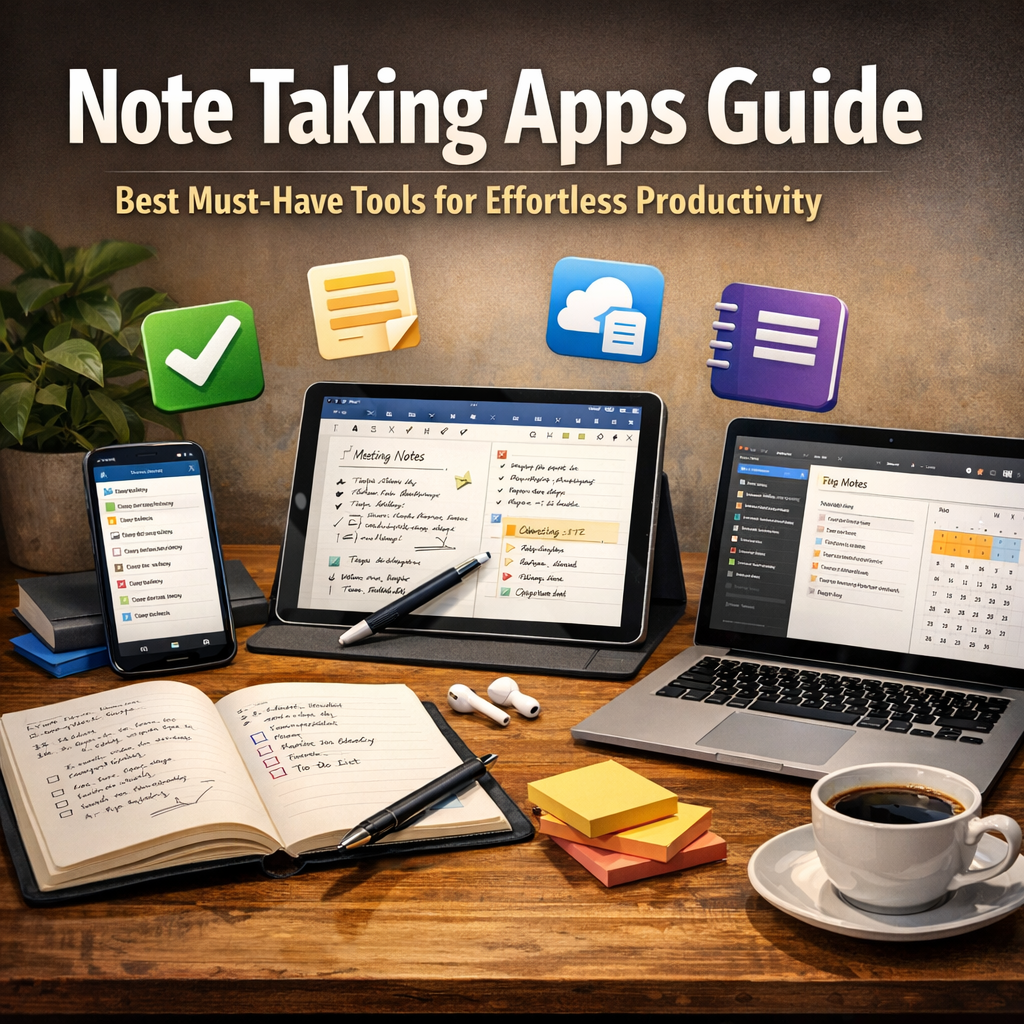
The benefits of using note taking apps extend far beyond replacing traditional pen and paper. Digital note-taking solutions offer unparalleled convenience, flexibility, and accessibility. Here are some of the top reasons to embrace these tools:
– Organized Information: Unlike physical notebooks that can get lost or cluttered, digital notes are easy to categorize, tag, and search.
– Accessibility Across Devices: Most note taking apps sync seamlessly between smartphones, tablets, and computers, so your notes are always within reach.
– Multimedia Support: Modern apps allow you to integrate images, audio recordings, PDFs, links, and even handwritten notes, creating richer and more versatile content.
– Collaboration Features: Many apps enable shared notes and real-time collaboration, perfect for team projects and group brainstorming sessions.
– Enhanced Productivity: Built-in reminders, to-do lists, and integrations with calendars or task managers help keep your goals on track.
With so many advantages, let’s dive deeper into how to choose the perfect app for your needs.
Key Features to Look for in Note Taking Apps
When selecting a note taking app, focus on features that match your workflow and personal preferences. Some must-have attributes include:
1. User-Friendly Interface
An intuitive and clean design is crucial for quick note capture. Clunky or overly complex apps can hinder productivity rather than help it.
2. Cloud Synchronization
Ensure your notes automatically sync across all your devices. This eliminates worries about losing data and ensures continuity no matter where you work.
3. Search and Organization Tools
Robust search functions and the ability to organize notes into folders, notebooks, or with tags make retrieving information hassle-free.
4. Multimedia and Formatting Options
Look for apps that support rich text formatting, checklists, images, voice memos, and even handwriting. These features cater to different note-taking styles.
5. Collaboration and Sharing
If you need to work with others, prioritize apps that offer easy sharing options and multi-user editing capabilities.
6. Offline Access
Work uninterrupted even without internet access by choosing apps that let you view and edit notes offline, syncing changes once you’re back online.
Best Note Taking Apps for Effortless Productivity
Now that you know what to consider, here are some of the top-rated note taking apps that excel in these areas.
Evernote
Evernote is one of the most popular and versatile note taking apps, ideal for users who want a powerful organizational system. Its multi-platform support, robust tagging, and multimedia embedding capabilities make it easy to capture and find notes. Evernote also supports web clipping, allowing you to save articles and resources directly from your browser.
Microsoft OneNote
OneNote is favored by users who want a free, feature-rich app integrated with the Microsoft Office ecosystem. It mimics a physical notebook interface, allowing users to create multiple notebooks and sections. The drawing and handwriting capabilities are especially useful for tablet users.
Notion
Notion blends note taking with project management, making it excellent for users looking to handle tasks, documents, and databases in one place. It offers flexibility in creating pages and subpages, rich media embedding, and strong collaboration features.
Google Keep
Google Keep is perfect for those who want a simple, lightweight app synced with Google services. It’s geared towards quick notes, color-coded reminders, and checklist creation. While it lacks advanced organization, its simplicity is ideal for everyday jotting.
Bear
Bear combines minimalist design with powerful markdown support, making it a hit among writers and developers. Its tagging and linking system enhance note organization, while export options support various formats.
Tips for Getting the Most Out of Note Taking Apps
To truly harness the power of note taking apps, consider these strategies:
– Be Consistent: Use a single app or a well-integrated system to avoid fragmentation.
– Regularly Review and Organize: Allocate time to clean up, tag, and rearrange your notes to keep them effective.
– Leverage Templates: Use templates for recurring note types like meeting minutes or project plans.
– Integrate with Other Tools: Connect your note taking app with calendars, task managers, or cloud storage to create a seamless workflow.
Conclusion
With the right note taking apps, managing information becomes an effortless, productive habit. By understanding your unique needs and choosing tools with the appropriate features, you can turn note-taking from a mundane task into a powerful productivity booster. Explore the apps highlighted here, experiment with different features, and find your perfect fit to keep your ideas organized and your work flowing smoothly. Embrace digital note taking and watch your productivity soar!