
Knowledge Management Tools: The Ultimate Guide to Best Must-Have Solutions
In today’s fast-paced digital world, organizations are constantly seeking ways to streamline information sharing and improve productivity. Knowledge management tools have become indispensable resources that help companies capture, organize, and disseminate knowledge efficiently. Whether you’re in a startup or an established enterprise, having the right knowledge management tools can significantly impact how your teams collaborate and innovate. This ultimate guide provides an in-depth look at the best must-have solutions designed to elevate your knowledge management practices.
What Are Knowledge Management Tools?
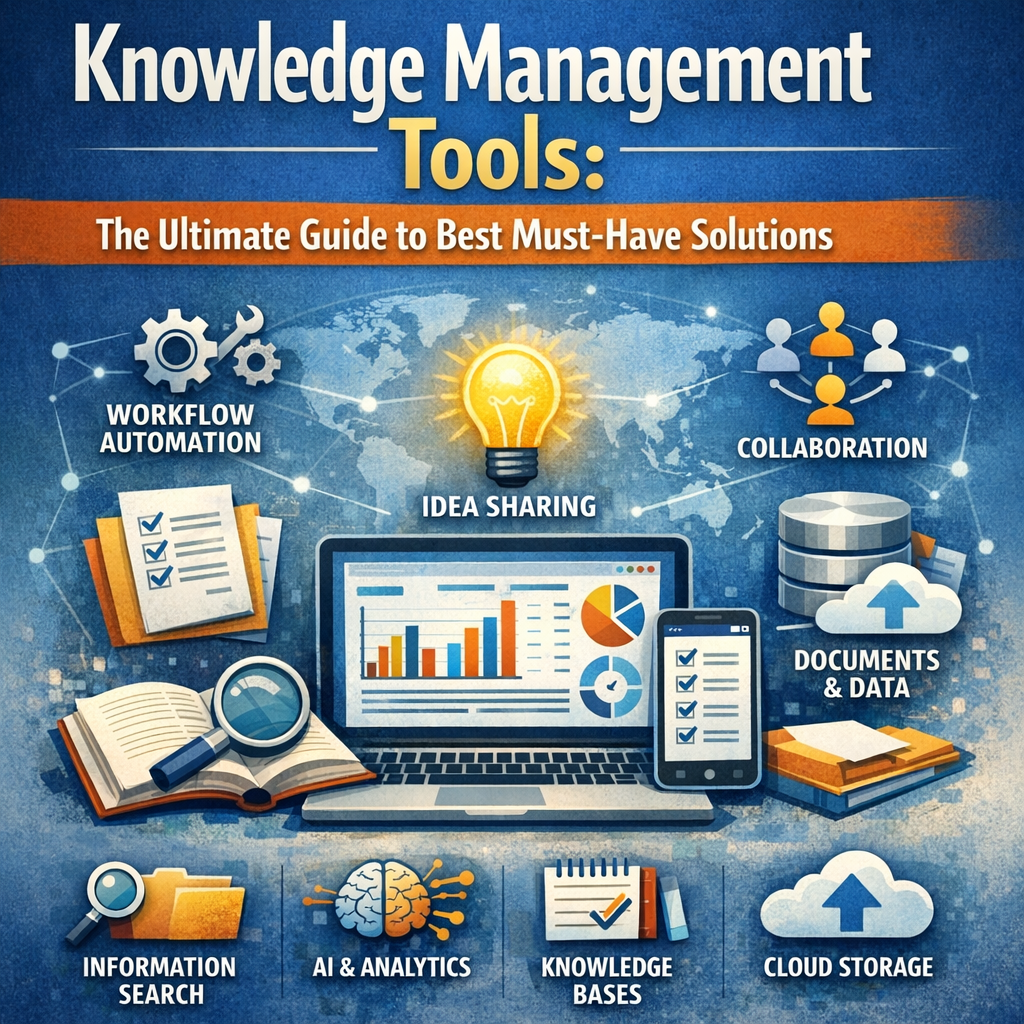
Knowledge management tools are software solutions designed to facilitate the collection, storage, and sharing of knowledge within an organization. They enable employees to access relevant information quickly, collaborate on projects seamlessly, and retain institutional knowledge even as team members come and go. These tools encompass a variety of platforms such as intranets, wikis, document management systems, and collaboration software.
Organizations use knowledge management tools to:
– Centralize information and documentation
– Promote knowledge sharing across departments
– Reduce redundancy by avoiding repeated work
– Improve decision-making through easy access to expertise
– Preserve critical organizational knowledge
Types of Knowledge Management Tools
To understand which knowledge management tools best suit your company, it’s important to recognize the different types available:
1. Document Management Systems (DMS)
These tools focus on organizing digital files and documents in a centralized repository. They often include version control and access permissions to ensure information accuracy and security. Examples include Microsoft SharePoint and Google Drive.
2. Knowledge Bases and Wikis
Knowledge bases provide a structured collection of articles, FAQs, and best practices, while wikis allow collaborative editing and real-time updates. Tools like Confluence and Notion are popular examples that support team knowledge sharing effectively.
3. Collaboration Platforms
Collaboration tools combine communication, file sharing, and project management features to enable interactive teamwork. Slack, Microsoft Teams, and Asana are some of the prevalent tools helping teams stay coordinated.
4. Learning Management Systems (LMS)
These platforms help organizations create, deliver, and manage educational content and training programs. LMS solutions like TalentLMS and Moodle ensure continuous learning and skill development across the enterprise.
5. Artificial Intelligence (AI)-Powered Tools
Innovative AI-powered knowledge management platforms use machine learning to analyze vast amounts of data and provide smart search capabilities, content recommendations, and automated workflows. Examples include Guru and Bloomfire.
Key Features to Look for in Knowledge Management Tools
When selecting knowledge management tools, consider the following must-have features:
– Search functionality: Advanced search capabilities that quickly connect users with relevant information are crucial for efficiency.
– User-friendly interface: Tools should be easy to navigate to encourage widespread adoption among employees.
– Collaboration support: Real-time editing, commenting, and sharing options foster teamwork.
– Customization and scalability: Your tools should adapt to your evolving business needs.
– Security and compliance: Ensure data protection and compliance with industry regulations.
– Integration capabilities: Compatibility with existing software ecosystems maximizes productivity.
Benefits of Implementing Knowledge Management Tools
Organizations that successfully implement the right knowledge management tools enjoy numerous advantages:
Enhances Productivity and Efficiency
With centralized access to information and resources, employees spend less time searching for answers and more time tackling meaningful work. This streamlining reduces duplication and accelerates project completion.
Facilitates Better Decision-Making
Having instant access to documented expertise and historical data empowers teams to make informed decisions rapidly, minimizing costly mistakes.
Boosts Collaboration and Innovation
Knowledge management tools break down silos, encouraging cross-functional teams to share ideas and solve problems collaboratively — sparking innovation.
Retains Institutional Knowledge
Turnover is inevitable in any business, but knowledge loss doesn’t have to be. These solutions preserve valuable insights, processes, and documentation, ensuring continuity.
Drives Employee Engagement and Learning
By making training materials and resources easily available, organizations foster a culture of continuous learning and professional growth.
Choosing the Best Knowledge Management Tools for Your Business
Selecting the appropriate knowledge management tools requires careful evaluation:
1. Define Your Needs: Identify gaps in current knowledge sharing practices and set clear objectives.
2. Evaluate Usability: Consider the ease of adoption for your workforce.
3. Assess Integration: Check compatibility with existing applications and workflows.
4. Review Security Features: Prioritize compliance and data protection essentials.
5. Consider Scalability and Support: Choose a solution that grows with your organization and offers reliable customer assistance.
6. Request Demos and Trials: Hands-on experience helps determine the practicality of the tool.
Conclusion
Implementing the right knowledge management tools is a game-changer for modern organizations aiming to optimize their learning and collaboration processes. By centralizing information and facilitating seamless communication, these solutions not only enhance productivity but also foster a culture of continuous improvement and innovation. As your business evolves, investing in the best must-have knowledge management tools ensures you remain agile, informed, and competitive in an ever-changing marketplace. Explore your options, prioritize your needs, and choose tools that empower your team to unlock their full potential.