
Document Collaboration Tools: The Ultimate Guide to Best Must-Have Solutions
In today’s fast-paced work environment, effective teamwork is more important than ever. Document collaboration tools have become essential for companies and individuals who want to streamline workflows, boost productivity, and enhance communication. These tools allow multiple users to work simultaneously on documents, spreadsheets, presentations, and more, ensuring that projects move forward smoothly and deadlines are met.
Whether you’re part of a remote team, a small business, or a large enterprise, understanding the best document collaboration tools available can transform the way you work. This ultimate guide will walk you through the must-have solutions, their key features, and how to choose the right one for your needs.
What Are Document Collaboration Tools?
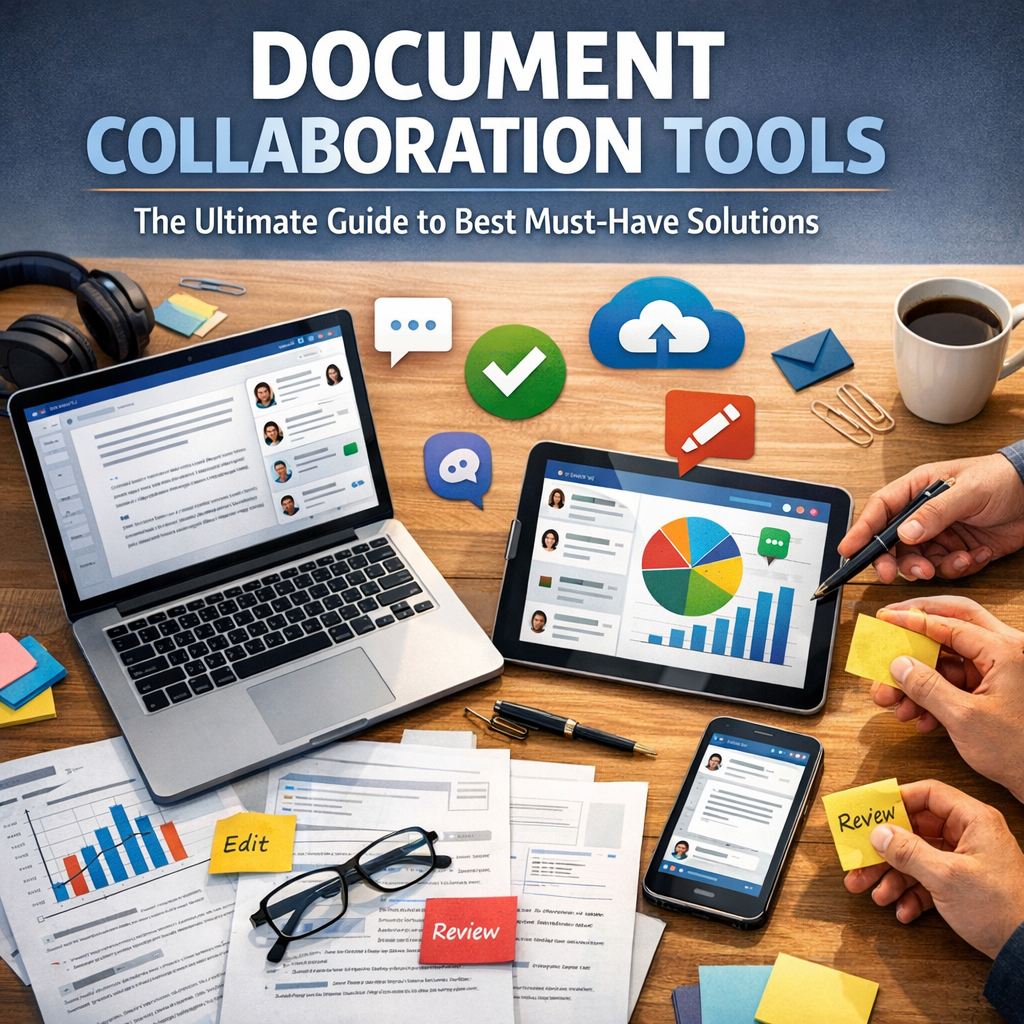
Document collaboration tools are software applications designed to enable multiple users to create, edit, comment, and share digital documents in real-time or asynchronously. Unlike traditional methods, where files are emailed back and forth, these tools centralize document management on a cloud platform, eliminating confusion about versions and encouraging teamwork.
Some of the primary functions of these tools include:
– Real-time co-authoring and editing
– Comments and feedback integration
– Version control and history tracking
– File sharing and access control
– Integration with other productivity apps
Given the rise of remote work and hybrid teams, document collaboration tools have shifted from a luxury to a necessity for maintaining clear communication and operational efficiency.
Top Must-Have Document Collaboration Tools
1. Google Workspace (Google Docs, Sheets, Slides)
Google Workspace stands out as one of the most widely used document collaboration platforms. Its hallmark is ease of use combined with powerful collaboration capabilities.
– Real-time editing: Multiple users can edit documents, spreadsheets, and presentations simultaneously.
– Commenting and suggestions: Users can leave feedback and propose changes without altering the original content.
– Version history: All edits are saved automatically, allowing you to track changes and revert if needed.
– Cloud-based: Documents are saved on Google Drive, accessible from anywhere.
Google Workspace is ideal for teams that want seamless integration with email (Gmail), calendar management, and other productivity tools.
2. Microsoft 365 (Word, Excel, PowerPoint Online)
Microsoft 365 offers a familiar environment for users accustomed to Microsoft Office but enhanced with cloud-based collaboration.
– Multi-user editing: Like Google, Microsoft 365 supports real-time co-authoring on its online versions.
– Advanced formatting and features: Word and Excel online competitors offer deep functionality, matching their desktop counterparts.
– Robust security: Microsoft’s enterprise-grade security is appealing for organizations with sensitive documents.
– Integration with Teams and SharePoint: Works well with Microsoft’s broader collaboration ecosystem.
This suite is often preferred by businesses already invested in the Microsoft ecosystem.
3. Dropbox Paper
Dropbox Paper is a streamlined collaboration tool focused on simplicity and creativity.
– Lightweight interface: Ideal for brainstorming sessions, notes, and lightweight document creation.
– Task management: Users can assign tasks and deadlines within documents.
– Media integration: Easy to embed videos, images, and rich content.
– Cross-platform capabilities: Accessible on desktop and mobile.
Dropbox Paper works best for teams that want a blend of document collaboration and project management without the bulk of traditional office suites.
4. Notion
Notion is more than just a document collaboration tool—it’s an all-in-one workspace.
– Flexible content: Combine documents, databases, tasks, and calendars in one place.
– Collaborative editing: Users can co-edit pages and leave comments.
– Templates: Offers templates for project tracking, meeting notes, and more.
– Integration: Connects with popular tools like Slack, Google Drive, and Trello.
Notion shines when teams need an adaptable platform that seamlessly integrates documentation with project management.
Choosing the Right Document Collaboration Tool
Selecting the right document collaboration tool depends on several factors:
Team Size and Workflow Complexity
Large enterprises might need advanced features like granular permissions and integration with existing IT infrastructure, which Microsoft 365 excels at. Startups or small teams may prefer the simplicity and accessibility of Google Workspace or Notion.
Types of Documents and Features Needed
If your work involves primarily text-based documents, Google Docs or Microsoft Word could suffice. For creative or multimedia needs, Dropbox Paper or Notion might offer more flexibility.
Security and Compliance Requirements
Organizations in regulated industries require tools with strong security protocols and compliance certifications. Microsoft 365 often leads in this regard, but Google Workspace also provides robust security measures.
Budget Considerations
Many document collaboration tools offer free versions with basic functionalities, while premium tiers unlock additional features. Understanding your budget will help narrow down choices without sacrificing critical capabilities.
Best Practices for Using Document Collaboration Tools
To maximize the benefits of document collaboration tools, consider these tips:
– Establish clear document ownership: Assign responsibility to avoid confusion about who should make final edits.
– Use consistent naming conventions: Helps team members find documents quickly.
– Leverage commenting features: Facilitates constructive feedback without modifying the original content.
– Regularly review version history: Keeps track of changes and resolves conflicts efficiently.
– Train your team: Ensures everyone knows how to use the tool effectively and follows best practices.
Conclusion
Document collaboration tools have revolutionized the way teams create and manage content. From real-time editing to robust task management and seamless integrations, these solutions enable productivity in modern work environments. By understanding the unique strengths of platforms like Google Workspace, Microsoft 365, Dropbox Paper, and Notion, you can select the best fit for your organization’s needs.
Embracing the right document collaboration tools not only smooths communication but also fosters innovation, efficiency, and success. Start exploring these must-have solutions today to empower your team and transform your workflow.