
Document Collaboration Tools: The Ultimate Guide to Best Must-Have Solutions
In today’s fast-paced and highly connected work environment, document collaboration tools have become indispensable for teams striving to improve productivity, streamline workflows, and maintain seamless communication. Whether you’re part of a small startup or a multinational corporation, the ability to co-edit, share, and manage documents in real time can make all the difference in project success and operational efficiency.
This comprehensive guide will explore the must-have solutions in document collaboration, highlighting features, benefits, and tips for selecting the right tool to meet your team’s unique needs.
Why Document Collaboration Tools Are Essential
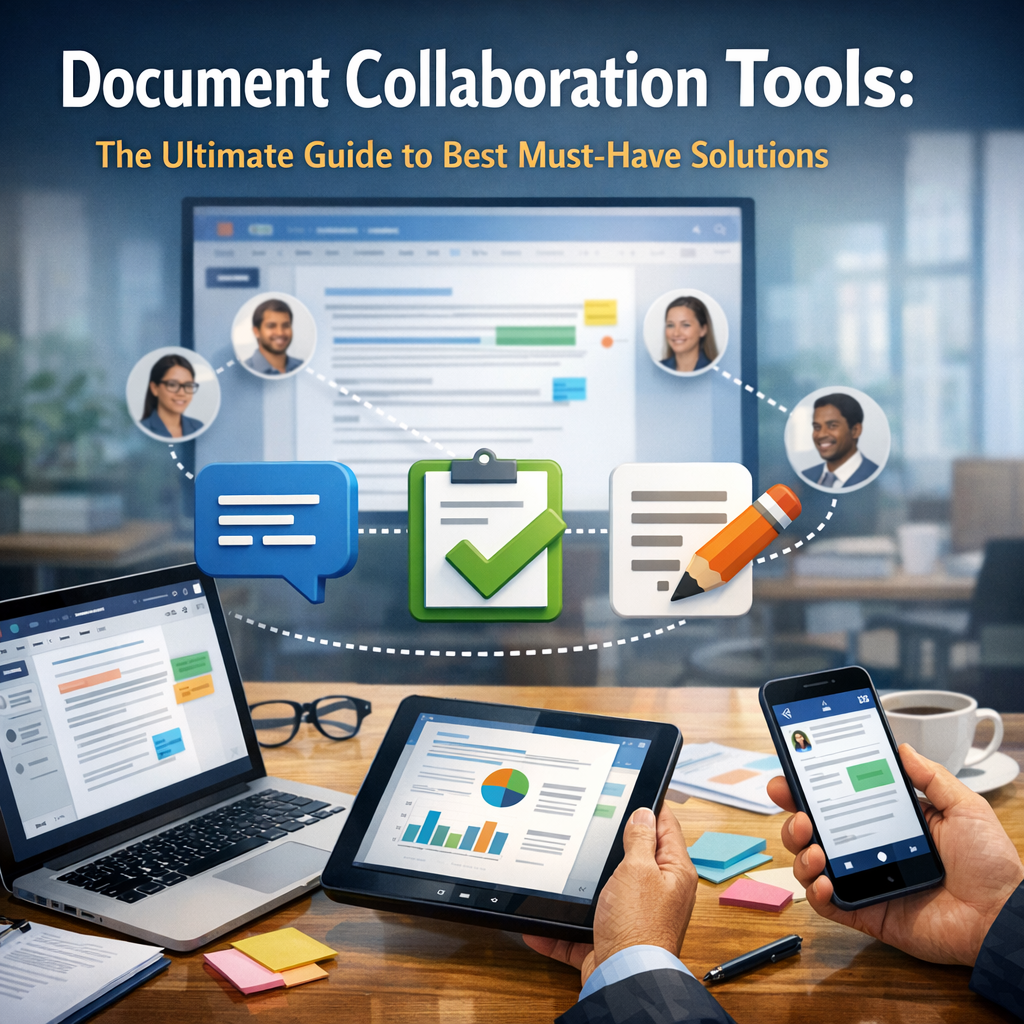
Document collaboration tools allow multiple users to work on the same file simultaneously, eliminating the chaos that often arises from version control issues, email attachments, and fragmented feedback. These tools foster transparency, reduce turnaround time, and empower teams to co-create with ease, whether working remotely or in the office.
Key advantages include:
– Real-time editing and commenting: Enables instant feedback and reduces communication delays.
– Centralized document storage: Keeps all files organized and easily accessible.
– Version control: Tracks changes effectively to avoid confusion over different document versions.
– Improved teamwork: Facilitates better coordination and accountability among team members.
With these benefits in mind, it’s clear why choosing the right document collaboration tools is crucial for modern workplaces.
Top Features to Look for in Document Collaboration Tools
Before diving into specific solutions, it’s important to understand which features truly make a difference when selecting document collaboration software. Here’s what to prioritize:
1. Real-Time Co-Editing and Synchronization
The ability for multiple users to simultaneously edit a document without overwriting each other’s changes is a cornerstone of effective collaboration. Look for tools that not only sync changes instantly but also highlight who made each edit for clarity.
2. Robust Commenting and Feedback Capabilities
Feedback loops are critical in collaborative environments. A good tool offers threaded comments, annotations, and notifications so conversations around the document remain organized and easy to follow.
3. Version History and Rollback Options
Mistakes happen, and sometimes changes need reassessment. Comprehensive version history ensures you can revert to previous iterations without losing valuable content.
4. User Access Controls and Permissions
Security is paramount. Choose solutions that allow granular permission settings, enabling administrators to control who can view, edit, or comment on documents.
5. Integration with Other Productivity Tools
To maximize efficiency, your document collaboration tools should integrate smoothly with platforms such as project management software, email clients, and cloud storage solutions.
Best Must-Have Document Collaboration Tools of 2024
Now that we’ve covered essential features, here are some of the best document collaboration tools available today, each excelling in different aspects:
Google Workspace (Google Docs, Sheets, Slides)
Google Workspace remains the go-to suite for many teams due to its seamless real-time collaboration. Google Docs allows multiple users to edit documents simultaneously, comment inline, and chat directly within the document. Its cloud-native design ensures documents are accessible from anywhere with an internet connection.
Microsoft 365 (Word, Excel, PowerPoint)
For organizations already using Microsoft products, Microsoft 365 offers robust collaboration features integrated into familiar applications. The co-authoring experience has improved considerably, and version history, commenting, and task assignment make managing collaborative work easier.
Notion
Notion is a versatile all-in-one workspace that combines note-taking, database management, and document collaboration. It supports rich media, embedded content, and collaborative editing, making it ideal for teams who want a flexible platform beyond traditional documents.
Dropbox Paper
Dropbox Paper emphasizes simplicity and minimalism while providing powerful collaboration features. It’s especially useful for brainstorming sessions and creating documents that require multimedia elements and task tracking.
Quip by Salesforce
Quip integrates documents, spreadsheets, and chat in one platform. It’s designed for teams that want to collaborate without bouncing between different tools, and its tight integration with Salesforce enhances productivity for sales and customer-focused teams.
How to Choose the Right Document Collaboration Tool for Your Team
Selecting the ideal document collaboration tool depends on several factors:
– Team size and structure: Larger teams may require more advanced permission settings and integration capabilities.
– Existing software ecosystem: Opt for tools that work well with your current platforms to avoid workflow disruptions.
– Type of documents and tasks: Consider whether your work involves text-heavy documents, data spreadsheets, or multimedia content.
– Budget constraints: While many tools offer free tiers, premium features might be necessary for optimal performance.
– User-friendliness: Ease of adoption can significantly impact how effectively your team uses the tool.
It’s often helpful to trial various solutions with your team before making a commitment.
Best Practices for Maximizing Document Collaboration Tools
Implementing these tools successfully requires more than just adoption—it demands strategic use:
– Set clear guidelines on document naming and storage protocols.
– Regularly train team members on new features and updates.
– Encourage proactive commenting and timely feedback.
– Leverage integrations to centralize workflows.
– Monitor collaboration metrics to identify bottlenecks or improvement areas.
Conclusion
Embracing the right document collaboration tools can transform how your team creates, edits, and manages documents—leading to enhanced productivity, clearer communication, and smoother project execution. By understanding key features, evaluating top solutions, and adopting best practices, you can ensure your organization thrives in the collaborative digital workspace.
As more teams turn to remote and hybrid work models, mastering document collaboration is no longer optional but a strategic necessity. Equipped with this ultimate guide, you’re well on your way to choosing and leveraging the best tools for your collective success.