
Digital Task Manager: The Ultimate Guide to Effortless Productivity
In today’s fast-paced world, staying organized and on top of your responsibilities can be a daunting challenge. A digital task manager is an indispensable tool designed to help individuals and teams streamline their work, manage priorities, and boost overall productivity. Whether you’re balancing professional projects, personal errands, or collaborative assignments, understanding how to effectively use a digital task manager can transform the way you approach your daily tasks.
What Is a Digital Task Manager?
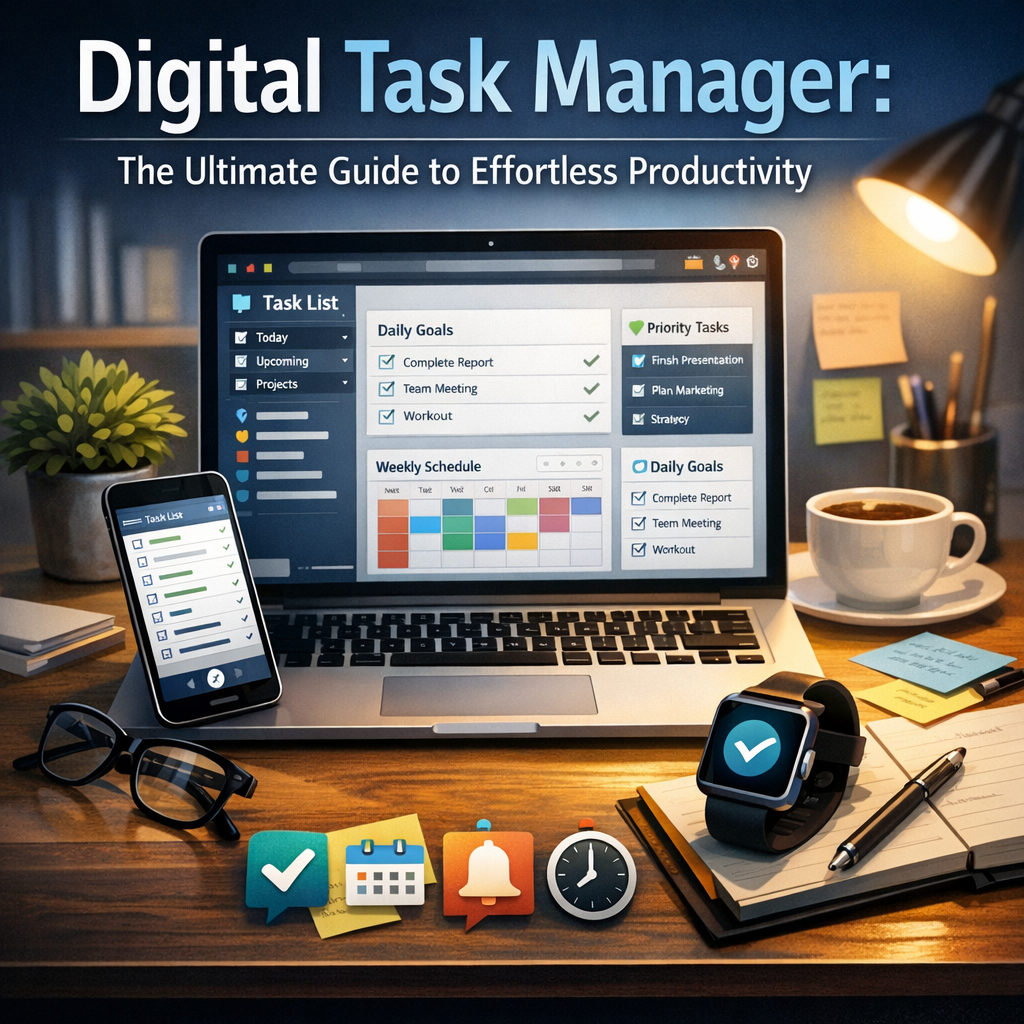
A digital task manager is a software application that organizes, tracks, and manages your to-do lists and projects digitally. Unlike traditional paper planners or sticky notes, these digital solutions offer a dynamic, flexible framework that syncs across devices, enabling you to access your tasks anytime, anywhere. With features such as reminders, deadlines, sub-tasks, and integrations with other productivity tools, digital task managers help you stay focused on what truly matters.
Key Benefits of Using a Digital Task Manager
Adopting a digital task manager brings several advantages over conventional methods of task organization:
1. Enhanced Organization and Clarity
A digital task manager allows you to categorize tasks by project, priority, or deadline, ensuring that nothing slips through the cracks. Clear visibility into your workload helps reduce cognitive overload and makes it easier to plan your day.
2. Increased Accountability and Motivation
Many digital task managers include progress trackers and visual boards that display your achievements, which can motivate you to stay on course. You can also set reminders and notifications to keep you accountable and prevent procrastination.
3. Seamless Collaboration
If you work as part of a team, digital task managers facilitate real-time collaboration. Assign tasks, share notes, and communicate within the platform to improve teamwork and reduce miscommunication.
How to Choose the Right Digital Task Manager for You
With an overwhelming number of options available, selecting the perfect digital task manager can be tricky. Here are some important factors to consider:
User Interface and Ease of Use
Look for an interface that feels intuitive and visually appealing. A cluttered or complicated design may discourage you from using the tool consistently.
Features and Customization
Evaluate which features are essential for your needs. Common functionalities include recurring tasks, priority flags, calendar integration, and time tracking. Some platforms allow customization of workflows and templates to suit specific project types.
Cross-Platform Compatibility
Ensure the digital task manager supports all devices you use, such as smartphones, tablets, and computers. Synchronization across platforms guarantees continuous access and updates.
Price and Support
While many digital task managers offer free basic plans, premium versions often unlock advanced features. Compare pricing plans and check for responsive customer support or community resources.
Popular Digital Task Managers to Consider
To help you get started, here are some highly regarded digital task managers, each with its unique strengths:
Todoist
Todoist is a versatile and popular digital task manager known for its simple design and powerful features. It supports tasks, sub-tasks, labels, and priority levels, with integrations for numerous apps.
Trello
Trello uses a card-and-board system resembling a digital Kanban board, ideal for visual project management. It’s perfect for both personal use and collaborative projects.
Asana
Asana provides robust project tracking suited for teams, with timeline views, progress charts, and task dependencies. It’s great for handling complex workflows.
Microsoft To Do
Microsoft To Do integrates seamlessly with the Microsoft Office suite and offers straightforward task lists with smart suggestions and reminders.
Tips for Maximizing Productivity with a Digital Task Manager
Simply having a digital task manager isn’t enough; how you use it matters. These tips can help you get the most out of your tool:
– Prioritize Ruthlessly: Use priority tags or categories to identify top-priority tasks. Focus on what offers the highest value or has the most urgent deadline.
– Break Down Large Projects: Divide bigger tasks into smaller, manageable sub-tasks to avoid overwhelm and track progress efficiently.
– Set Realistic Deadlines: Make sure deadlines are achievable to maintain motivation and avoid unnecessary stress.
– Review and Adjust Regularly: Set aside time daily or weekly to review your task list, mark completed items, and reorganize your schedule.
– Leverage Notifications Wisely: Use reminders to prompt actions, but adjust notification settings to prevent distraction or notification fatigue.
The Future of Digital Task Management
As technology advances, digital task managers are increasingly incorporating artificial intelligence and machine learning to offer smarter suggestions, predictive scheduling, and voice recognition capabilities. These innovations promise to make productivity tools even more intuitive and personalized, enabling users to manage their time and tasks more efficiently than ever.
—
In conclusion, a digital task manager offers an effective and modern solution to managing daily responsibilities, helping users across all walks of life achieve effortless productivity. By selecting the right tool and employing smart organizational habits, you can turn your to-do lists from sources of stress into instruments of success. Start exploring digital task managers today and take the first step toward a more organized and productive future.