
Digital Task Manager Guide: The Ultimate Must-Have for Effortless Productivity
In today’s fast-paced world, staying organized and productive can be a real challenge. This is where a digital task manager comes into play, transforming how individuals and teams handle their daily responsibilities. Whether you’re juggling work projects, personal goals, or collaborative efforts, a digital task manager is a powerful tool designed to streamline your tasks and boost your efficiency. This guide will explore everything you need to know about digital task managers, including their benefits, key features, and tips on choosing the right one for your needs.
What is a Digital Task Manager?
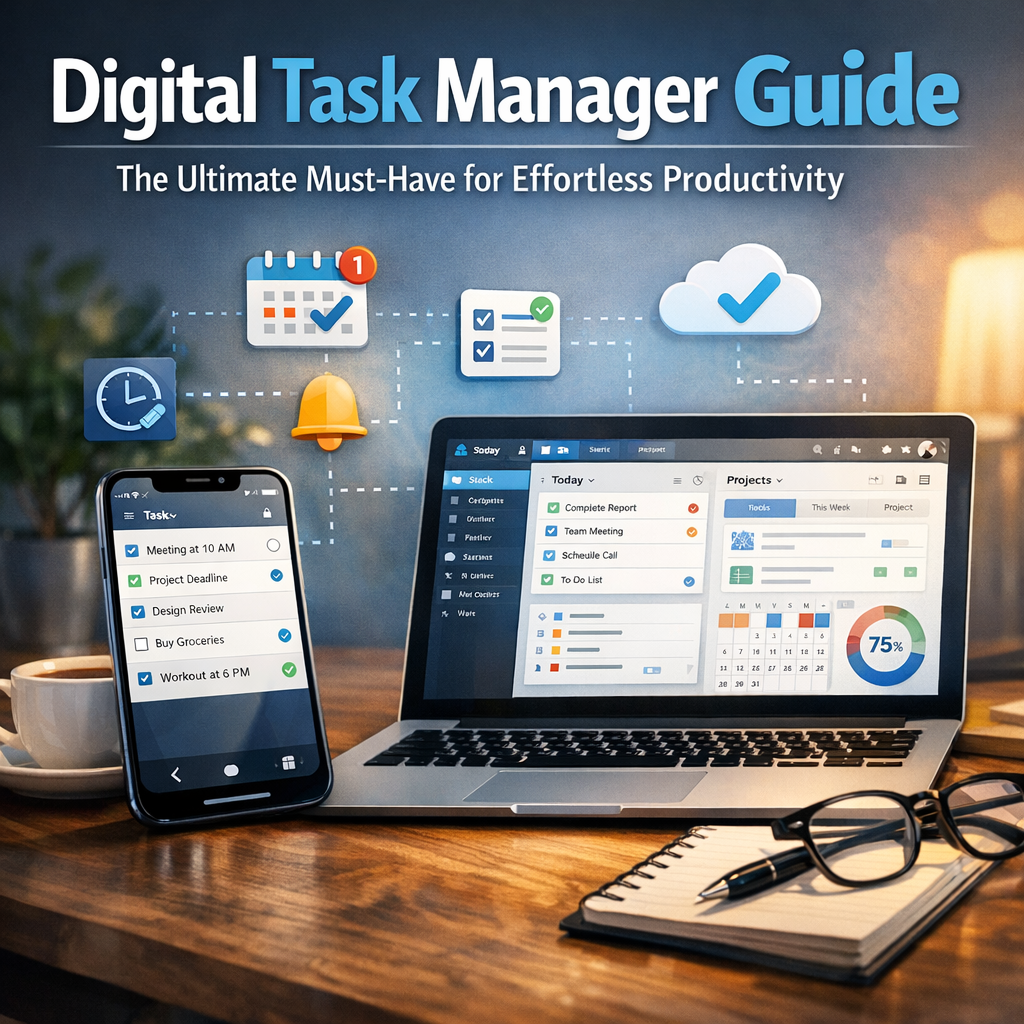
A digital task manager is a software or application designed to help users organize, prioritize, and track tasks and projects digitally. Unlike traditional pen-and-paper to-do lists, digital task managers offer a dynamic and flexible way to manage workloads. They can sync across multiple devices, send reminders, enable collaboration, and offer various productivity-enhancing features that elevate your task management game.
Benefits of Using a Digital Task Manager
Utilizing a digital task manager can drastically improve how you approach your day-to-day responsibilities. Here are some key advantages:
1. Centralized Task Organization
One of the most significant benefits is the ability to keep all your tasks in one place. Whether it’s work deadlines, grocery lists, or long-term projects, digital task managers provide a single hub where you can view and manage every responsibility. This reduces the risk of forgetting important tasks and helps you maintain a clear overview of your workload.
2. Enhanced Productivity Through Prioritization
A digital task manager allows you to categorize tasks by priority, deadlines, or project type. This ensures that you focus on what truly matters and prevents time wasted on less critical activities. Many digital task managers also offer features like color coding or tags to make prioritization visually intuitive.
3. Increased Accountability and Motivation
Setting reminders and deadlines within a digital task manager encourages accountability. When you see tasks pending or overdue, it motivates you to act promptly. Some platforms even provide progress tracking and productivity analytics, helping you understand your work habits and adjust strategies accordingly.
4. Seamless Collaboration
For teams, digital task managers are indispensable. They enable real-time collaboration by allowing multiple users to assign, track, and comment on tasks. This fosters better communication and ensures everyone stays on the same page, reducing misunderstandings or duplicated efforts.
Key Features to Look for in a Digital Task Manager
When selecting a digital task manager, it’s important to consider features that align with your workflow and personal preferences. Below are some must-have characteristics:
Task Creation and Management
The tool should make it easy to add new tasks, break them into subtasks, and set due dates. Recurring tasks are a bonus if you have routine activities.
User-Friendly Interface
An intuitive and clean interface helps you quickly navigate and manage your tasks without frustration.
Integration Capabilities
Look for a digital task manager that integrates smoothly with other tools you use, such as calendars, email clients, or communication apps like Slack.
Cross-Device Syncing
Having access to your tasks on your phone, tablet, and computer ensures you’re productive wherever you are.
Notifications and Reminders
Timely alerts prevent tasks from slipping through the cracks.
Customization Options
Personalizing your task views, color codes, and notifications can enhance your engagement and comfort.
Tips for Maximizing Your Digital Task Manager
To truly unlock the potential of your digital task manager, consider these practical tips:
1. Consistently Update Your Task List
Make it a habit to add tasks as soon as they come to mind. Keeping your list current prevents last-minute surprises and planning errors.
2. Use Tags and Categories Wisely
Segment tasks by project, context, or urgency to maintain clarity and accelerate task retrieval.
3. Review Your Tasks Regularly
Set aside time daily or weekly to review pending and completed tasks, adjust priorities, and plan ahead.
4. Combine with Time Management Techniques
Pair your digital task manager with popular productivity methods like the Pomodoro Technique or Time Blocking for superior results.
Popular Digital Task Manager Tools to Explore
There is a wide range of digital task managers available, each catering to different user preferences. Some popular options include:
– Todoist: Known for its simple design and powerful features.
– Microsoft To Do: Integrates well with the Microsoft ecosystem.
– Trello: Uses boards and cards ideal for visual task tracking.
– Asana: Great for team collaboration and project management.
– Notion: A flexible all-in-one workspace that includes task management.
Conclusion
Adopting a digital task manager is a strategic move toward effortless productivity in both personal and professional spheres. By centralizing, prioritizing, and tracking your tasks digitally, you can reduce stress, improve focus, and achieve more in less time. Whether you’re an individual looking to organize daily chores or a team needing streamlined collaboration, investing in the right digital task manager is an essential step on the path to greater efficiency and success. Start exploring the options today and unlock your full productivity potential!