
Digital Planning Tools: The Ultimate Guide to Best Must-Have Apps
In today’s fast-paced world, staying organized and managing your time efficiently is more important than ever. Digital planning tools have revolutionized the way individuals and professionals map out their days, set goals, and track progress. These tools are flexible, accessible, and often integrated with multiple devices, making them indispensable for anyone looking to boost productivity. Whether you’re a student, entrepreneur, or busy parent, this ultimate guide will introduce you to the best must-have apps designed to help you plan smarter and live better.
Why Use Digital Planning Tools?
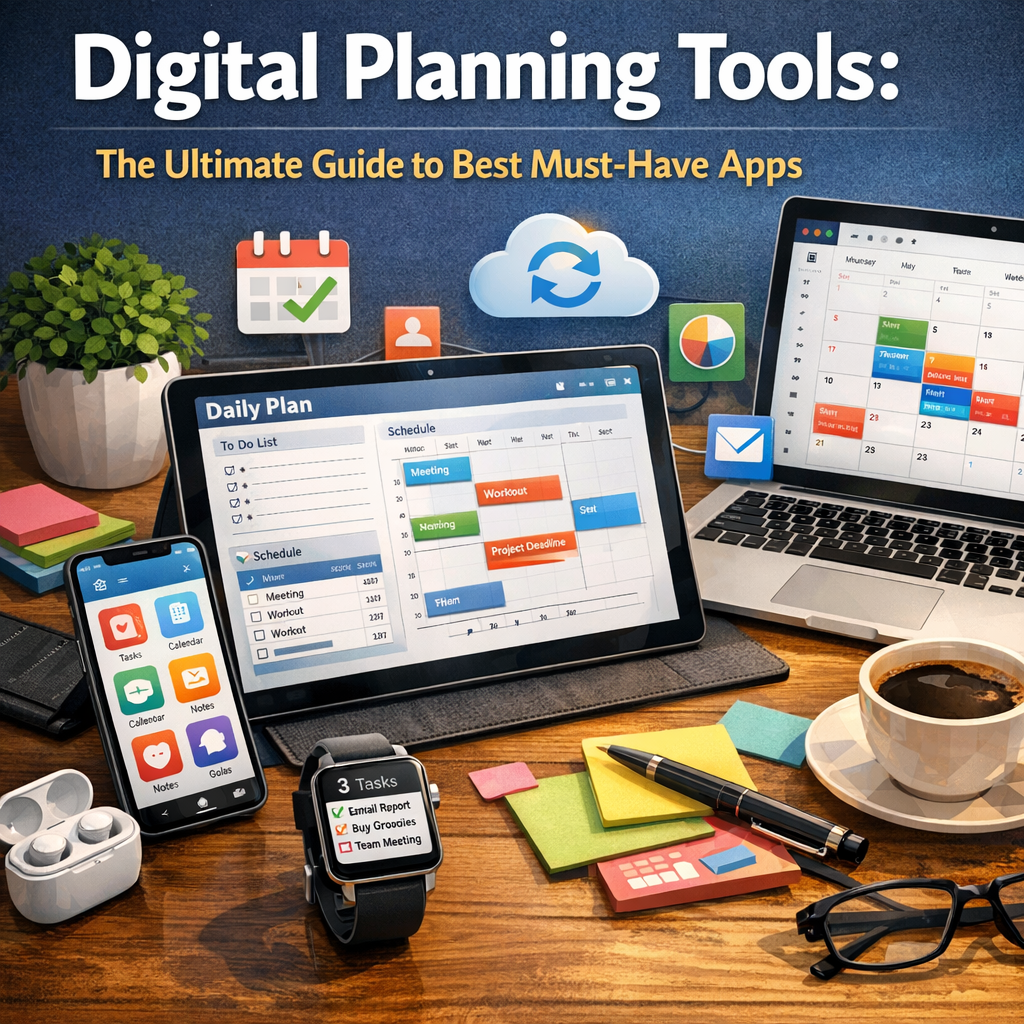
Digital planning tools offer numerous advantages over traditional paper planners. First, they provide instant access to your schedule across devices, including smartphones, tablets, and computers. This means your calendar or to-do list is always within reach. Additionally, many apps have collaborative features, allowing teams or families to coordinate efforts seamlessly.
Furthermore, digital planners often include reminders, alarms, and priority settings, helping users stay on track even amidst a busy day. Some tools come equipped with analytics, which can help you understand your productivity patterns and identify areas for improvement.
Must-Have Features to Look for in Digital Planning Tools
Before diving into app recommendations, it’s important to consider key features that can set a good digital planner apart from the rest.
– User-friendly Interface: A clean, intuitive design ensures you spend more time planning and less time figuring out how to use the app.
– Cross-Platform Synchronization: The ability to sync your data across multiple devices is critical for seamless access.
– Task Management: Look for apps that allow you to create, categorize, and prioritize tasks efficiently.
– Calendar Integration: Integration with existing calendars (Google Calendar, Outlook, Apple Calendar) helps consolidate schedules.
– Customization: Flexibility to personalize views, themes, and reminders enhances user experience.
– Collaboration Tools: If you work with a team or manage family activities, shared scheduling features are invaluable.
Top Digital Planning Tools You Should Try
Here is a curated list of some of the best digital planning tools, categorized by their standout strengths.
1. Notion – The All-in-One Workspace
Notion is more than just a digital planner—it’s a robust productivity app that combines notes, calendars, task lists, and databases into one customizable platform. Its drag-and-drop interface allows users to create personalized dashboards for projects, daily planning, or habit tracking. The ability to collaborate with others makes it ideal for teams.
Why it’s great: Highly flexible, supports multimedia notes, and integrates with other apps like Google Drive and Trello.
2. Todoist – Powerful Task Management
Todoist focuses on task and project management, helping users break down complex projects into manageable subtasks. The app supports prioritization with color-coded labels and recurring tasks, making it perfect for staying on top of deadlines.
Why it’s great: Clean design, robust notification system, and integration with apps like Slack and Dropbox.
3. Google Calendar – Seamless Scheduling
Google Calendar is a staple for digital planning due to its simplicity and wide integration with other Google services. It supports event scheduling, reminders, and the ability to share calendars with others for collaborative planning.
Why it’s great: Familiar interface, free to use, and great for managing appointments and events.
4. Microsoft OneNote – For the Visual Planner
If you prefer a more visual and freeform approach to planning, Microsoft OneNote is an excellent choice. It works like a digital notebook where you can jot down notes, sketch plans, and clip web resources all organized into customizable sections.
Why it’s great: Ideal for creative thinkers, supports multimedia input, and integrates seamlessly with other Office 365 tools.
5. Trello – Visual Project Management
Trello uses a card-and-board system to help users organize tasks and projects visually. It’s particularly useful for workflows that benefit from moving tasks through different phases, like planning → in progress → done.
Why it’s great: Simple drag-and-drop functionality, great for teams, and supports power-ups like calendar view and automation.
How to Choose the Right Digital Planning Tools for You
Choosing a digital planner boils down to your specific needs and personal workflow. Start by listing what you want to achieve — is it better daily task management, project tracking, or calendar coordination? Try free versions whenever possible to get a feel for the app’s usability before committing.
You might also want to combine tools; for example, using Google Calendar for scheduling and Todoist for tracking daily tasks. The key is to keep your system simple and maintain consistency in usage.
Tips for Maximizing Your Digital Planning Experience
– Set Regular Review Sessions: Weekly reviews help you adjust priorities and stay on top of upcoming deadlines.
– Utilize Notifications: Don’t ignore reminders—they’re there to keep you accountable.
– Keep it Updated: Digital planning is most effective when you update it consistently with new tasks or changes.
– Explore Integrations: Many apps play well together, and automations can save time.
—
In conclusion, digital planning tools have become essential for managing the demands of modern life. By leveraging apps tailored to your specific needs, you can streamline your workflow, reduce stress, and create more space for what truly matters. Whether you opt for an all-in-one platform like Notion or a specialized task manager like Todoist, the ultimate goal is to find a system that empowers you to plan effectively and seize control of your day.