
Digital Planning Tools Guide: Best Must-Have Apps for Success
In today’s fast-paced world, staying organized and managing time effectively can be challenging. Digital planning tools have become essential for boosting productivity, tracking goals, and maintaining a balanced lifestyle. Whether you’re a student, professional, entrepreneur, or simply someone looking to get more organized, the right digital planning tools can transform how you prioritize tasks and achieve success. In this guide, we’ll explore some of the best must-have apps that can help streamline your planning process and elevate your productivity.
Why Choose Digital Planning Tools?
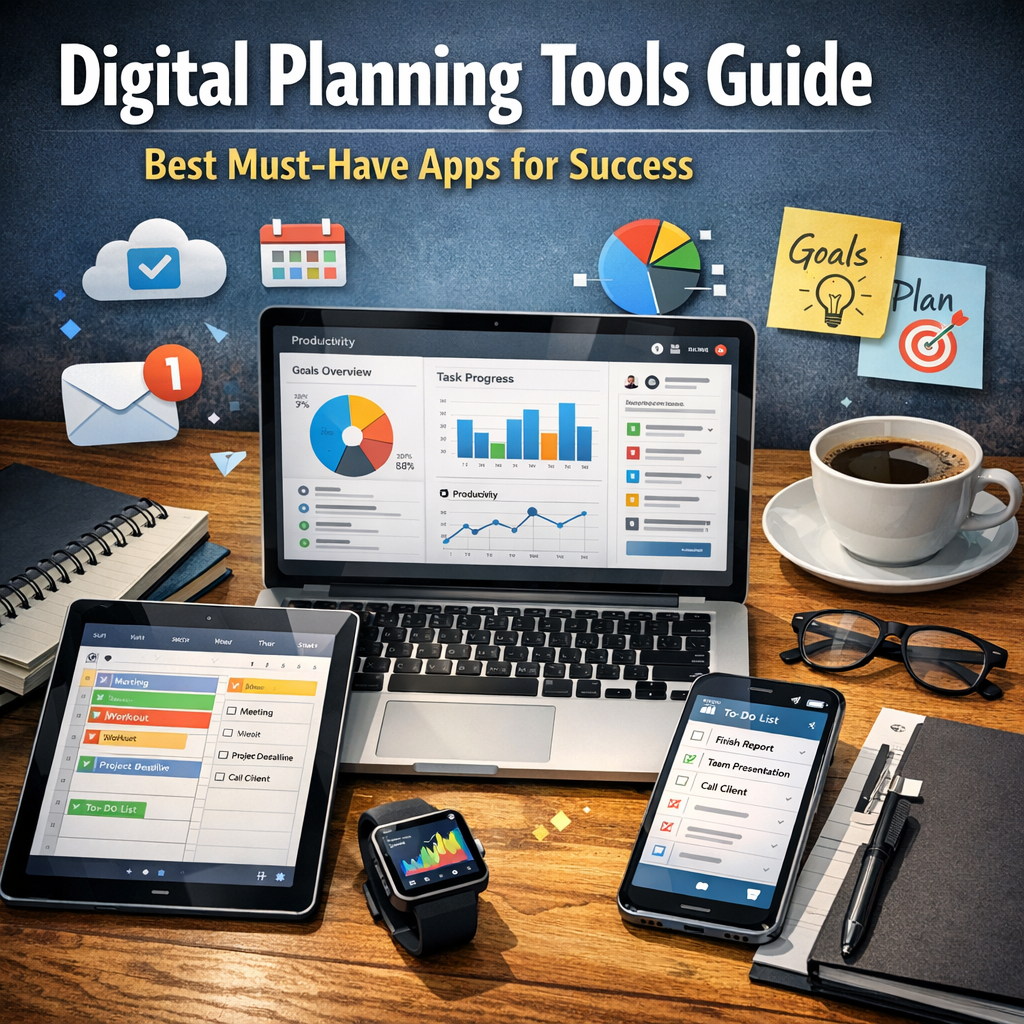
Digital planning tools offer several advantages over traditional pen-and-paper planners. They are flexible, accessible across multiple devices, easy to update, and often come with powerful features like reminders, integrations, and collaboration options. Plus, many apps come with customizable templates and analytics to help users track habits and progress. With so many options available, it’s important to understand what makes a digital planner truly effective.
Key Features to Look for in Digital Planning Tools
Before diving into specific recommendations, consider these features when choosing your digital planning apps:
– Ease of Use: The interface should be intuitive and simple to navigate.
– Task and Calendar Integration: Ability to sync with calendars (Google, Outlook) for seamless scheduling.
– Reminders and Notifications: Timely alerts keep you on track.
– Customization: Flexibility to create to-do lists, notes, and various types of planners.
– Collaboration: Share plans with team members or family when necessary.
– Cross-Platform Support: Availability on desktop, mobile, and tablets for accessibility.
– Offline Functionality: Capability to work without internet connectivity.
– Goal and Habit Tracking: Features to monitor progress over time.
Top Digital Planning Tools for Success
1. Todoist – The Ultimate Task Manager
Todoist is a powerful digital planner designed for users looking to stay on top of their daily to-do lists. It offers a clean design with robust task management features such as subtasks, recurring due dates, priority levels, and labels. Integration with Google Calendar and popular apps like Slack or Dropbox makes it ideal for team collaboration. With its mobile and desktop apps, Todoist helps ensure you never miss a deadline.
2. Notion – An All-in-One Workspace
Notion is more than just a digital planning tool; it’s a comprehensive workspace that allows you to create notes, databases, calendars, to-do lists, and project boards. Its flexibility makes it perfect for individuals who prefer customized workflows. The drag-and-drop interface combined with numerous templates helps users design personalized planners tailored to their specific needs. Notion also supports real-time collaboration, so teams can stay aligned.
3. Trello – Visual Planning Made Simple
For those who thrive on visual organization, Trello offers a board-and-card system perfect for project and task management. It lets users create lists and cards that represent tasks and projects, which can be moved around as progress is made. Trello’s integration with tools like Google Drive, Slack, and Evernote makes it ideal for collaborative environments. This tool is especially popular among creatives and agile teams.
4. Microsoft OneNote – Your Digital Notebook
OneNote is an excellent option if you want a digital planning tool focused on note-taking with planning capabilities. It allows easy organization with sections and pages, making it easy to keep daily notes, class materials, or meeting minutes all in one place. Integration with Microsoft 365 facilitates smooth communication between apps like Outlook and Teams, making it a strong contender for business users.
5. Google Keep and Google Calendar – Simple and Effective
Google Keep, combined with Google Calendar, provides a minimalist yet highly efficient approach to digital planning. Keep offers colorful, easy-to-use note-taking with reminders, while Google Calendar ensures all your appointments and deadlines are visible at a glance. Both tools work seamlessly within Google’s ecosystem, making it perfect for users who already rely on Google apps for work or personal use.
Tips for Maximizing Your Use of Digital Planning Tools
– Establish a Routine: Dedicate time daily to review and update your planner.
– Set SMART Goals: Use your tools to set Specific, Measurable, Achievable, Relevant, and Time-bound objectives.
– Prioritize Tasks: Focus on high-impact activities first to improve productivity.
– Leverage Reminders: Set timely alerts to prevent procrastination or missed deadlines.
– Combine Tools if Needed: Sometimes, using multiple apps for different functions (e.g., Todoist for tasks, Notion for projects) can be more efficient.
– Regularly Review Progress: Utilize analytics or habit-tracking features to adjust your planning strategies.
Conclusion
Digital planning tools play a crucial role in helping individuals and teams achieve their goals by providing efficient, customizable, and accessible ways to organize tasks and projects. From task managers like Todoist to flexible platforms like Notion and Trello, each app offers unique features suited to different planning styles. By selecting the right digital planning tools and integrating them into your daily routine, you can boost productivity, reduce stress, and set yourself up for ongoing success. Embrace these tools today and experience the transformative impact of organized digital planning.