
Project Management Tools Guide: Best Must-Have Solutions for Success
In today’s fast-paced business environment, project management tools have become indispensable for teams striving to deliver projects on time, within budget, and to the desired quality standards. Whether you’re leading a small team or coordinating multi-departmental efforts, the right project management tools can streamline workflows, enhance communication, and boost productivity. This comprehensive guide explores the best must-have project management solutions to help you achieve success and keep your projects running smoothly.
Why Project Management Tools Are Essential for Success
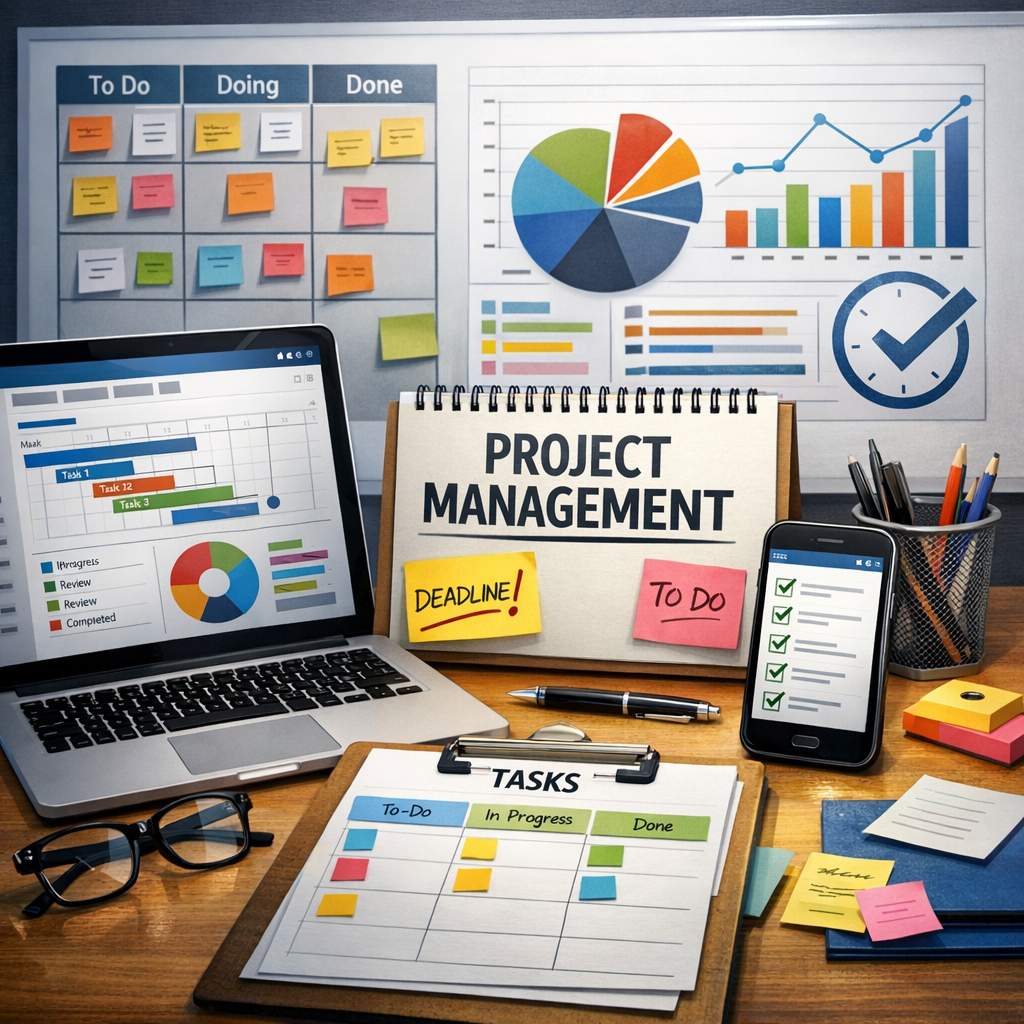
Project management tools are designed to facilitate the planning, execution, and tracking of projects. They provide a centralized platform where team members can collaborate, allocate resources, set deadlines, and monitor progress. Without these tools, many projects can suffer from miscommunication, missed deadlines, and disorganized workflows.
The right project management tools enable teams to:
– Visualize project timelines using Gantt charts, calendars, or Kanban boards
– Communicate efficiently through integrated chat features and comment threads
– Manage resources effectively by tracking workloads and schedules
– Automate repetitive tasks with workflow automation capabilities
– Generate reports to analyze performance and spot bottlenecks
With so many solutions available, knowing which project management tools are essential can be overwhelming. Let’s break down some of the best categories and examples to help you find the perfect fit.
Key Categories of Project Management Tools
1. Task and Workflow Management
At the core of every project management tool is task management. These solutions allow users to create and assign tasks, set deadlines, and track completion.
– Trello: Based on the Kanban method, Trello uses boards, lists, and cards to organize projects visually. It’s especially useful for teams who want a simple, intuitive interface.
– Asana: A more feature-rich platform, Asana offers timelines, custom fields, and multiple project views, making it ideal for complex projects.
2. Communication and Collaboration
Smooth communication is vital for project success. Tools that combine messaging, file sharing, and video conferencing help teams stay aligned.
– Slack: Integrates with many project management platforms and supports channels, direct messaging, and file sharing to keep conversations organized.
– Microsoft Teams: Offers chat, video calls, and integrates seamlessly with Microsoft 365 apps like Word, Excel, and OneNote.
3. Resource Management and Scheduling
Efficient allocation of resources ensures projects have the right personnel and tools when needed.
– Monday.com: Known for its visually appealing dashboards, Monday.com tracks workloads, deadlines, and budgets in one place.
– Smartsheet: Combines the familiarity of spreadsheets with project management capabilities and resource tracking.
4. Time Tracking and Reporting
Keeping an eye on how time is spent allows managers to optimize productivity and bill clients accurately.
– Harvest: Combines time tracking, expense management, and invoicing for service-based teams.
– ClickUp: Offers detailed reporting and time tracking integrated within a broader project management system.
How to Choose the Right Project Management Tools for Your Team
Choosing the best project management tools requires understanding the unique needs of your team and projects. Here are some factors to consider:
Assess Your Project Complexity
Simple projects may only need basic task management tools, whereas complex projects benefit from tools with dependency tracking, milestones, and risk management features.
Evaluate Integration Capabilities
If your team uses other software like CRM, accounting, or development tools, selecting a project management solution that integrates smoothly can save time and minimize errors.
Prioritize User-Friendliness
Tools with a steep learning curve might delay adoption. Look for platforms with intuitive interfaces and available training resources.
Consider Scalability
Choose tools that can grow with your business needs, whether through adding more users, advanced features, or specialized modules.
Tips for Maximizing the Benefits of Project Management Tools
Simply adopting project management tools is not enough. To leverage their full potential, consider the following best practices:
– Standardize Processes: Define workflows and encourage consistent usage of the tools across all projects.
– Train Your Team: Offer training sessions and create documentation to help team members use the tools effectively.
– Regularly Review Progress: Use reporting features to hold regular check-ins and adjust plans as needed.
– Encourage Collaboration: Foster a culture where team members actively communicate and update the project statuses promptly.
Conclusion
Project management tools play a crucial role in steering projects toward success by improving organization, communication, and resource management. From simple task boards to all-in-one platforms with comprehensive features, there are solutions tailored to every team’s needs. By carefully selecting and implementing the right project management tools, you empower your team to work more efficiently, reduce errors, and consistently deliver exceptional results. Start exploring these must-have tools today, and watch your projects thrive.