
Task Management Software: The Ultimate Best Guide for Success
In today’s fast-paced work environment, staying organized and on top of your responsibilities is more critical than ever. Task management software has emerged as an indispensable tool for businesses, teams, and individuals who want to enhance productivity and streamline their workflow. Whether you’re managing a complex project with multiple stakeholders or simply keeping track of your daily to-do list, this guide will walk you through everything you need to know to maximize your success with task management software.
What is Task Management Software?
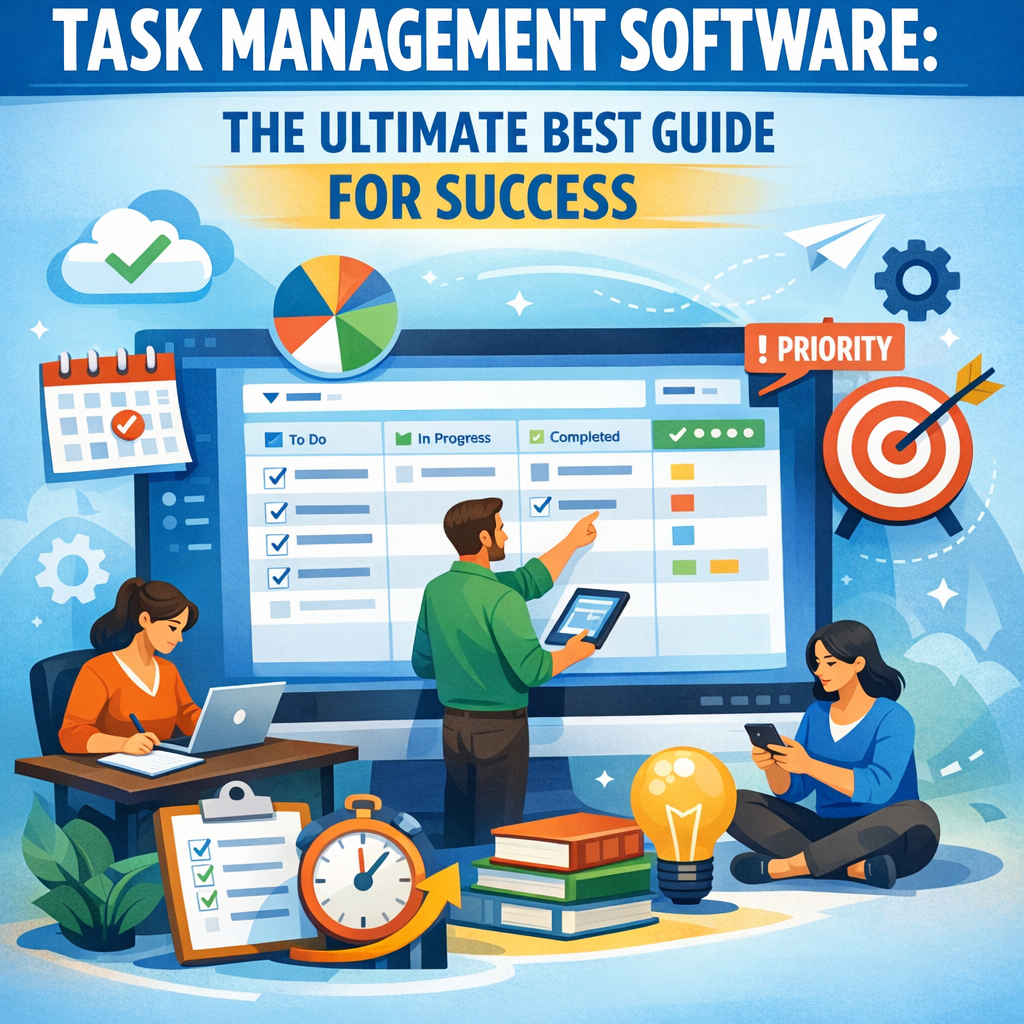
Task management software refers to digital tools designed to help users create, organize, prioritize, and track tasks and projects. Unlike traditional methods like sticky notes or spreadsheets, task management software provides a centralized platform to visualize workload, deadlines, and progress in real time. These tools offer features such as task assignment, deadline reminders, file sharing, collaborative workspaces, time tracking, and analytics to boost efficiency.
By adopting task management software, individuals and teams alike benefit from clearer communication, reduced errors, and enhanced accountability.
Why Task Management Software is Essential for Success
In any professional setting, managing tasks effectively can directly impact outcomes, deadlines, and overall satisfaction. Here’s why leveraging task management software is fundamental for success:
– Improved Organization: Tasks are visually organized through lists, boards, or calendars, allowing you to prioritize work in a logical and effective manner.
– Increased Accountability: Assigning tasks to specific team members ensures responsibility is clear, and progress can be tracked easily.
– Enhanced Collaboration: Many software options allow multiple users to update and comment on tasks, fostering teamwork regardless of geographical distance.
– Time Management: Automated notifications and deadline tracking help reduce missed deadlines and last-minute rushes.
– Resource Optimization: Features like workload management allow leaders to balance task distribution and avoid burnout.
Key Features to Look For in Task Management Software
When choosing the right task management software, consider features aligned with your workflow and team size. Essential characteristics often include:
Task Creation and Prioritization
A good task management tool should provide easy ways to create detailed tasks with due dates, labels, priorities, and sub-tasks. This granularity helps break down large projects into manageable steps.
Collaboration Capabilities
Whether your team works in-house or remotely, collaboration features such as shared workspaces, comments, document attachments, and notifications make working together seamless.
Visualization Tools
Kanban boards, Gantt charts, and calendar views help teams visualize deadlines and workflow stages. This aspect supports better planning and helps identify potential bottlenecks.
Integration and Automation
Integration with tools such as email, calendars, communication platforms (Slack, Microsoft Teams), and cloud storage drives productivity. Automation, such as recurring tasks and reminders, reduces manual entry and oversight.
Reporting and Analytics
The capability to monitor task completion rates, time spent, and project progress gives managers valuable insights to refine future workflows.
How to Implement Task Management Software for Maximum Benefit
Choosing the best software is only the first step. To get the most from a tool, follow these steps:
1. Define Your Needs
Analyze your current project management challenges. Are you struggling with missed deadlines, unclear responsibilities, or poor communication? Identifying pain points helps tailor the software setup accordingly.
2. Select the Right Tool
Evaluate software options based on features, pricing, ease of use, and scalability. Popular task management tools include Asana, Trello, Monday.com, and ClickUp —each with unique strengths.
3. Train Your Team
Provide comprehensive onboarding sessions and resources to ensure everyone understands how to use the software effectively. Encourage adopting best practices like updating task statuses regularly.
4. Customize Workflows
Tailor the software interface and workflows to your team’s processes—create templates for repetitive projects to save time and maintain consistency.
5. Monitor and Optimize
Regularly review task completion and team feedback. Adjust settings, workflows, or training to continuously improve productivity.
Common Mistakes to Avoid with Task Management Software
Despite its benefits, some pitfalls can reduce the effectiveness of task management software:
– Overcomplication: Avoid adding too many task details or unnecessary steps that slow down progress.
– Neglecting Updates: If team members neglect to update task statuses, the tool loses accuracy and usefulness.
– Ignoring User Feedback: Software should evolve with your needs. Regularly ask users for input and make necessary adjustments.
– Not Integrating with Other Tools: Isolating task management from other platforms may lead to duplicated efforts.
Conclusion
Task management software is more than just a digital checklist; it’s a dynamic solution that transforms how individuals and teams organize their work and achieve goals. By understanding what it offers, selecting the right tool, and implementing it thoughtfully, you set the stage for improved productivity, collaboration, and overall success.
Investing the time to master task management software pays off in smoother workflows, better communication, and meeting deadlines with confidence. Embrace these tools today and take your task completion strategies to the next level.