
Remote Work Tools: The Ultimate Must-Have Guide for Success
Remote work tools have become essential in today’s fast-evolving workplace landscape. As more companies adopt flexible working arrangements, having the right tools ensures productivity, collaboration, and seamless communication no matter where you or your team members are located. In this comprehensive guide, we’ll explore the must-have remote work tools that can help individuals and organizations thrive in a virtual environment.
Why Remote Work Tools Are Crucial
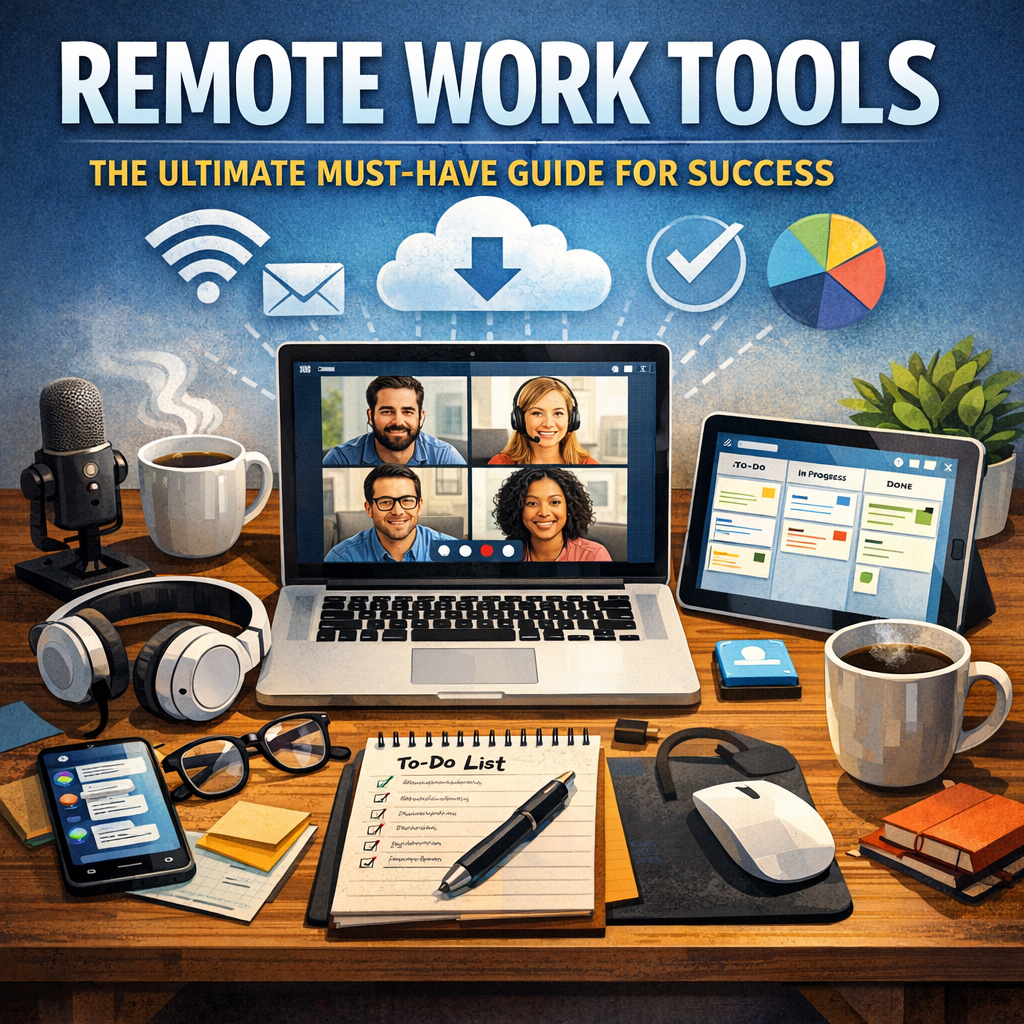
With the rise of remote work, traditional office setups have rapidly shifted to digital spaces. This transition comes with unique challenges such as maintaining team connectivity, managing projects efficiently, and ensuring security in home environments. Remote work tools bridge these gaps by offering platforms and applications designed to replicate and often enhance office functionality.
Using the right tools can greatly reduce the obstacles caused by physical distance. They empower employees to communicate in real time, organize tasks, and stay motivated. Moreover, remote work tools often provide analytics and reporting features that help managers oversee progress without micromanaging.
Key Categories of Remote Work Tools You Need to Know
Communication and Collaboration
Keeping in touch is the foundation of successful remote work, making communication tools indispensable. Beyond standard email, platforms that offer instant messaging, video conferencing, and file sharing are vital.
– Slack: Known for its user-friendly interface and channel-based messaging, Slack allows teams to organize conversations by projects or topics. It also integrates with many other tools, simplifying workflow.
– Zoom: A go-to platform for video meetings, webinars, and virtual team hangouts, Zoom supports HD video and screen sharing options.
– Microsoft Teams: Combines video calls, chats, file storage, and collaboration all in one platform, making it a strong choice for enterprises already using Microsoft Office 365.
Project Management and Organization
Remote work can become chaotic without a centralized system to track tasks and deadlines. Project management tools provide transparency and ensure everyone knows their responsibilities.
– Trello: Uses a visual, card-based system that is intuitive for tracking projects through different stages. It’s perfect for smaller teams and straightforward workflows.
– Asana: Offers more advanced features like timeline views, task dependencies, and custom fields to accommodate complex projects.
– Monday.com: Provides a highly customizable interface to tailor project tracking according to your team’s unique needs.
Time Management and Productivity
Staying focused while working remotely requires more self-discipline. Time management tools can help boost productivity by tracking work hours and minimizing distractions.
– Toggl Track: Allows individuals and teams to monitor how much time is spent on various tasks, helping identify bottlenecks.
– Focus@Will: A productivity app that uses specially curated music to improve concentration during work sessions.
– RescueTime: This tool runs in the background to analyze how you spend your digital hours and offers insights to improve focus.
Security and Privacy Tools
Security concerns increase when employees access company data from personal devices or unsecured networks. Protecting sensitive information is essential for compliance and trust.
– VPNs (Virtual Private Networks): Services like NordVPN or ExpressVPN create secure connections to protect data from hackers.
– LastPass: A password manager that stores and encrypts login credentials, reducing the risk of breaches due to weak passwords.
– Two-Factor Authentication (2FA): Adds a critical layer of security by requiring multiple forms of verification before allowing access.
Tips for Selecting the Best Remote Work Tools
With so many options available, it’s important to choose tools that fit your specific work style and team needs. Here are some pointers:
– Assess your team’s workflow: Identify pain points and prioritize tools that resolve those issues.
– Look for integration capabilities: Tools that can seamlessly connect with each other reduce double work and confusion.
– Consider ease of use: User adoption depends heavily on intuitive design. Don’t overcomplicate your setup.
– Test before committing: Most remote work tools offer free trials—use them to understand functionality and fit.
– Focus on security: Especially for remote teams handling sensitive information, prioritize tools with robust security features.
Embracing Remote Work Tools for Long-Term Success
Remote work is not a passing trend but an integral part of modern workforce strategies. Investing time and resources in the right remote work tools boosts engagement, reduces misunderstandings, and promotes efficiency. Whether you’re a freelancer, an entrepreneur, or part of a sizable enterprise, adapting your toolkit to support remote collaboration will help you stay competitive and connected.
By understanding the varied functions of communication, project management, productivity, and security tools, you can build a remote work environment designed for success. Ultimately, these tools are more than just software—they represent a shift in how we approach work, enabling freedom without sacrificing performance.
—
In conclusion, leveraging effective remote work tools is essential for navigating the complexities of distributed teams and hybrid work models. With careful selection and consistent usage, your team can overcome the barriers of remote work and cultivate a productive, inclusive, and secure digital workplace.