
Team Efficiency Tools: The Ultimate Guide to Best Productivity Boosters
In today’s fast-paced business environment, team efficiency tools have become indispensable for organizations aiming to maximize productivity and streamline workflows. These tools empower teams to collaborate seamlessly, manage tasks effectively, and maintain clear communication, ultimately driving better results. Whether you’re leading a small startup or managing a large corporate team, selecting the right efficiency tools can transform the way your team works.
Why Team Efficiency Tools Matter
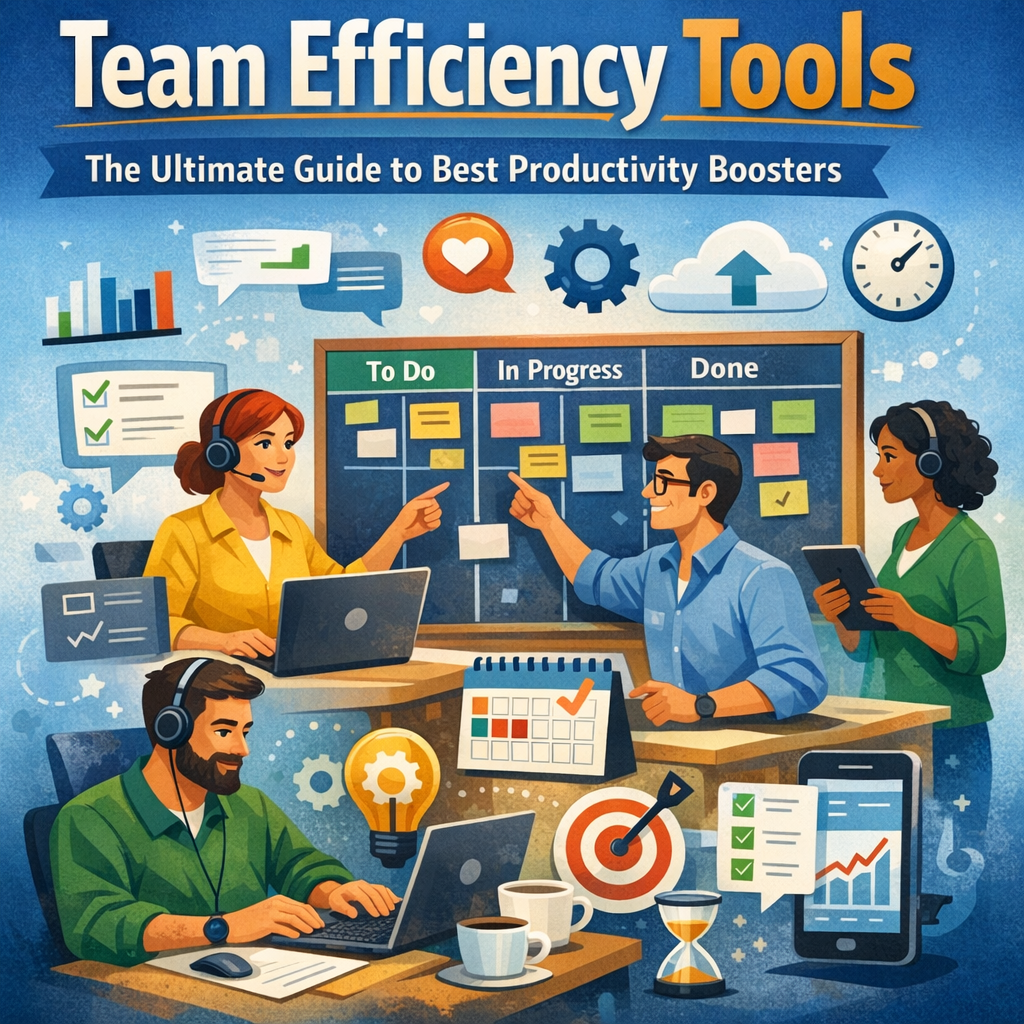
The modern workplace is more dynamic and interconnected than ever, making traditional work methods less effective. Teams often face challenges such as fragmented communication, missed deadlines, and overlapping responsibilities. Team efficiency tools address these pain points by providing platforms that integrate various functions like task management, communication, file sharing, and real-time collaboration.
By leveraging these tools, organizations can:
– Reduce time wasted on repetitive or manual tasks
– Improve team coordination and accountability
– Enhance transparency across project milestones
– Foster a culture of continuous improvement and innovation
With the right combination of tools, teams can increase productivity, reduce errors, and ultimately deliver higher-quality outcomes to clients and stakeholders.
Top Types of Team Efficiency Tools
Understanding the types of team efficiency tools available helps organizations choose the best fit for their unique workflows. Here’s a breakdown of some of the most effective categories:
1. Project and Task Management Software
Tools like Asana, Trello, and Monday.com are designed to help teams organize and prioritize work. They enable task assignment, deadline tracking, and progress monitoring with user-friendly interfaces.
Benefits:
– Centralized task lists and boards
– Visual timelines such as Gantt charts
– Automated reminders and notifications
2. Communication Platforms
Effective communication is the backbone of team efficiency. Platforms such as Slack, Microsoft Teams, and Zoom facilitate instant messaging, video conferencing, and collaboration channels.
Benefits:
– Real-time interaction regardless of location
– Integration with other tools for a unified workflow
– Robust search functions to retrieve past communications
3. Document Collaboration and Cloud Storage
Google Workspace and Microsoft 365 offer cloud-based solutions for document creation, editing, and storage. These tools allow multiple team members to work simultaneously on documents without version conflicts.
Benefits:
– Seamless collaboration on reports, spreadsheets, and presentations
– Automatic saving and version history
– Easy file sharing with controlled access permissions
4. Time Tracking and Productivity Analytics
Understanding how time is spent can reveal productivity bottlenecks. Tools like Toggl, RescueTime, and Harvest provide insights into task durations and employee productivity trends.
Benefits:
– Detailed reports on work patterns
– Better project budgeting and resource allocation
– Identification of distractions or inefficiencies
How to Choose the Right Team Efficiency Tools
Selecting tools that truly boost team productivity involves more than just picking popular software. Here are key considerations:
– Ease of use: The learning curve should be minimal to ensure quick adoption.
– Integration: Tools should work well with existing software to avoid silos.
– Scalability: The solution must accommodate growing teams and changing needs.
– Customizability: Teams benefit from tools that adapt to workflows, not the other way around.
– Security: Protecting sensitive information through robust security measures is critical.
By involving team members in the selection process and running trial periods, organizations can better identify tools that fit their culture and operational needs.
Best Practices for Maximizing Team Efficiency Tools
Even the best tools won’t yield benefits if not used effectively. Consider these strategies:
– Provide Training: Equip team members with the knowledge to use tools proficiently.
– Set Clear Guidelines: Establish expectations around communication protocols and task updates.
– Encourage Consistency: Regularly update task statuses and document work progress to maintain transparency.
– Review and Adapt: Continually assess tool performance and make adjustments based on feedback.
Promoting a collaborative, tech-savvy culture ensures that efficiency tools enhance team performance rather than becoming overlooked or misused.
Future Trends in Team Efficiency Tools
As remote and hybrid work models grow, team efficiency tools are evolving rapidly. Artificial intelligence (AI) and machine learning are being incorporated to automate routine tasks like scheduling, report generation, and workflow optimization. Virtual reality (VR) and augmented reality (AR) are poised to revolutionize remote collaboration by providing immersive meeting experiences.
Staying informed about emerging technologies and adopting innovative tools will give teams a competitive edge in productivity.
Conclusion
Investing in the right team efficiency tools is pivotal for any organization striving for operational excellence. These tools not only streamline project management and communication but also promote a culture of collaboration and accountability. By carefully choosing solutions tailored to team needs and continuously refining their usage, companies can unlock unprecedented levels of productivity and team satisfaction. The ultimate productivity boosters are within reach—your team just needs the right tools and guidance to harness their full potential.