
Remote Office Tools: The Ultimate Guide to Best Must-Have Solutions
In today’s rapidly evolving work landscape, remote office tools have become indispensable for businesses and individuals seeking to maintain productivity, communication, and collaboration beyond traditional office walls. Whether you are a freelancer, a startup, or a large enterprise, having the right set of tools can determine how effectively your remote operations run. This ultimate guide dives deep into the best must-have remote office tools that can empower teams to work seamlessly, stay connected, and thrive in any environment.
Understanding the Importance of Remote Office Tools
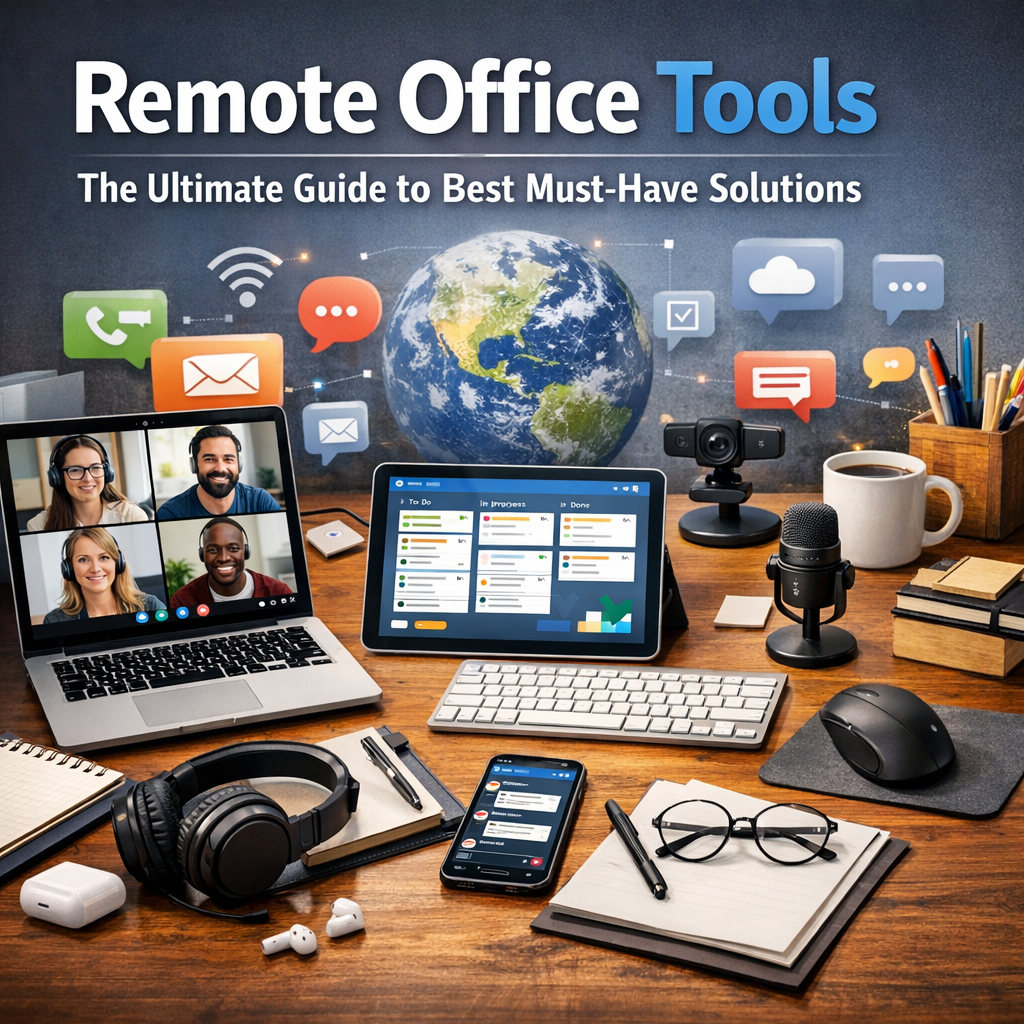
Remote office tools encompass a broad range of software and applications designed to support various aspects of work conducted away from a physical office. From project management and communication platforms to time-tracking and virtual meeting solutions, these tools help overcome the challenges posed by distributed teams and distance communication.
The global shift to remote work, accelerated by recent world events, has highlighted the need for businesses to invest wisely in tools that improve efficiency and engagement. Without a robust toolkit, remote workers often face issues like miscommunication, task mismanagement, and decreased motivation. This is why identifying the best remote office tools is critical for sustained success.
Essential Categories of Remote Office Tools
To build an effective remote office, it’s important to understand the types of tools available and what each category addresses.
1. Communication and Collaboration Tools
Clear and instant communication lies at the heart of every productive remote office. The best remote office tools make it easy for teams to exchange ideas, share updates, and collaborate in real-time.
– Messaging Platforms: Slack, Microsoft Teams, and Discord provide threaded conversations and channels that keep discussions organized.
– Video Conferencing: Zoom, Google Meet, and Microsoft Teams enable face-to-face interaction, helping build rapport and clarifying complex topics.
– Document Collaboration: Google Workspace and Microsoft 365 allow multiple users to edit documents, spreadsheets, and presentations simultaneously.
2. Project Management Tools
Managing tasks and deadlines across distributed teams can be tricky. Project management software helps streamline workflows and maintain visibility over work progress.
– Kanban Boards: Tools like Trello and Asana visualize tasks using boards and cards, making it easy to track project stages.
– Comprehensive PM Suites: Monday.com and ClickUp combine task management, time tracking, and reporting features for a holistic approach.
3. Time Tracking and Productivity Tools
Maintaining productivity without micromanagement requires tools that provide insight into how time is spent and help prioritize tasks.
– Time Trackers: Toggl and Harvest monitor time spent on different projects, aiding in billing and productivity assessments.
– Focus Apps: Tools such as Forest or Focus Booster encourage sustained attention with Pomodoro timers and distraction blockers.
4. Cloud Storage and File Sharing
Access to up-to-date files anytime, anywhere is essential for remote teams. Cloud storage services ensure secure and easy file sharing without the constraints of local hardware.
– Popular Options: Dropbox, Google Drive, and OneDrive offer scalable storage solutions with permission controls and version history.
5. Security and VPN Tools
With remote work increasing exposure to cyber threats, security tools safeguard sensitive information and maintain privacy.
– VPN Services: NordVPN and ExpressVPN encrypt internet connections, protecting data on public networks.
– Password Managers: LastPass and 1Password help manage complex passwords and secure access to various platforms.
How to Choose the Right Remote Office Tools for Your Team
Selecting the best remote office tools doesn’t mean opting for the most popular or feature-rich software. Instead, consider these factors:
– Team Size and Structure: Some tools are better suited for small teams, while others scale effortlessly for larger enterprises.
– Integration Capabilities: Ensure your tools can integrate with one another to create a smooth workflow.
– User-Friendliness: Adoption rates are higher when tools are intuitive and require minimal training.
– Cost and Budget: Many tools offer tiered pricing or freemium options, so balance features with your budget constraints.
– Security Standards: Confirm that the tools meet your organization’s security policies and compliance requirements.
Maximizing Efficiency with Remote Office Tools
Once equipped with the right remote office tools, maximizing their potential requires thoughtful implementation:
– Set Clear Usage Guidelines: Define how and when teams should use each tool to avoid overlap and confusion.
– Provide Training and Support: Help team members adapt quickly through tutorials, webinars, or help desks.
– Encourage Consistent Use: Foster a culture that values communication and accountability by regularly using the tools.
– Regularly Evaluate Tools: Technology evolves fast—periodically reassess your toolset to ensure it still aligns with your workflow.
Looking Ahead: The Future of Remote Office Tools
As remote and hybrid work models become the norm, remote office tools will continue to evolve. Artificial intelligence, augmented reality, and advanced analytics are beginning to find their way into everyday workflows, promising even higher levels of productivity and engagement.
Staying ahead means adopting a mindset of continuous improvement and being open to experimenting with emerging tools. The right solutions, carefully selected and properly used, can transform any remote office into a powerhouse of collaboration and innovation.
—
By embracing the best remote office tools tailored to your team’s needs, you’re not just adapting to change—you’re thriving in the new world of work. From communication to security, the solutions outlined here provide a comprehensive foundation to keep your remote operations running smoothly and efficiently.