
Digital Workspace Tools Guide: Exclusive Best Solutions for Success
In today’s fast-evolving environment, digital workspace tools have become essential for businesses striving to enhance productivity, collaboration, and communication. As remote work, hybrid teams, and digital transformation accelerate, companies seek reliable solutions that foster seamless workflow and boost overall efficiency. This comprehensive guide explores some of the best exclusive digital workspace tools to help your organization succeed.
What Are Digital Workspace Tools?
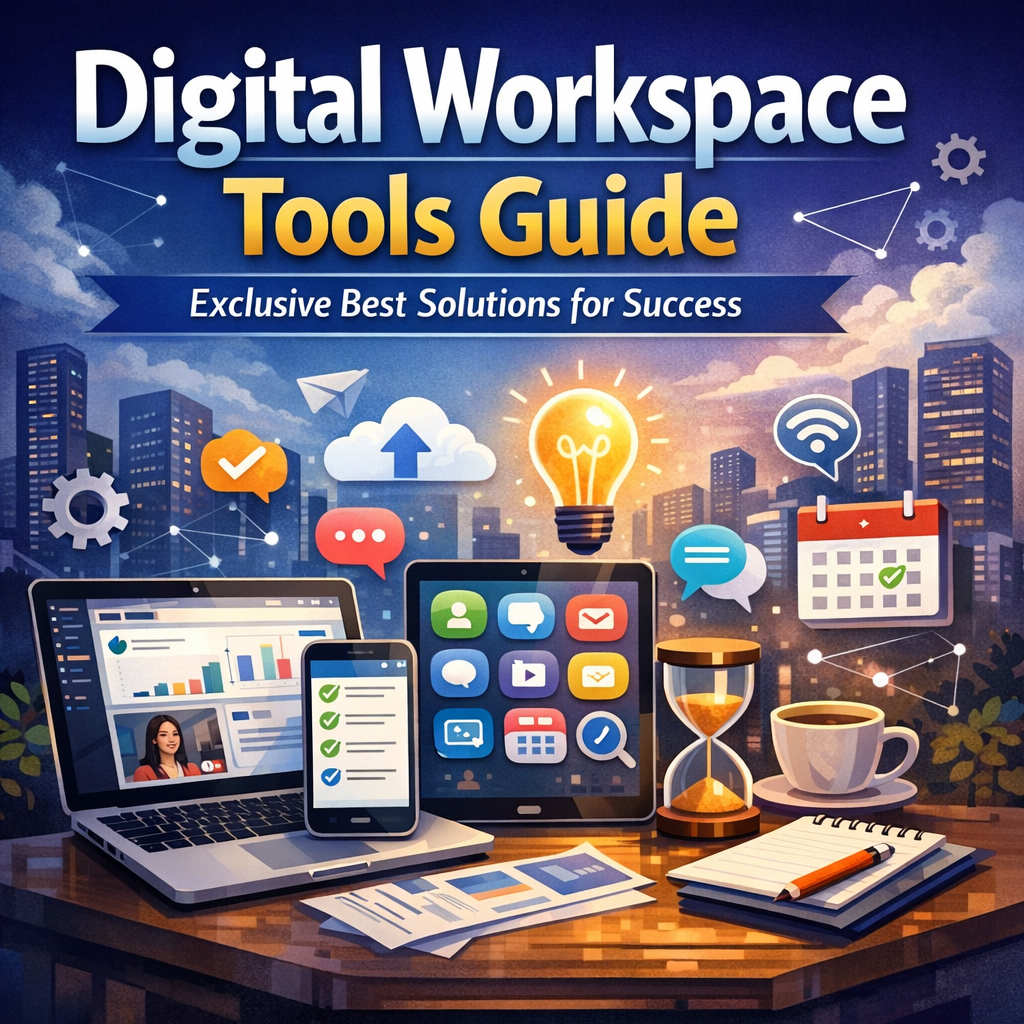
Digital workspace tools refer to a broad array of software applications designed to create a unified virtual environment where employees can access work-related resources, communicate, collaborate, and complete tasks from any device or location. These tools support activities such as file sharing, real-time messaging, video conferencing, project management, and workflow automation, delivering a cohesive workspace without geographic limitations.
Why Are Digital Workspace Tools Important?
The shift to hybrid and remote working models made digital workspace tools a business necessity rather than an optional convenience. They:
– Enhance collaboration among team members regardless of location.
– Streamline communication through integrated chat, video, and email platforms.
– Improve project visibility with organized task management and reporting.
– Offer flexibility and accessibility, empowering employees to work efficiently on any device.
– Support business continuity during disruptions by centralizing digital operations.
Investing in the right tools can dramatically increase employee engagement, reduce operational friction, and lead to better decision-making.
Top Digital Workspace Tools to Consider
Here’s a curated list of some of the best digital workspace tools available today that organizations can leverage to build an effective digital workspace.
1. Microsoft Teams
Microsoft Teams stands out as a robust collaboration suite integrating chat, video conferencing, file sharing, and third-party app integrations all in one platform. It is particularly beneficial for businesses already using Microsoft 365, offering seamless access to Outlook, Word, Excel, and PowerPoint within a shared workspace. Its customizable channels allow teams to organize communication based on projects or departments.
2. Slack
Renowned for its intuitive and user-friendly interface, Slack revolutionizes team communication with instant messaging, channels, and direct messaging options. Slack’s extensive third-party app ecosystem connects with tools like Google Drive, Trello, and Zoom, ensuring they fit effortlessly into existing workflows. Its powerful search functionality makes retrieving past conversations and files simple and error-free.
3. Asana
For project management, Asana is an exclusive choice that tracks tasks, deadlines, and progress in a visually engaging way. It supports detailed task assignment, dependencies, and multiple project views such as lists, boards, or timelines. Integration with communication tools like Slack and calendar apps ensures that work stays aligned and transparent.
4. Zoom
Zoom remains a preferred option for video conferencing, webinars, and virtual meetings. Its high-definition video and audio quality, combined with ease of use, make it a central digital workspace tool for live meetings. Features like breakout rooms and recording enrich the virtual meeting experience, fostering better engagement.
5. Google Workspace
Google Workspace offers a comprehensive suite of cloud-based productivity apps including Gmail, Docs, Sheets, Drive, and Calendar. It excels in real-time collaboration with multiple users editing files simultaneously. Its cloud-first approach means work is always backed up and accessible, ideal for teams operating in a virtual environment.
How to Choose the Right Digital Workspace Tools
Choosing the right tools depends on your organization’s size, industry, existing infrastructure, and specific needs. Here are some considerations:
– Integration: Ensure the tools can integrate smoothly with your current software ecosystem.
– User Experience: Choose intuitive platforms that team members can adopt quickly with minimal training.
– Security: The solution must include robust security and compliance features to protect sensitive data.
– Scalability: Pick tools that grow with your organization and can support increasing users or complexity.
– Cost: Evaluate pricing models carefully to ensure long-term affordability.
Best Practices for Implementing Digital Workspace Tools
Even the best tools fail without proper implementation. Follow these strategies for successful adoption:
– Train your team: Provide comprehensive onboarding sessions and ongoing support.
– Encourage usage: Promote consistent use and set guidelines for communication.
– Monitor effectiveness: Collect feedback and measure usage data to refine workflows.
– Keep it flexible: Allow customization to fit varied team styles and preferences.
Conclusion
Digital workspace tools are the backbone of modern work environments, enabling teams to operate efficiently across geographies and time zones. By carefully selecting and implementing tools like Microsoft Teams, Slack, Asana, Zoom, and Google Workspace, businesses can unlock new levels of productivity and collaboration. Prioritizing integration, security, and user experience will ensure that your digital workspace is not just a collection of apps, but a powerful catalyst for success.
Invest today in the right digital workspace tools and empower your workforce to thrive in the future of work.