
Workflow Automation Tools: The Ultimate Guide to Best Must-Have Solutions
In today’s fast-paced business environment, workflow automation tools have become essential for organizations looking to streamline operations, boost productivity, and reduce human error. These tools allow repetitive and time-consuming tasks to be automated, freeing up valuable time for employees to focus on higher-value activities.
This ultimate guide will explore the benefits of workflow automation tools, highlight some of the best must-have solutions in the market, and provide insight on how to choose the right tool for your specific needs.
What Are Workflow Automation Tools?
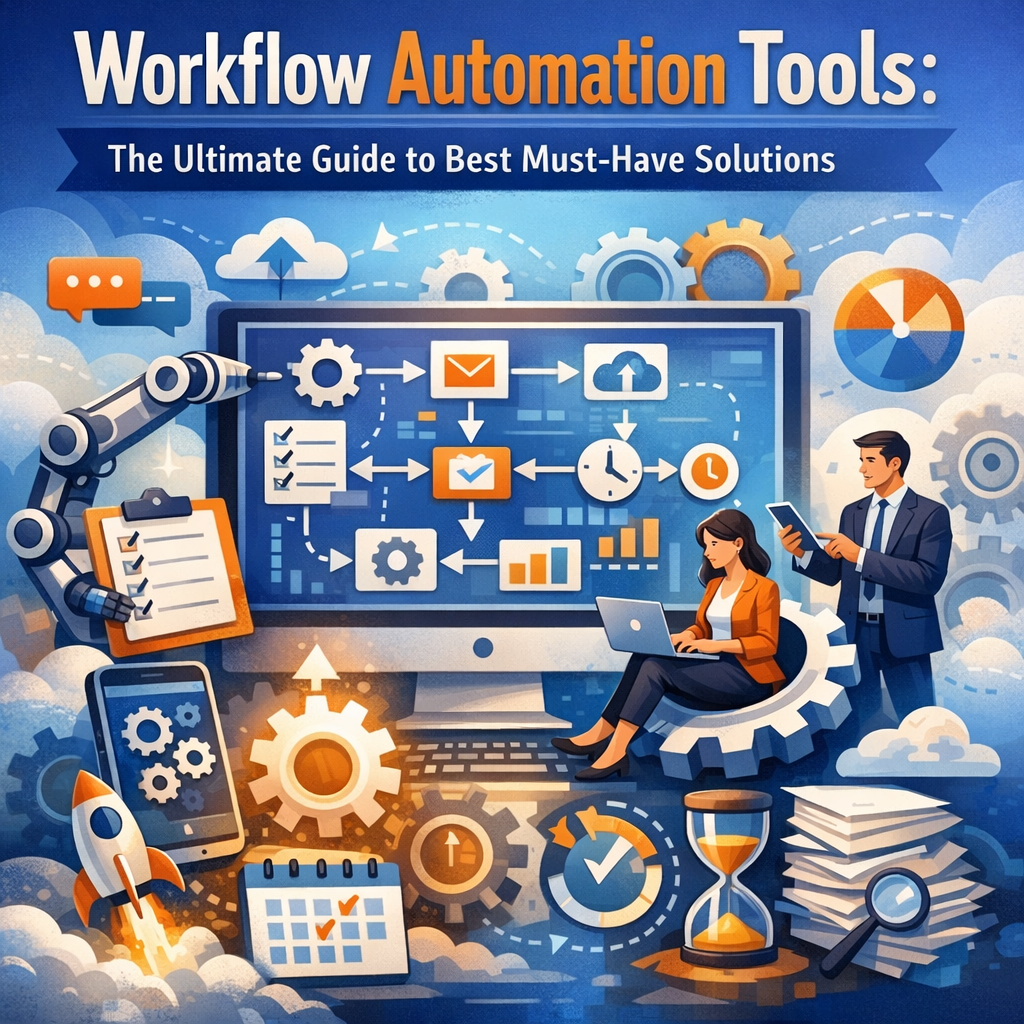
Workflow automation tools are software applications designed to automate routine business processes by managing and executing tasks based on predefined rules and triggers. These tools integrate with various platforms to eliminate manual interventions such as data entry, approvals, notifications, and reporting, making workflows more efficient and consistent.
Common applications include automating approval processes, customer onboarding, email marketing sequences, invoicing, and employee onboarding, among others.
Benefits of Workflow Automation Tools
1. Increased Efficiency and Productivity
By automating repetitive tasks, workflow automation tools significantly reduce the amount of manual labor involved in daily operations. This accelerates processes, enabling teams to accomplish more in less time.
2. Enhanced Accuracy and Compliance
Manual processes are prone to errors that can lead to costly mistakes. Automation ensures that tasks are carried out precisely according to predefined rules, minimizing errors and helping maintain compliance with regulatory standards.
3. Improved Collaboration and Transparency
Many workflow automation platforms offer dashboards and real-time tracking features. These tools provide visibility into where a process stands, who is responsible for each step, and what is pending, thereby improving communication and accountability within teams.
4. Scalable Solutions for Growing Businesses
As a company grows, workflows often become more complex. Automation tools are scalable and customizable, making it easy to adapt processes without adding excessive staff or overhead.
The Best Must-Have Workflow Automation Tools
Choosing the right workflow automation tools depends on your organization’s size, industry, and use cases. Here are some of the standout solutions that have gained popularity for their robust features and usability:
1. Zapier
Zapier is a versatile and widely-used tool that connects thousands of apps through automated workflows called “Zaps.” It’s user-friendly and doesn’t require coding knowledge, making it ideal for businesses of all sizes wanting to automate tasks like data syncing, notifications, and CRM updates.
2. Microsoft Power Automate
Part of the Microsoft Power Platform, Power Automate offers powerful automation capabilities integrated with Microsoft 365 products and many external apps. It provides drag-and-drop flow creation as well as advanced features like robotic process automation (RPA) to handle legacy systems.
3. Asana
Asana is a project management tool that includes automation features such as task dependencies, rule-based triggers, and notifications. Teams can automate workflows around task assignments, approvals, and project status updates within a single workspace.
4. Monday.com
Monday.com combines project management with workflow automation to centralize work processes. Its automation recipes help reduce manual work by triggering actions like task creation, status changes, and reminders, improving team collaboration and efficiency.
5. Nintex
Nintex specializes in workflow automation for larger enterprises and industries such as manufacturing and finance. It offers features like advanced process mapping, document generation, and compliance management, catering to complex business requirements.
6. Airtable
Airtable is a flexible database and spreadsheet hybrid that supports workflow automation through integrations and custom scripting. It’s excellent for users looking to automate data organization, project tracking, and communications with a visually intuitive interface.
How to Choose the Right Workflow Automation Tools
When selecting workflow automation tools for your organization, keep these factors in mind:
– Ease of Use: Ensure the tool is accessible to both technical and non-technical users.
– Integration Capabilities: Look for tools that connect seamlessly with your existing software ecosystem.
– Customization: The tool should allow you to tailor workflows specific to your business processes.
– Cost: Compare pricing models, keeping an eye on scalability and additional fees for premium features.
– Security: Verify that the software complies with industry security and data privacy standards.
Getting Started with Workflow Automation
Implementing workflow automation may seem daunting, but a structured approach can make the transition smooth:
1. Identify Repetitive Tasks: Start by mapping out processes that consume significant time and could benefit from automation.
2. Define Clear Goals: Set measurable objectives such as reducing process time or lowering error rates.
3. Choose the Right Tool: Select workflow automation tools that align with your requirements and budget.
4. Pilot and Iterate: Begin with small, manageable workflows to refine and optimize before scaling.
5. Train Your Team: Provide adequate training to ensure smooth adoption and maximize productivity gains.
Conclusion
Workflow automation tools are indispensable assets for businesses striving to optimize efficiency, reduce errors, and enhance collaboration. With a broad range of options available—from user-friendly platforms like Zapier to enterprise-grade solutions like Nintex—there is a tool suited to nearly every organizational need.
By understanding their benefits, exploring leading options, and carefully evaluating your business requirements, you can confidently select workflow automation tools that will drive productivity and growth well into the future. The investment in automation today lays the foundation for a smarter, more agile organization tomorrow.