
Project Management Tools Guide: Best Must-Have Solutions for Success
In today’s fast-paced business world, project management tools are essential for keeping teams organized, improving collaboration, and ensuring timely delivery of projects. Whether you’re managing a small startup or a large enterprise, the right set of tools can make a significant difference in driving success, streamlining workflows, and enhancing productivity. This guide will walk you through the best must-have project management solutions to elevate your project execution from start to finish.
Why Are Project Management Tools Essential?
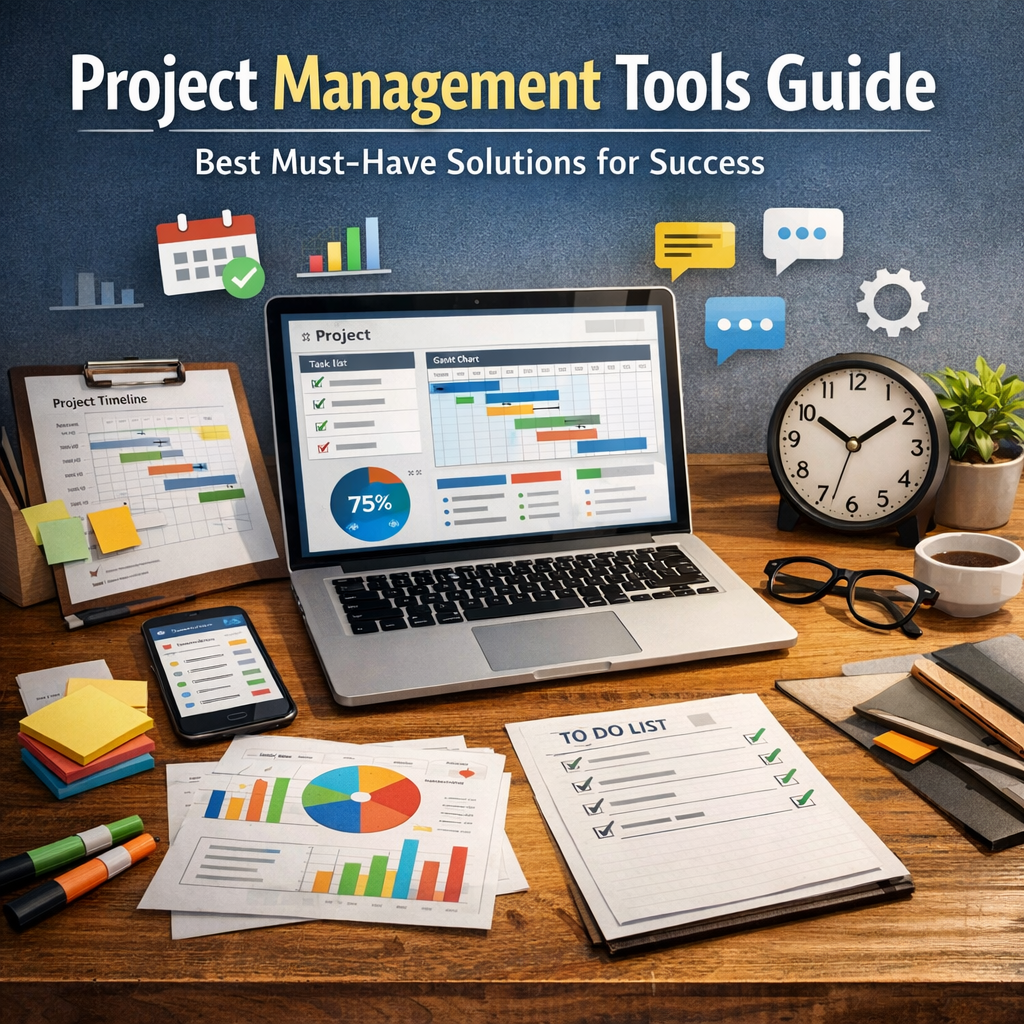
Project management tools serve as the backbone of effective project execution. They provide a centralized platform for planning, tracking, and reporting—all crucial for keeping everyone on the same page. Without these tools, teams may face challenges such as miscommunication, missed deadlines, unclear responsibilities, and overall chaos.
By implementing reliable project management tools, organizations can:
– Maintain clear visibility over project progress
– Allocate resources efficiently
– Facilitate better team collaboration
– Manage risks and issues proactively
– Measure performance against objectives
Now, let’s explore the categories of project management tools and highlight some of the best solutions available.
Types of Project Management Tools
1. Task and Workflow Management Tools
Task and workflow management tools are designed to break down large projects into manageable tasks, assign responsibilities, and track progress. These tools typically use visual boards like Kanban or Gantt charts to display task statuses.
Popular tools in this category include:
– Trello: Known for its simple visual Kanban boards, Trello offers drag-and-drop cards that represent tasks. It’s user-friendly and great for teams seeking straightforward task management.
– Asana: Asana provides more robust task management features, including project templates, timelines, automated workflows, and integration with various apps.
– Monday.com: Monday.com combines task tracking with customizable workflows and reporting, making it adaptable to various project types.
2. Communication and Collaboration Tools
Effective communication is key in successful project management. Tools that support chat, document sharing, video conferencing, and real-time collaboration help reduce delays and misunderstandings.
Top communication tools include:
– Slack: Popular for team messaging and integrations with task management apps, Slack allows seamless conversations and file sharing.
– Microsoft Teams: A comprehensive collaboration platform integrating video calls, chat, document storage, and app integrations.
– Google Workspace: While mainly a productivity suite, Google’s Docs, Sheets, and Drive enable collaborative editing and storage in the cloud.
3. Resource and Time Management Tools
Managing resources and tracking time ensures the project stays on budget and deadlines are met. These tools help allocate tasks according to team availability and monitor time spent on each activity.
Best tools to consider:
– Harvest: Time tracking and expense management designed to integrate with other project management apps.
– ClickUp: An all-in-one platform that includes time tracking, task management, goal setting, and resource allocation.
– Smartsheet: Combines spreadsheet familiarity with project scheduling and resource management capabilities.
4. Documentation and Knowledge Management Tools
Successful projects require proper documentation for specifications, reports, and learnings. Knowledge management tools store and organize information so it’s easily accessible.
Useful options include:
– Confluence: A wiki-style platform by Atlassian for creating, sharing, and managing project documentation.
– Notion: Flexible tool for notes, databases, and task lists, perfect for small teams focusing on documentation alongside project tracking.
– Evernote Business: Great for capturing ideas, notes, and meeting minutes in an organized fashion.
Choosing the Right Project Management Tools for Your Team
Selecting the best project management tools depends on several factors such as team size, project complexity, budget, and integration needs. Here are key considerations:
– User Experience: The tool should be intuitive to encourage adoption across the team.
– Feature Set: Ensure the tool covers your core needs—task management, communication, resource tracking, or a combination.
– Integration Capabilities: Consider how well the tool connects with apps you already use, such as email, calendars, or CRM software.
– Scalability: Select tools that can grow with your company and handle increasing complexity.
– Pricing: Look for cost-effective pricing plans without compromising essentials.
Benefits of Using Project Management Tools
Incorporating project management tools into your workflow offers numerous advantages that directly contribute to project success:
– Improved Collaboration: Everyone stays updated with shared information and deadlines, reducing misunderstandings.
– Enhanced Transparency: Managers gain real-time insight into project progress, allowing quick interventions when necessary.
– Better Risk Management: Identifying delays or issues earlier helps minimize costly overruns.
– Increased Productivity: Automation and prioritization save time and reduce manual follow-ups.
– Higher Quality Outcomes: Standardized processes ensure consistency and help maintain project goals.
Conclusion
The right project management tools have the power to transform how your team plans, executes, and delivers projects. By investing in the best must-have solutions tailored to your needs, you can boost collaboration, gain greater control over timelines and resources, and achieve consistent success. Whether it’s a simple task board or a comprehensive project management suite, the tools you choose today could well be the foundation for your organization’s growth tomorrow. Take the time to explore, evaluate, and implement the tools that best fit your unique workflow and watch your projects thrive.