
Online Organization Tools: The Ultimate Guide to Best Must-Have Solutions
In today’s fast-paced, digitally-driven world, staying organized has become more important than ever before. Online organization tools serve as the backbone for managing tasks, schedules, projects, and communication for both individuals and businesses. Whether you’re a freelancer juggling multiple clients, a team leader coordinating members across different locations, or just someone looking to streamline personal productivity, knowing the best online organization tools will transform how you work and live.
What Are Online Organization Tools?
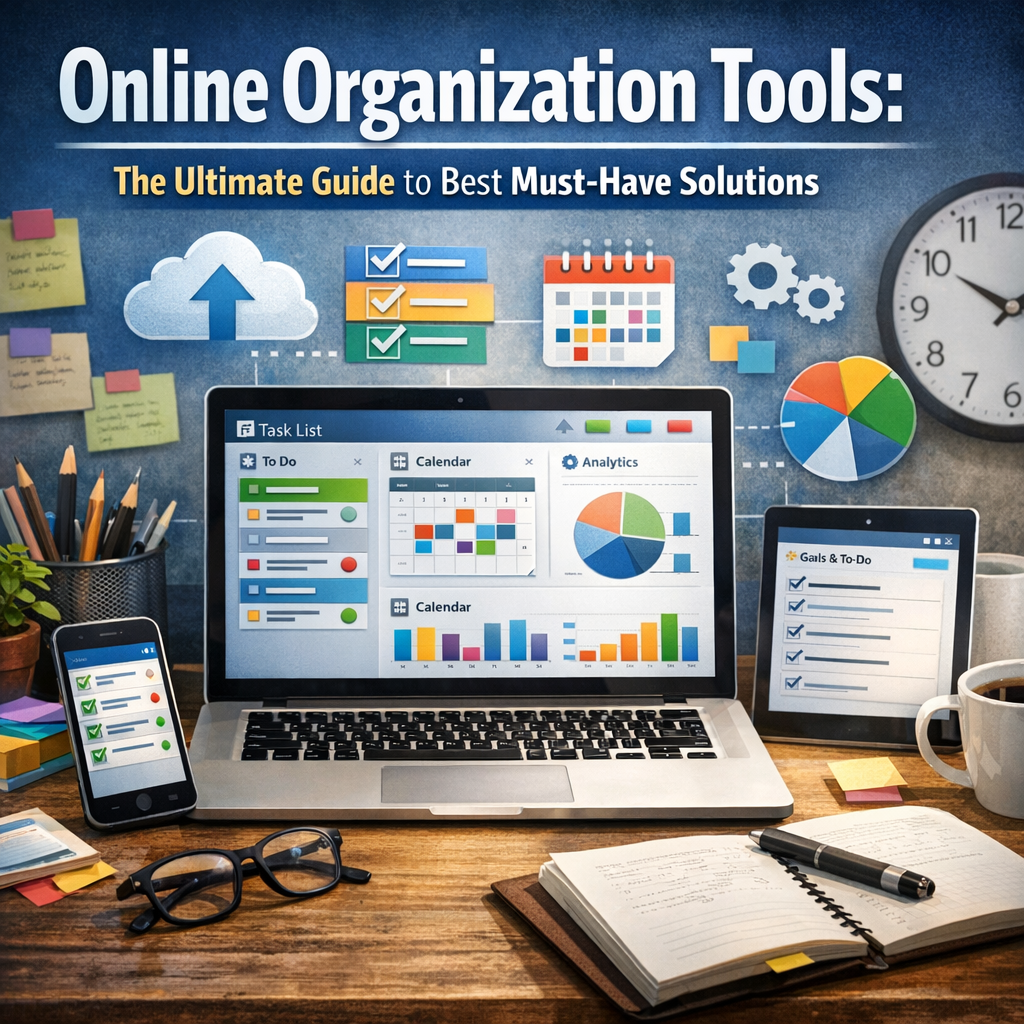
Online organization tools are software applications or platforms designed to help users organize information, projects, and time more efficiently. These tools often provide features such as task management, calendar integration, file sharing, reminders, and collaboration capabilities, all accessible via the internet. Unlike traditional offline methods like pen and paper or local apps, online tools offer accessibility from any device, real-time updates, and enhanced teamwork.
Why You Should Use Online Organization Tools
Increased productivity, better time management, and improved communication are just a few reasons why online organization tools are a necessity. They help declutter your workflow, reduce mental load, and ensure deadlines and priorities don’t slip through the cracks. For teams, they foster transparency and accountability by keeping everyone on the same page, regardless of physical location.
Top Features to Look for in Online Organization Tools
When exploring online organization tools, consider these must-have features that can maximize their benefits:
– Task Management: Ability to create, assign, and track tasks and subtasks.
– Calendar Integration: Sync with personal or corporate calendars for scheduling.
– Collaboration: Real-time messaging, commenting, and file sharing.
– Notifications and Reminders: Alerts to keep deadlines in focus.
– User-Friendly Interface: Easy navigation to reduce onboarding time.
– Cross-Device Compatibility: Access from smartphones, tablets, and desktops.
– Customization: Adaptable workflows and templates that suit your specific needs.
Best Must-Have Online Organization Tools for Individuals
1. Trello
Trello is one of the most popular online organization tools, famous for its visual Kanban board style. It is perfect for individuals who thrive on seeing their tasks move across columns like To Do, In Progress, and Done. Trello’s drag-and-drop interface, combined with integrations such as Google Drive and Slack, makes it a versatile choice for both personal projects and simple work tasks.
2. Todoist
Todoist specializes in simple yet powerful task management. Its ability to break down tasks into subtasks and assign priority levels helps users focus on what matters most. The tool also features natural language input, enabling quick task creation, such as typing “Meeting tomorrow at 10 AM,” which the app recognizes and schedules accordingly.
Best Must-Have Online Organization Tools for Teams
1. Asana
Asana is a robust online organization tool designed to handle complex projects and team collaboration. It provides different project views, including lists, boards, timelines, and calendars. Teams can assign tasks, track progress, comment directly on tasks, and automate repetitive workflows for greater efficiency.
2. Monday.com
If your team requires customization and scalability, Monday.com is a fantastic option. It allows you to create custom workflows tailored to your organization’s unique processes. Detailed dashboards and reporting features give insights into team workloads and project statuses, helping managers make informed decisions quickly.
How to Choose the Right Online Organization Tools for You
Selecting the best online organization tools depends largely on your specific needs, preferences, and budget. Here are some tips to guide your decision:
– Assess Your Workflow: Identify what type of tasks you handle most often and the processes you want to improve.
– Consider Team Size: Some tools cater better to individuals or small teams, while others are designed for large enterprises.
– Trial Versions: Utilize free trials or freemium plans to test usability and features before committing.
– Integration Needs: Ensure the tool integrates smoothly with the apps and systems you already use.
– Mobile Accessibility: If you’re often on the go, prioritize tools with excellent mobile apps.
Tips for Maximizing Online Organization Tools
To truly benefit from online organization tools, consider these best practices:
– Set Clear Goals: Define what you want to achieve with each tool.
– Consistent Use: Regularly update tasks, deadlines, and project statuses.
– Train Your Team: If working with others, ensure everyone understands how to use the platform effectively.
– Keep It Simple: Avoid overloading the tool with unnecessary tasks or features.
– Review and Adjust: Periodically analyze your organizational system and tweak as needed.
Conclusion
Online organization tools are indispensable allies for anyone seeking to manage their time and tasks more effectively. From intuitive personal task managers like Todoist to comprehensive team collaboration platforms like Asana, there’s a perfect solution tailored for every style and scale of work. By carefully choosing, adopting, and maintaining these tools within your workflow, you can unlock increased productivity, reduce stress, and gain greater clarity in your daily activities. Embrace the power of online organization tools today and experience the transformation in how you work and organize your life.