
Smart Work Tools: The Ultimate Guide to Affordable Efficiency
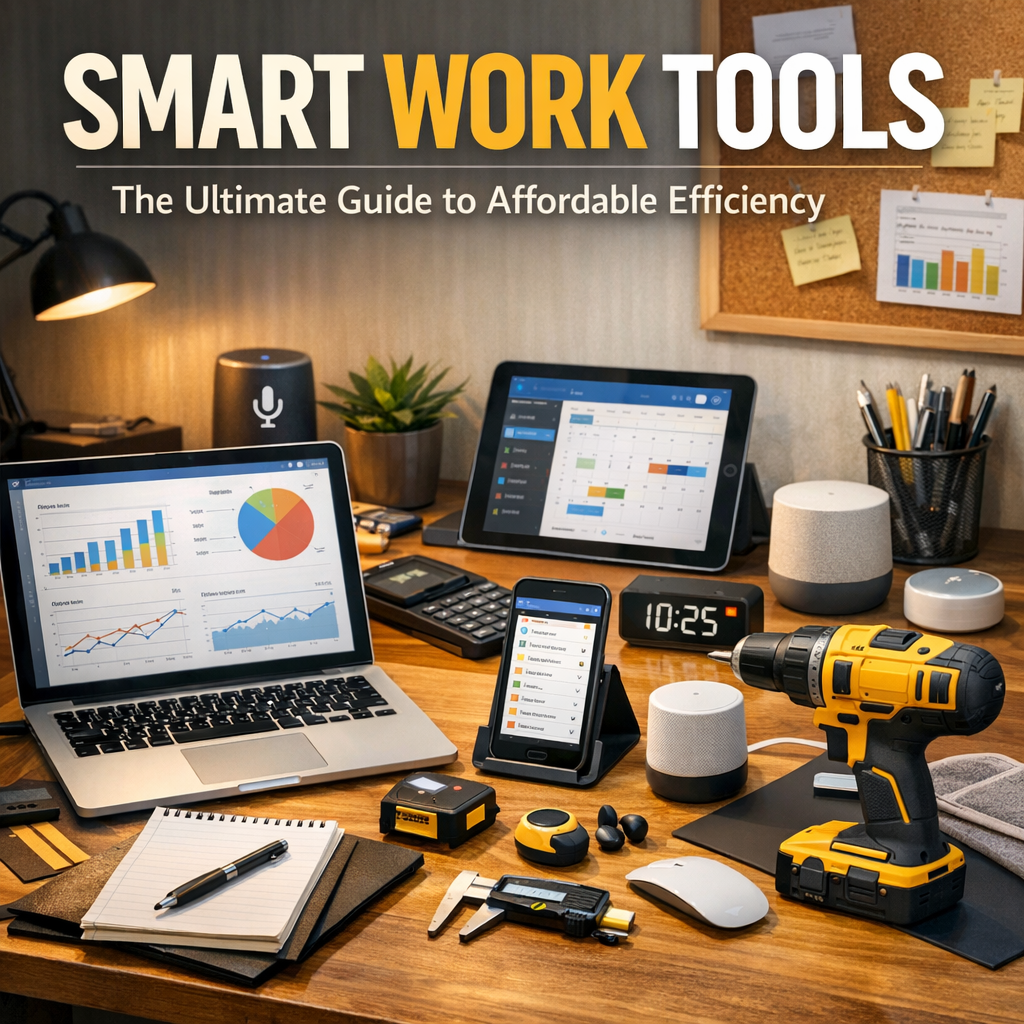
In today’s fast-paced digital world, smart work tools have become essential for enhancing productivity while keeping costs manageable. Whether you are a freelancer, a small business owner, or part of a larger team, utilizing affordable smart work tools can streamline your daily tasks, improve communication, and help you stay organized. This ultimate guide will explore various categories of smart work tools, practical tips for choosing the right ones, and how to maximize efficiency without breaking the bank.
What Are Smart Work Tools?
Smart work tools are software applications, platforms, or devices designed to automate, simplify, or optimize work processes. They often leverage cloud technology, artificial intelligence, or user-friendly interfaces to improve collaboration, task management, and overall workflow. Affordable options abound in the market, making these tools accessible to professionals at any budget level.
Why Invest in Affordable Smart Work Tools?
Investing in the right smart work tools can significantly impact your efficiency. They help reduce manual errors, save time, and free up mental space to focus on creative or strategic activities. Affordable tools allow businesses and individuals to adopt technology without a hefty upfront cost, ensuring better returns on investment and scalability as needs grow.
—
Key Categories of Smart Work Tools
1. Project Management Tools
Efficient project management is crucial for meeting deadlines and coordinating teams. Tools like Trello, Asana, and ClickUp provide robust features often available in free or low-cost plans. They allow users to create task lists, assign responsibilities, track progress, and visualize workflows through kanban boards or calendars.
2. Communication and Collaboration Platforms
Remote work and virtual teams require seamless communication. Affordable platforms such as Slack, Microsoft Teams, and Zoom offer instant messaging, video conferencing, and file sharing capabilities. They reduce email overload and foster quick decision-making with real-time interaction.
3. Time Management and Productivity Apps
Keeping track of time spent on tasks helps prevent burnout and optimizes daily schedules. Tools like Toggl, RescueTime, and Clockify provide simple interfaces for tracking work hours, generating reports, and identifying distraction patterns to boost focus.
4. Cloud Storage and File Sharing
Modern work depends on easy access to documents and media files. Google Drive, Dropbox, and OneDrive offer scalable storage plans with collaboration features, ensuring your team can access and edit files anytime, anywhere.
5. Automation Tools
Repeating tasks can consume valuable time. Automation tools such as Zapier or IFTTT connect different apps to automate workflows — for example, auto-saving email attachments to cloud storage or syncing calendar events across platforms.
—
How to Choose the Right Smart Work Tools for Your Needs
Understand Your Workflow
Before integrating new tools, map out your current workflow. Identify bottlenecks, repetitive tasks, and communication gaps. Understanding these pain points will guide you toward the tools that offer the most impact at an affordable price.
Prioritize User-Friendliness
The best tools are those your team actually uses. Choose platforms with intuitive interfaces and clear documentation to minimize the learning curve and enhance user adoption.
Consider Integration Capabilities
Many smart work tools perform best when connected to other applications you already use. Look for tools that support integrations or APIs, allowing you to build a personalized, efficient ecosystem without extra costs.
Evaluate Pricing Plans
Affordable does not always mean the cheapest. Some tools offer tiered pricing or free plans with limited features that may be sufficient for your needs. Assess what features you really need and calculate the long-term value.
—
Tips to Maximize Efficiency with Smart Work Tools
1. Start Small and Scale: Begin with a few essential tools to avoid overwhelming your workflow. As your team adapts, you can add more specialized apps.
2. Train Your Team: Provide training sessions or resources to ensure your team understands how to fully leverage the tools’ features.
3. Regularly Review Tool Effectiveness: Work environments change, so periodically assess whether your tools continue to meet your needs or if updates are required.
4. Automate Where Possible: Use automation features to handle routine tasks, freeing up time for strategic work.
5. Maintain Data Security: Choose tools with robust security measures to protect sensitive information, especially when working remotely.
—
Conclusion
Affordable smart work tools have transformed the way we approach productivity and workplace efficiency. With a variety of options tailored to different needs and budgets, anyone can harness the power of technology to optimize their work processes. By understanding your workflow, choosing the right tools, and implementing them thoughtfully, you can unlock significant efficiency gains without overspending. Embrace these smart solutions and watch your productivity soar while maintaining control over costs.