
Document Collaboration Tools: The Ultimate Must-Have Guide for Success
In today’s fast-paced digital world, document collaboration tools have become indispensable for teams and businesses aiming to streamline workflows and boost productivity. With remote work becoming increasingly prevalent, the ability to collaborate on documents in real-time is no longer a luxury but a necessity. This ultimate guide will explore the importance of document collaboration tools, the features to look for, popular options available, and tips to maximize their effectiveness for your team.
Why Document Collaboration Tools Are Essential
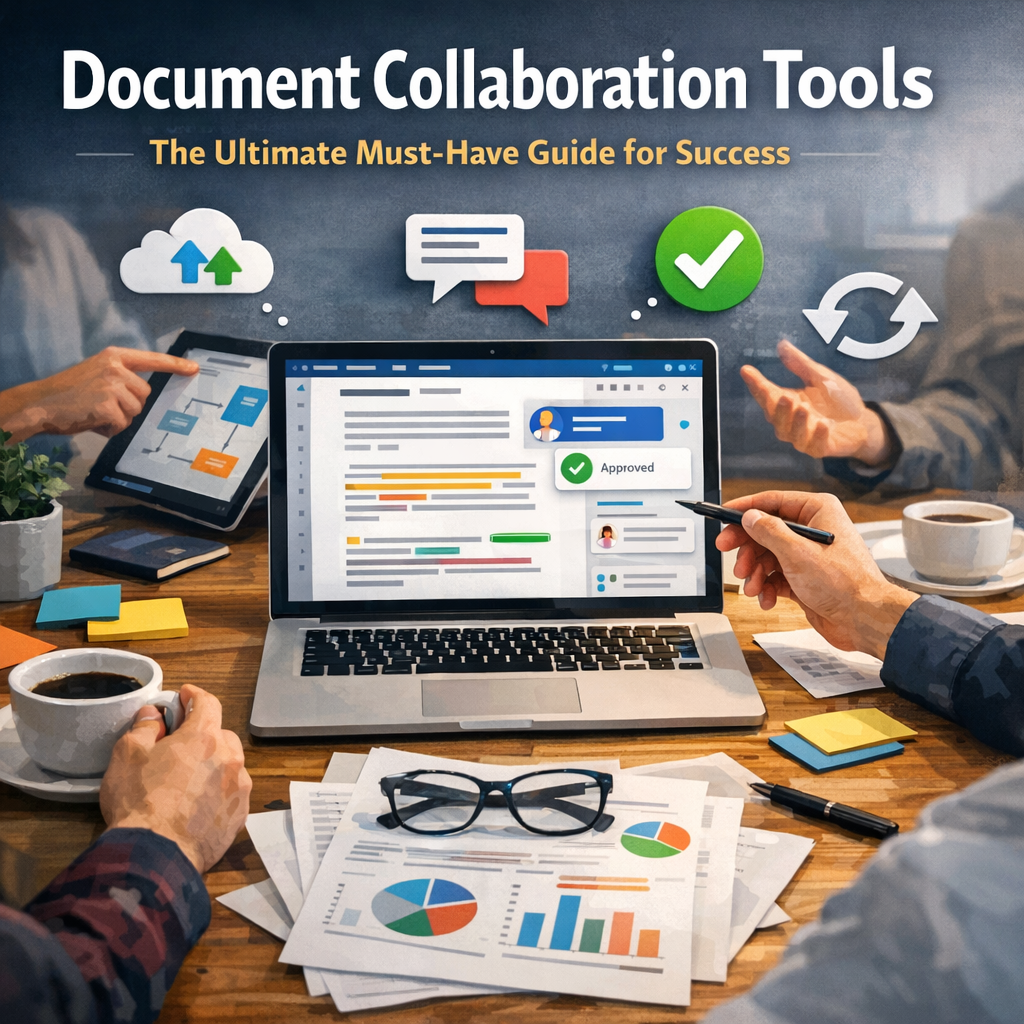
Document collaboration tools enable multiple users to work on the same document simultaneously, regardless of their location. This capability eliminates the traditional bottleneck of emailing files back and forth or managing multiple versions that can lead to confusion and errors.
These tools foster:
– Improved communication: Team members can leave comments, track changes, and suggest edits, making feedback immediate and transparent.
– Enhanced productivity: Real-time editing means faster turnaround times and synchronized updates.
– Better organization: Centralized documents ensure that everyone is working on the latest version.
– Increased accountability: Version control and history logs help monitor contributions and maintain responsibility.
The need for cohesive teamwork in an increasingly remote and hybrid work environment makes document collaboration tools a staple for businesses hoping to remain competitive.
Key Features to Look for in Document Collaboration Tools
Choosing the right document collaboration tool depends on your specific requirements, but some features stand out as critical to success:
1. Real-Time Editing and Presence Indicators
One of the fundamental benefits of these tools is the ability for multiple users to edit a document simultaneously. Presence indicators showing who is online and what section of the document they are working on prevent conflicts and duplication of efforts.
2. Version Control and Revision History
Mistakes happen, and sometimes you may need to revert to an earlier version of a document. Robust version control ensures that all previous versions remain accessible, allowing users to track changes and recover past edits easily.
3. Commenting and Feedback Mechanisms
Effective collaboration hinges on clear communication. Tools that enable inline comments, threaded discussions, and tagging specific users help clarify questions and suggestions without changing the actual content.
4. Access Control and Security
Since documents often contain sensitive information, granular access control is vital. Look for capabilities to set permissions—such as view-only, comment-only, or editing rights—and ensure data encryption for security.
5. Integration with Existing Workflows
A tool that integrates seamlessly with your current software ecosystem—such as project management, communication platforms, or cloud storage—will save time and reduce complexity.
Popular Document Collaboration Tools to Consider
There are numerous document collaboration tools on the market, each with its unique strengths. Here are a few widely recognized options:
Google Workspace (Google Docs)
Google Docs is a pioneer in real-time document collaboration, allowing users to create, edit, and share documents online effortlessly. Its user-friendly interface and broad integration options make it ideal for teams of all sizes.
Microsoft 365 (Word Online)
Microsoft’s cloud-based Word Online offers powerful collaboration features that mirror its desktop counterpart. It’s particularly beneficial for organizations already invested in the Microsoft ecosystem.
Dropbox Paper
Dropbox Paper combines document collaboration with task management features. It’s designed to keep content and project planning unified and straightforward.
Notion
Notion offers a flexible all-in-one workspace that includes collaborative documents, databases, and project management tools. Its customization options make it popular among creative and tech teams.
Quip
Quip, owned by Salesforce, integrates documents, spreadsheets, and chat in one platform, promoting seamless collaboration especially for sales and customer success teams.
Tips for Maximizing Document Collaboration Tools
To fully leverage document collaboration tools, consider these best practices:
Set Clear Guidelines and Roles
Establish protocols for who can edit, comment, or approve documents. Clear roles minimize confusion and streamline the approval process.
Use Templates and Standardize Formats
Standardized document templates help maintain consistency and reduce the time spent formatting and organizing.
Schedule Regular Check-ins and Reviews
Periodic reviews ensure that all team members are aligned, and any issues with collaboration are addressed promptly.
Train Your Team
Invest time in training team members on the chosen tools to ensure everyone is proficient and confident, maximizing the tool’s potential.
Leverage Automation and Integrations
Automate routine tasks and link your document tools to calendars, task boards, or communication apps to create a cohesive workflow.
Conclusion
Document collaboration tools have transformed how teams create, edit, and manage information in the digital age. By selecting the right tool with essential features and employing smart collaboration strategies, organizations can enhance productivity, foster innovation, and achieve success more efficiently. As remote and hybrid working models continue to evolve, these tools will remain at the heart of effective teamwork and communication. Embrace document collaboration tools today and unlock your team’s true potential.