
Remote Office Tools: The Ultimate Must-Have Guide for Success
In today’s fast-evolving work environment, remote office tools have become essential for businesses and professionals striving to maintain productivity, collaboration, and smooth communication outside the traditional office setting. As remote work continues to grow, selecting the right tools can be the difference between a chaotic, inefficient workflow and a seamless, successful remote operation. This comprehensive guide will walk you through the must-have tools to ensure your remote office functions effectively and efficiently.
Why Remote Office Tools Are Critical for Success
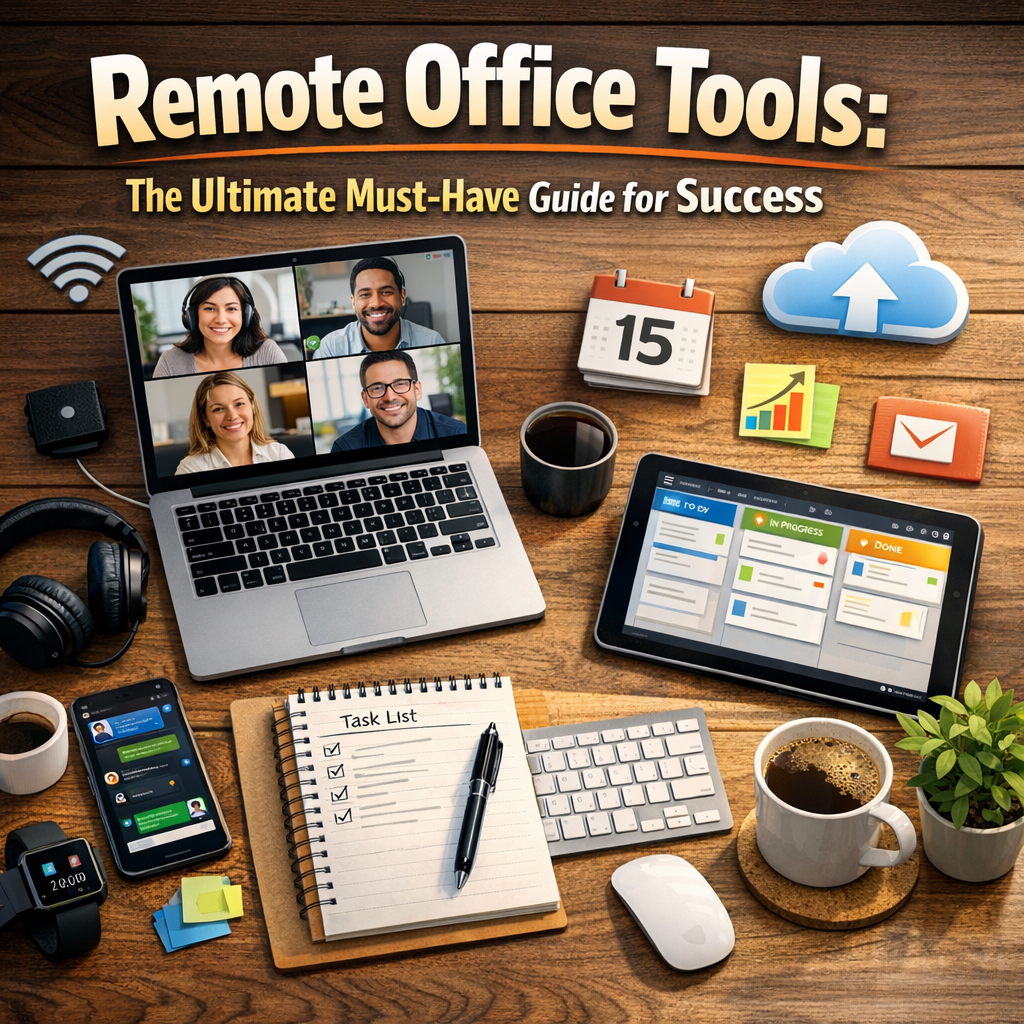
Remote work comes with its unique challenges: communication barriers, lack of face-to-face interaction, time zone differences, and managing productivity without direct supervision. Proper remote office tools address these hurdles by offering platforms for real-time communication, project management, document sharing, and even mental well-being support.
Having the right set of tools doesn’t just improve productivity; it also boosts employee morale by making remote workers feel connected and supported. Whether you’re an individual freelancer or managing a large remote team, leveraging the appropriate technology stack is crucial. Let’s explore the essential categories of remote office tools everyone should consider.
Communication Tools: The Backbone of Remote Work
Effective communication is the cornerstone of any productive remote setup. Without spontaneous hallway conversations or quick desk-side clarifications, remote workers rely heavily on digital communication to stay aligned.
– Instant Messaging and Chat Platforms: Tools like Slack, Microsoft Teams, or Discord allow for quick exchanges, group conversations, and focused channels tailored to specific topics or projects. These platforms support asynchronous communication, enabling team members in different time zones to stay connected.
– Video Conferencing Software: Zoom, Google Meet, and Microsoft Teams offer HD video calls, screen sharing, and recording features to facilitate meetings, presentations, and brainstorming sessions, mimicking face-to-face interactions.
– Email Clients: While more formal and less immediate, email remains vital for documentation and formal communication. Integrations with tools like Outlook or Gmail enhance workflow efficiency.
Project Management and Collaboration Platforms
Organizing tasks and tracking progress is vital when your team is distributed across multiple locations.
– Task Management: Tools such as Asana, Trello, and Monday.com provide visual boards, task assignments, deadlines, and progress monitoring to ensure everyone knows what to do and when.
– Collaboration Suites: Google Workspace and Microsoft 365 allow multiple users to create, edit, and comment on documents, spreadsheets, and presentations in real-time. This collaborative approach prevents version control issues and streamlines the review process.
– File Sharing and Storage: Cloud storage solutions like Dropbox and OneDrive offer secure and centralized file repositories accessible from anywhere, facilitating easy sharing and backup.
Time Management and Productivity Tools
Maintaining productivity at home requires dedication and structure, which is where the right time management tools come into play.
– Time Tracking Software: Applications such as Toggl and RescueTime help employees and managers monitor work hours, analyze productivity patterns, and minimize time-wasting activities.
– Focus and Distraction Blockers: Tools like Forest or Freedom help remote workers stay focused by limiting access to distracting websites and apps during work sessions.
– Scheduling Tools: Calendly and Doodle simplify meeting scheduling by integrating calendars and allowing participants to select suitable time slots without endless email chains.
Security and Privacy Tools for Remote Work
Protecting sensitive company data is non-negotiable, especially when employees access networks from various locations and devices.
– Virtual Private Networks (VPNs): VPNs like NordVPN and ExpressVPN encrypt internet connections, ensuring secure access to company resources even over public Wi-Fi.
– Password Managers: Tools such as LastPass and 1Password enable employees to generate, store, and share strong passwords safely, minimizing the risk of breaches.
– Endpoint Security Solutions: Installing antivirus and anti-malware programs alongside device management platforms like Microsoft Intune enhances overall security posture.
Employee Wellness and Engagement Tools
Remote work can sometimes be isolating, making employee wellness initiatives more important than ever.
– Mental Health Apps: Platforms like Calm, Headspace, and BetterHelp provide meditation guides and counseling resources to support emotional well-being.
– Virtual Team Building: Tools like Donut (for Slack) or online games facilitate fun activities and social interactions to strengthen team bonds.
– Feedback and Recognition Software: Platforms such as 15Five and Bonusly help managers recognize achievements and gather feedback, fostering a culture of appreciation and continuous improvement.
Choosing the Right Remote Office Tools for Your Team
When selecting your remote office tools, consider the following factors:
– Ease of Use: Tools should be intuitive and accessible to avoid steep learning curves.
– Integration Capabilities: Choosing tools that integrate well with each other reduces complexity and streamlines workflows.
– Scalability: Your toolset should adapt to the growing needs of your team or business.
– Cost Efficiency: Balance functionality with budget constraints to ensure sustainability.
– Support and Security: Reliable customer support and robust security features are essential to safeguard operations and data.
Final Thoughts
Navigating the remote work landscape requires more than just an internet connection and a laptop; it demands a strategic approach supported by the right remote office tools. By investing in the appropriate communication, collaboration, productivity, security, and wellness tools, individuals and teams can unlock new levels of efficiency, creativity, and satisfaction. Whether you are building a remote team from scratch or enhancing your existing setup, this must-have guide to remote office tools will help you pave the way for lasting success in the future of work.