
Remote Team Management Tools: The Ultimate Must-Have Guide for Success
In today’s increasingly digital world, remote work has become the norm rather than the exception. This shift has brought with it unique challenges, especially when managing dispersed teams. To navigate this new landscape effectively, leveraging remote team management tools is essential. These tools facilitate communication, collaboration, productivity, and overall project success, allowing managers to keep their teams connected regardless of geography.
Whether you are leading a startup or overseeing a large corporation, understanding the best remote team management tools available can elevate your team’s efficiency and engagement. This guide will walk you through the must-have solutions, essential features to look for, and strategies to maximize their benefits.
Why Remote Team Management Tools Are Critical for Success
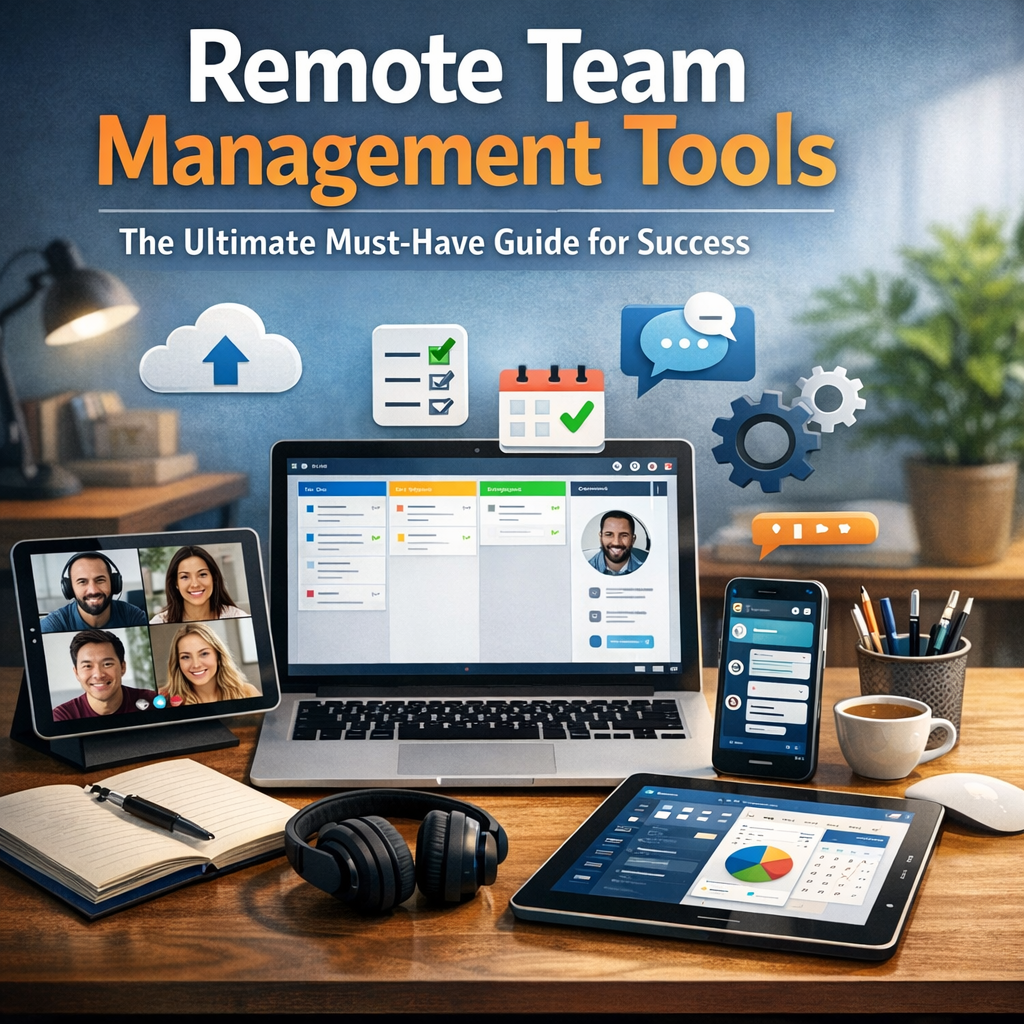
Managing a remote team without the right tools often leads to miscommunication, missed deadlines, and a dip in productivity. Remote team management tools bridge the gap caused by physical distance and create a virtual workspace where everyone can collaborate seamlessly.
They help in:
– Streamlining communication: Instant messaging, video calls, and discussion boards ensure real-time and organized conversations.
– Project tracking: Task management features allow managers and team members to monitor progress and prioritize work.
– Centralizing resources: Documents and files can be shared and accessed from one place, reducing confusion and wasted time.
– Boosting accountability: Transparent workflows and automated reminders keep everyone on track.
By integrating these tools into your daily operations, you create an environment that fosters teamwork, accountability, and creativity.
Essential Features to Look for in Remote Team Management Tools
Before diving into specific software options, it’s important to identify the features that make a tool effective for your remote team’s needs:
1. Real-time Communication Capabilities
Since face-to-face interactions are limited, a tool that offers instant messaging, video conferencing, and voice calls is crucial. Features like screen sharing and chat channels can simulate in-person collaboration.
2. Task and Project Management
A good tool should provide the ability to assign tasks, set deadlines, track progress, and visualize workflows through Kanban boards, Gantt charts, or calendars. This ensures that everyone is aware of their responsibilities and timelines.
3. File Sharing and Document Collaboration
Cloud storage with version control enables multiple team members to work on documents simultaneously without the risk of overwriting changes.
4. Integration with Other Tools
Compatibility with apps such as calendars, email, CRM systems, and analytics platforms can streamline workflows and reduce time wasted switching between different software.
5. Time Tracking and Reporting
For teams paid by the hour or those wanting better insight into how time is spent, built-in time tracking is invaluable. Analytics and reporting features can help managers identify bottlenecks and improve productivity.
Top Remote Team Management Tools to Consider
Here are some of the most popular and effective remote team management tools, categorized by their primary function:
Communication and Collaboration
– Slack: Popular for its robust instant messaging features, Slack supports channels, direct messages, file sharing, and integrates with numerous other tools.
– Microsoft Teams: Offers seamless video conferencing, chat, and document collaboration within the Microsoft 365 ecosystem.
– Zoom: Focused on video conferencing with high-quality video and features like breakout rooms for group discussions.
Project and Task Management
– Trello: A user-friendly Kanban-style tool that helps teams visualize tasks and workflows.
– Asana: Provides versatile project management with timelines, task dependencies, and progress tracking.
– Monday.com: Offers customizable workflows with automation and dashboards for overall project visibility.
File Sharing and Documentation
– Google Workspace: Allows real-time collaboration on documents, spreadsheets, and presentations.
– Dropbox: Cloud file storage with easy sharing options and centralized document management.
Time Tracking and Productivity
– Toggl Track: Simple time tracking with detailed reporting to analyze work patterns.
– Harvest: Combines time tracking with invoicing and expense management, ideal for client-based teams.
Best Practices for Using Remote Team Management Tools Effectively
Investing in the right tools is half the battle; the other half is how you use them strategically.
Set Clear Communication Protocols
Define which channels are used for different types of communication—urgent issues, casual check-ins, or formal updates. This helps avoid information overload and ensures messages get noticed.
Promote Transparency
Encourage team members to update progress regularly and share challenges openly. Tools work best when everyone actively participates.
Provide Training and Support
Make sure each team member understands how to use the tools efficiently. Offering continuous support reduces frustration and optimizes adoption.
Measure and Adjust
Use analytics and feedback to monitor how well the tools are supporting your team’s goals. Be flexible in trying new solutions or tweaking settings to better suit evolving needs.
Conclusion
Mastering remote team management tools is a foundational step in building a productive, engaged, and motivated remote workforce. By investing time in selecting the right features and platforms, and utilizing best practices in communication and task coordination, managers can overcome the challenges of distance and unlock their team’s full potential.
As remote work continues to grow, staying ahead with these indispensable tools will ensure your team not only survives but thrives in the digital workplace era.