
Workflow Management Software: The Ultimate Guide to Best Tools
In today’s fast-paced business environment, workflow management software plays a vital role in helping organizations streamline their processes, enhance productivity, and boost collaboration. With the increasing complexity of tasks and projects, relying on manual methods or outdated systems can cause delays, miscommunications, and inefficiencies. Workflow management software offers a digital solution to automate, monitor, and optimize workflows, ensuring teams can focus on what truly matters. This ultimate guide will walk you through the key benefits of workflow management software, essential features to look for, and a curated list of the best tools available on the market.
Understanding Workflow Management Software
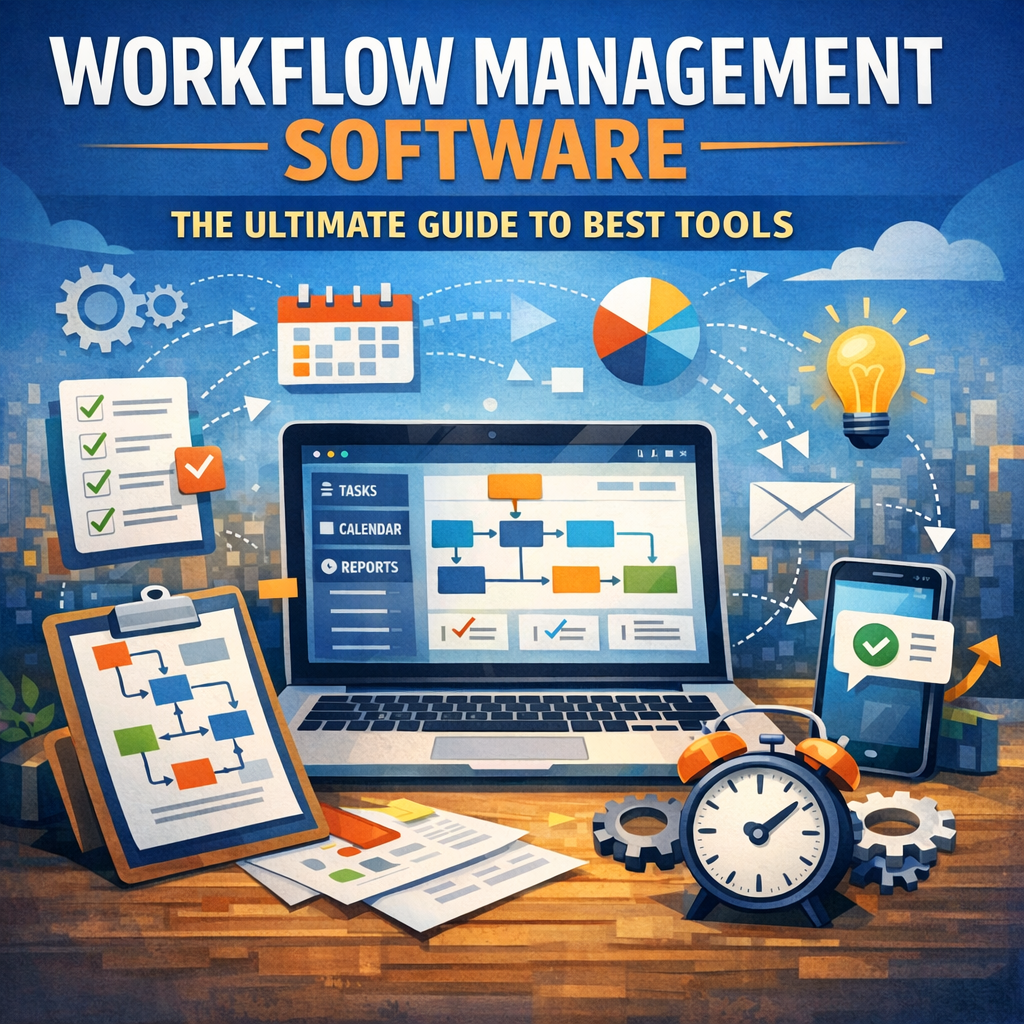
At its core, workflow management software is a tool that helps define, automate, and track a series of tasks or processes within an organization. Whether it’s approving invoices, onboarding new employees, or managing complex projects, these solutions provide a centralized platform to ensure tasks follow a predetermined sequence with clear checkpoints and accountability.
By mapping out workflows digitally, businesses can reduce redundancies, prevent bottlenecks, and improve communication among team members. The software often integrates with other business applications such as CRM systems, calendars, and file storage services, providing seamless data flow and enhancing overall efficiency.
Key Benefits of Workflow Management Software
1. Automation of Routine Tasks
Workflow management software automates repetitive tasks that typically consume valuable time. For example, automatically routing documents for approval or sending reminders ensures nothing falls through the cracks and reduces manual effort.
2. Increased Transparency and Accountability
By tracking each step of a process digitally, everyone involved can see the current status of a task and who is responsible at any moment. This transparency reduces confusion and ensures deadlines are met.
3. Enhanced Collaboration
Many workflow tools provide communication channels within the platform where team members can share updates, files, and feedback, fostering collaboration across departments.
4. Data-Driven Insights
Most workflow software includes reporting and analytics capabilities that help organizations identify performance trends, bottlenecks, and areas for improvement.
Essential Features to Look for in Workflow Management Software
When choosing the right workflow management software, it’s important to consider features that align with your business needs. Here are some key functionalities to look for:
Customizable Workflow Creation
The ability to design workflows tailored to your business processes is crucial. Look for drag-and-drop editors and flexible rule settings to build or modify workflows effortlessly.
Integration Capabilities
Your workflow software should support integrations with commonly used apps and platforms such as email clients, project management tools, and cloud storage to create a unified ecosystem.
Collaboration Tools
Features like comments, file sharing, and real-time notifications help maintain smooth communication and quick decision-making among teams.
Mobile Accessibility
With remote work becoming the norm, mobile apps or responsive web interfaces enable users to manage workflows anytime, anywhere.
Robust Reporting and Analytics
Insightful dashboards and customizable reports assist managers in tracking productivity and identifying bottlenecks.
Security and Compliance
Data protection features including role-based access control, encryption, and audit logs safeguard sensitive business information.
The Best Workflow Management Software Tools in 2024
Here are some of the top-rated workflow management software solutions that stand out in today’s market:
1. Monday.com
Known for its intuitive interface and powerful customization options, Monday.com is ideal for diverse teams. It supports automations and extensive integrations while providing excellent visualization tools.
2. Trello
Trello is a user-friendly, card-based tool perfect for smaller teams or simpler workflows. Its flexibility and plugin ecosystem make it a popular choice for startups and project managers.
3. Kissflow
Kissflow emphasizes automation and no-code workflow creation, making it accessible even to non-technical users. Its cloud-native design is suited for growing businesses needing scalable solutions.
4. Asana
Asana combines task management with workflow automation. It provides timeline views, boards, and forms, making it a versatile tool for managing complex projects.
5. Nintex
For enterprises requiring advanced process automation and workflow orchestration, Nintex offers robust tools with strong compliance tracking and integration options.
6. Zoho Creator
Zoho Creator empowers businesses to build custom workflow applications without extensive coding. It’s an excellent choice for organizations wanting tailored solutions.
Choosing the Right Workflow Management Software for Your Business
Selecting the best workflow management software depends on various factors including budget, team size, and specific workflow complexity. Here are some tips to guide your decision:
– Assess Your Needs: Map out your current workflows and identify pain points to understand what features you need.
– Try Before You Buy: Most vendors offer free trials or demos. Testing tools firsthand can reveal usability and compatibility.
– Consider Scalability: Choose software that can grow with your business and accommodate increasing workflow demands.
– Evaluate Support and Training: Good customer support and learning resources can make implementation smoother.
– Check User Feedback: Reviews and case studies provide insights into real-world performance and potential issues.
Conclusion
Workflow management software has become indispensable for modern businesses aiming to optimize operations and drive productivity. By automating routine tasks, enhancing collaboration, and providing actionable insights, these tools transform how teams manage complex processes. Whether you are a small startup or a large enterprise, investing in a solution that fits your unique needs can yield significant returns in efficiency and organizational agility.
Explore the options, leverage the features of workflow management software, and take the first step toward a more streamlined and connected workplace.