
Digital Workspace Tools Guide: Best Must-Have Solutions for Success
In today’s fast-paced and increasingly remote working environment, digital workspace tools have become essential for businesses striving to maintain productivity, collaboration, and organization. These tools not only enable seamless communication and project management but also help teams stay connected across different time zones and locations. Whether you’re managing a small team or a large enterprise, understanding the must-have digital workspace tools is key to achieving operational success.
What Are Digital Workspace Tools?
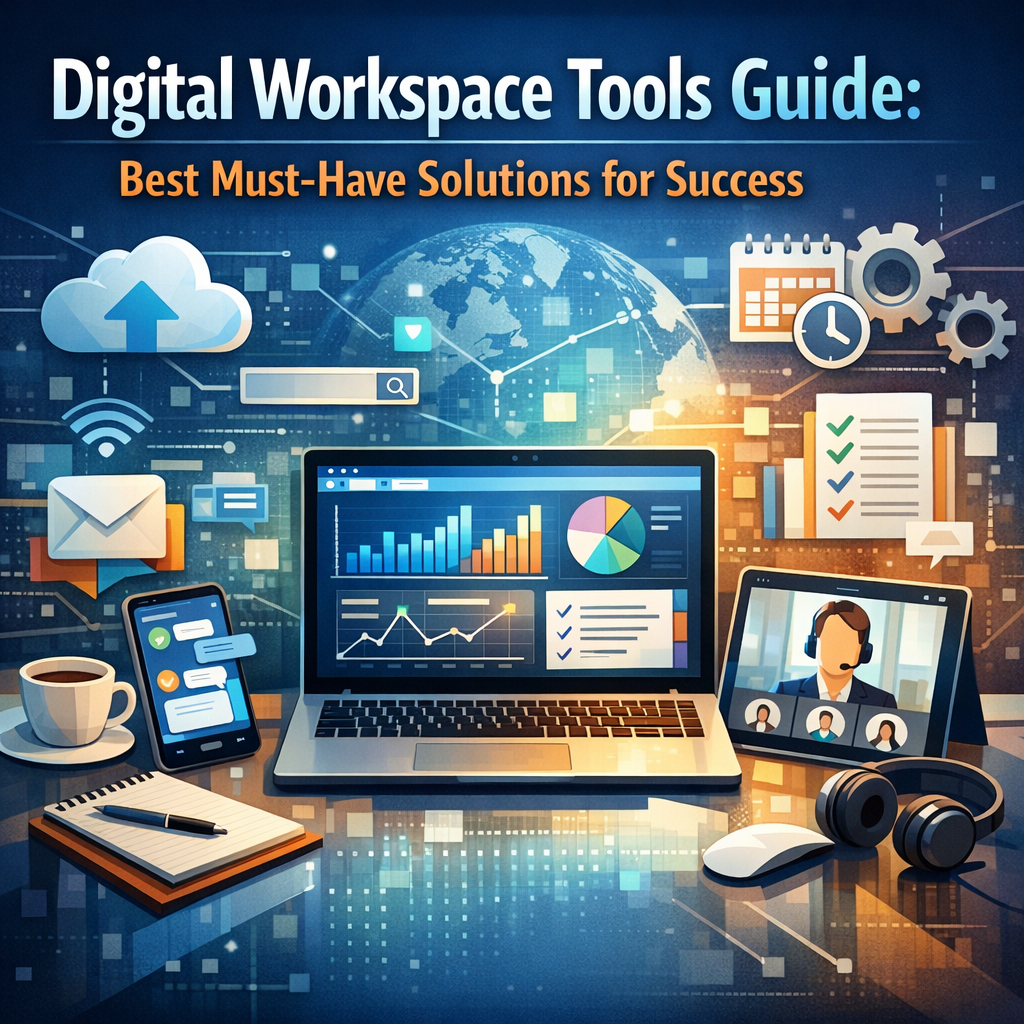
Before diving into the best solutions, it’s important to understand what digital workspace tools encompass. Simply put, these are software platforms and applications designed to replicate and enhance the traditional office environment in a virtual format. They typically integrate communication, project management, file sharing, and collaboration features into one accessible ecosystem. Their goal is to simplify workflows, reduce friction, and improve employee engagement in a remote or hybrid setting.
Why Digital Workspace Tools Are Essential for Success
With hybrid working models becoming the norm, relying on physical office space and face-to-face meetings alone can limit a company’s potential. Digital workspace tools break down these barriers by:
– Enhancing remote team collaboration
– Streamlining communication channels
– Centralizing document and resource access
– Automating routine tasks
– Providing analytics and insights for better decision-making
By leveraging these tools, companies can not only sustain productivity but also foster a culture of connectivity, creativity, and flexibility.
Top Categories of Digital Workspace Tools
To create a well-rounded digital workspace, organizations should consider integrating solutions across these key categories:
1. Communication Platforms
Effective communication is the backbone of any team. Digital workspace tools in this category include:
– Instant Messaging and Chat: Tools like Slack, Microsoft Teams, and Google Chat enable real-time conversations, reducing email overload.
– Video Conferencing: Zoom, Microsoft Teams, and Google Meet allow for virtual face-to-face interactions through video calls and webinars, crucial for brainstorming and team meetings.
2. Project Management and Collaboration
Staying on top of tasks and deadlines requires structured project oversight. Digital workspace tools that excel here include:
– Task Management: Applications like Trello, Asana, and Monday.com help teams organize tasks, set priorities, and track progress.
– Collaborative Workspaces: Google Workspace and Microsoft 365 offer integrated platforms where users can co-author documents, spreadsheets, and presentations in real time.
3. File Storage and Sharing
Centralized file storage ensures everyone has access to the latest versions of documents. Popular tools include:
– Cloud Storage Services: Google Drive, Dropbox, and OneDrive provide secure storage with easy sharing capabilities.
– Document Management Systems: Tools such as SharePoint allow enterprises to organize, secure, and manage documents in a controlled environment.
4. Workflow Automation
To save time on repetitive tasks, automation tools are a game changer. These include:
– Zapier and Microsoft Power Automate: These platforms connect disparate applications to automate workflows, such as syncing data or sending notifications.
– Robotic Process Automation (RPA): More advanced tools that automate complex business processes, freeing employees for higher-value activities.
5. Employee Engagement and Well-being Tools
A motivated team is a productive one. Digital workspace solutions that support engagement include:
– Pulse Surveys and Feedback: Tools like Culture Amp and TINYpulse help gather employee feedback regularly to improve workplace culture.
– Wellness Platforms: Apps such as Calm and Headspace support mental health through meditation and stress management resources.
How to Choose the Right Digital Workspace Tools for Your Organization
Selecting digital workspace tools depends on your company’s size, culture, industry, and specific needs. Here are some tips to guide your decision-making:
– Assess Current Challenges: Identify pain points such as poor communication, missed deadlines, or low employee morale.
– Prioritize User-Friendliness: Choose tools with intuitive interfaces to ensure quick adoption by your team.
– Check Integration Capabilities: Opt for tools that can seamlessly connect with your existing software ecosystem for smoother workflows.
– Consider Security: Ensure the tools have robust security measures to protect sensitive business information.
– Pilot Before Full Rollout: Run trials with smaller groups to gather feedback and address issues before company-wide implementation.
Conclusion
In the modern workplace, embracing digital workspace tools is no longer optional—it’s a necessity for businesses aiming to thrive. These solutions not only enhance collaboration and efficiency but also enable organizations to remain agile in an evolving work landscape. By carefully selecting and integrating the right digital workspace tools, companies can empower their teams, optimize operations, and ultimately achieve long-term success. Whether starting from scratch or upgrading existing infrastructure, investing time in understanding and leveraging these technologies is crucial for any forward-thinking business.