
Task Management Software Guide: The Best Must-Have Solutions of 2024
In today’s fast-paced digital world, task management software has become an essential tool for individuals and organizations aiming to boost productivity and streamline workflows. Whether you’re a solo freelancer juggling multiple projects or managing a large team with complex tasks, having the right software can make all the difference. As we step into 2024, the landscape of task management solutions continues to evolve, offering a wide variety of features tailored to different needs. This guide will help you navigate through the best must-have task management software options this year to stay ahead and organized.
What Is Task Management Software?
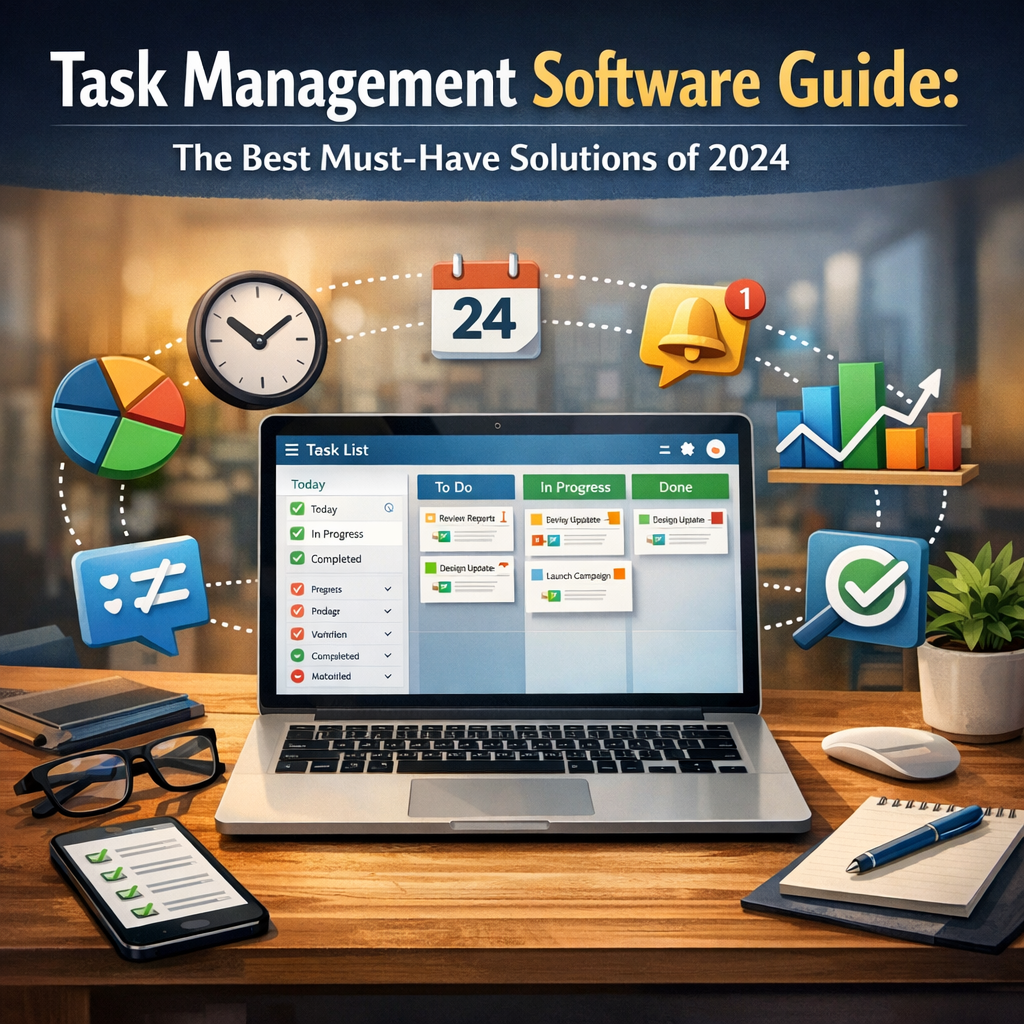
Task management software is a digital tool designed to organize, prioritize, and track tasks throughout their lifecycle. These programs help users break projects into actionable steps, assign responsibilities, set deadlines, and monitor progress in real time. Beyond merely keeping lists, advanced task management software enhances collaboration, fosters accountability, and provides insights to optimize work processes.
Why You Need Task Management Software in 2024
With the increasing shift toward remote work, hybrid teams, and digital operations, task management software is more critical than ever. Here are a few reasons why they are indispensable in 2024:
– Improved Collaboration: Centralized platforms allow team members to communicate and share updates without switching between multiple apps.
– Enhanced Productivity: Task reminders, priority settings, and automated workflows help reduce procrastination and streamline work.
– Visibility and Accountability: Managers can gain complete visibility into the status of projects, allocate resources efficiently, and ensure deadlines are met.
– Scalability: Modern tools adapt to growing teams and complex projects with customizable features.
– Integration with Other Tools: Seamless integration with calendars, communication, and cloud storage apps makes task management smoother.
Top Features to Look for in Task Management Software
When choosing the best task management software, consider the following features as a baseline for maximizing your return on investment:
– User-Friendly Interface: Easy navigation enables quick onboarding and daily use without frustration.
– Task Prioritization and Categorization: Labeling tasks by urgency, type, or project helps maintain focus.
– Collaboration Tools: Commenting, file sharing, and tagging improve teamwork efficiency.
– Notifications and Reminders: Automated alerts keep tasks on track.
– Customization and Automation: Custom workflows, recurring tasks, and integrations save time.
– Mobile Accessibility: Support for Android and iOS apps allows work on the go.
– Reporting and Analytics: Detailed insights into productivity trends enhance decision-making.
Best Must-Have Task Management Software Solutions of 2024
1. Asana
Asana continues to be a favorite in 2024 due to its intuitive design and powerful features. It excels in project visualization with multiple views such as list, board, timeline, and calendar. Asana’s automation capabilities reduce repetitive work, and its integration with over 200 apps—including Slack, Google Drive, and Microsoft Teams—makes it versatile for teams of all sizes.
2. Trello
For those who prefer a Kanban style workflow, Trello offers a highly visual and easy-to-use interface. Its card system allows users to drag and drop tasks across stages, making task progression tangible. In 2024, Trello’s upgraded automation—the Butler bot—enables complex rule creation that simplifies project management without coding skills.
3. Monday.com
Monday.com has emerged as a powerful Work OS where task management integrates with broader business processes. Known for its flexibility, it supports custom dashboards, real-time collaboration, and time tracking. The platform’s AI-powered suggestions for task assignments enhance team productivity and resource allocation.
4. ClickUp
ClickUp stands out for delivering a comprehensive all-in-one workspace experience. It combines task management with document creation, goal tracking, and chat features. Its robust customization options and templates make it suitable for individual users, startups, and enterprises alike.
5. Microsoft To Do and Planner
For organizations deeply rooted in the Microsoft ecosystem, Microsoft To Do and Planner remain top-tier. To Do focuses on personal task management integrating seamlessly with Outlook, while Planner is geared towards team collaborations and integrates with Microsoft Teams.
Tips for Choosing the Right Task Management Software
– Assess Your Team’s Workflow: Understand your project complexity, team size, and collaboration needs before selecting software.
– Trial Before Committing: Most platforms offer free trials—use this to test usability and integration capabilities.
– Consider Cost vs. Value: Balance your budget against essential features and potential long-term gains.
– Focus on Integration: Choose software that fits smoothly into your existing tech stack.
– Prioritize Security: Ensure the solution complies with data protection standards relevant to your industry.
Final Thoughts
Leveraging the right task management software in 2024 is crucial to staying productive and competitive. As the work landscape becomes increasingly dynamic, these tools offer structure, clarity, and efficiency. Whether you specialize in remote collaboration, creative workflows, or complex project timelines, this year’s must-have solutions provide something for everyone. Taking the time to evaluate and implement the best fit for your needs ensures smoother operations and ultimately helps you achieve your goals more effectively.
With the right task management software on your side, you can transform chaos into clarity and propel your projects to success throughout 2024 and beyond.