
Remote Work Tools Guide: Must-Have Solutions for Effortless Productivity
In today’s fast-evolving digital landscape, remote work tools have become essential for maintaining productivity and seamless collaboration outside of traditional office settings. Whether you’re an entrepreneur managing a small team, a freelancer juggling multiple clients, or a large company embracing flexible work policies, having the right set of tools can make all the difference. This remote work tools guide aims to help you navigate the plethora of options and spot the must-have solutions for effortless productivity.
Why Remote Work Tools Matter
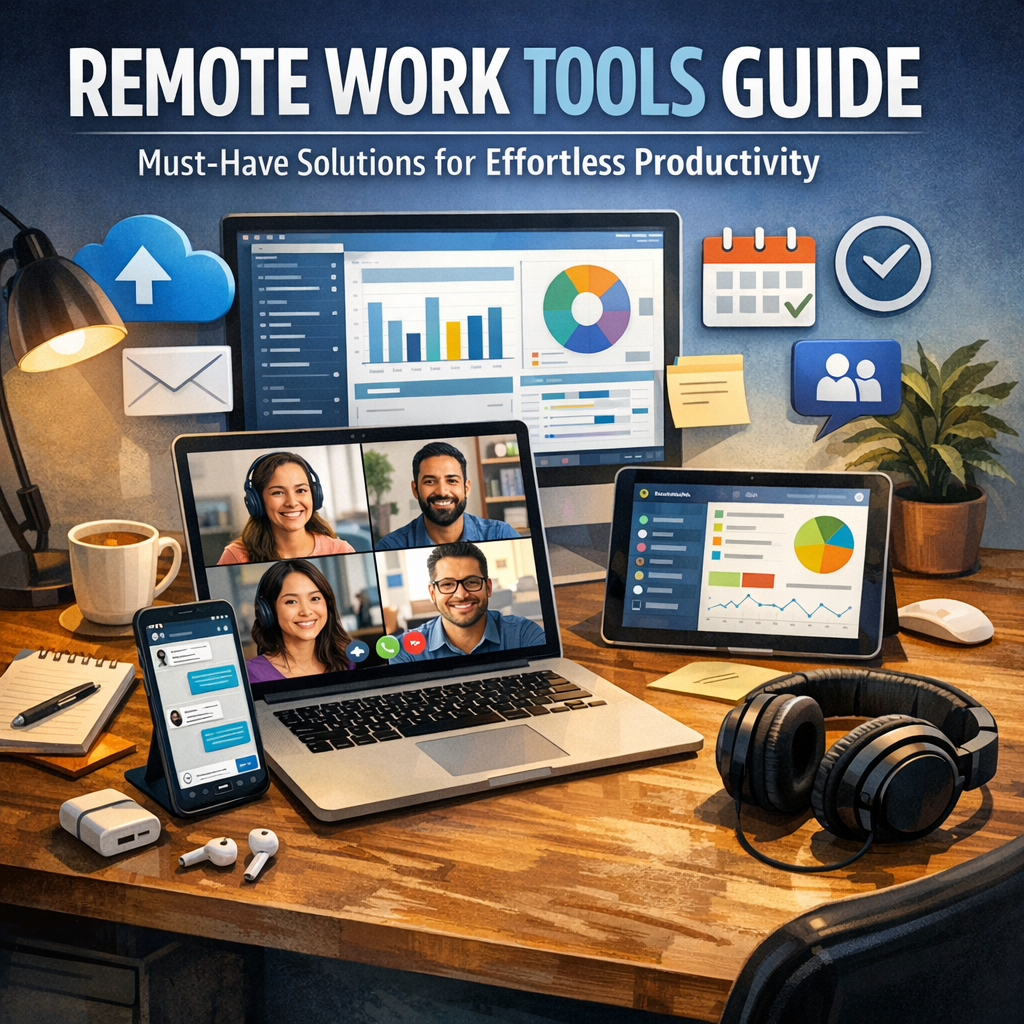
Remote work is no longer a trend but a fundamental shift in how organizations operate. Though it offers flexibility and expanded talent pools, it also introduces challenges like communication gaps, task management hurdles, and distractions. This is where remote work tools step in—they provide structured systems that replicate in-person collaboration and streamline workflows, allowing teams to stay aligned and productive no matter their location.
By strategically selecting remote work tools that cater to communication, project management, file sharing, and time tracking, businesses and individuals can reduce friction, enhance transparency, and achieve more efficient outcomes.
Essential Remote Work Tools for Communication
Effective communication is the foundation of successful remote work. Without face-to-face interactions, it’s critical to utilize tools designed to keep conversations clear and timely.
Video Conferencing Platforms
Video calls replace many of the nuances lost when working remotely—they facilitate face-to-face interaction, help build rapport, and allow for real-time brainstorming. Popular platforms like Zoom, Microsoft Teams, and Google Meet offer reliable video conferencing with features such as screen sharing, virtual whiteboards, and session recording.
Instant Messaging Apps
Quick communication is best served by instant messaging apps. Tools such as Slack, Discord, and Microsoft Teams Chat enable instant messaging, group chats, and integrations with other apps to consolidate alerts and workflow notifications.
Remote Work Tools for Project Management
Keeping everyone on the same page can be challenging when team members are scattered across various locations and time zones. Project management tools help organize tasks, assign responsibilities, and track progress.
Task and Workflow Management
Platforms like Trello, Asana, and Monday.com provide intuitive visual boards and task lists that help break projects into manageable chunks. These tools allow for deadline tracking, commenting, and file attachments, enabling transparent workflows.
Collaboration and Document Sharing
Working collaboratively on documents without version conflicts is crucial. Cloud-based tools like Google Workspace and Microsoft 365 offer real-time document editing, seamless sharing, and collaborative commenting.
File Storage and Sharing Solutions
A central, secure location for critical files ensures remote teams don’t waste time searching for resources. Tools such as Dropbox, Google Drive, and OneDrive not only offer ample storage but also control access, sync files across devices, and back up data automatically.
Time Management and Productivity Tracking
Working from home requires discipline and focus. Remote work tools for time management and productivity can help individuals and managers understand how time is spent and identify areas for improvement.
Time Tracking Apps
Apps like Toggl, Harvest, and RescueTime allow workers to monitor their hours across projects, providing valuable insights into efficiency and helping with accurate client billing.
Focus Enhancers
Tools such as Forest and the Pomodoro Technique timers encourage concentration by breaking work into intervals, reducing burnout and increasing sustained productivity.
Security Tools for Safe Remote Collaboration
Remote workers often access sensitive company information from various locations and networks, increasing security risks. Implementing tools like VPNs (Virtual Private Networks), Two-Factor Authentication (2FA) apps, and password managers (like LastPass or 1Password) are critical to safeguarding data from breaches and unauthorized access.
How to Choose the Right Remote Work Tools
With so many remote work tools on the market, selecting the best fit for your team’s needs can be daunting. Here are a few tips to guide your decision:
– Assess Your Team’s Specific Requirements: Identify pain points in your current workflow. Is communication problematic? Are projects slipping through the cracks?
– Look for Ease of Use: The best tools integrate smoothly without extensive training or added frustration.
– Prioritize Integration: Select tools that work well together to create a unified remote work ecosystem.
– Consider Scalability: Choose solutions that can grow with your team or business.
– Trial Before Commitment:** Utilize free trials or freemium versions to test the tool’s effectiveness firsthand.
Conclusion
Harnessing the power of remote work tools is fundamental to thriving in flexible work environments. By incorporating a blend of communication platforms, project management apps, cloud storage, productivity trackers, and security solutions, teams can dramatically improve efficiency and maintain strong connections regardless of physical distance. The right remote work tools don’t just support daily tasks—they empower a culture of collaboration, accountability, and continuous productivity. As remote work continues to be an integral part of the modern workplace, staying informed and adaptable with the best solutions will keep you ahead of the curve.