
Work Scheduling Tools: The Ultimate Guide to Best Must-Have Solutions
In today’s fast-paced work environment, work scheduling tools have become indispensable for businesses aiming to improve productivity, streamline operations, and enhance employee satisfaction. Whether you’re managing a small team or coordinating a large workforce, having the right scheduling software can make a significant difference in how effectively your organization runs. This guide will explore the essentials of work scheduling tools, their key features, and the best must-have solutions available on the market today.
What Are Work Scheduling Tools?
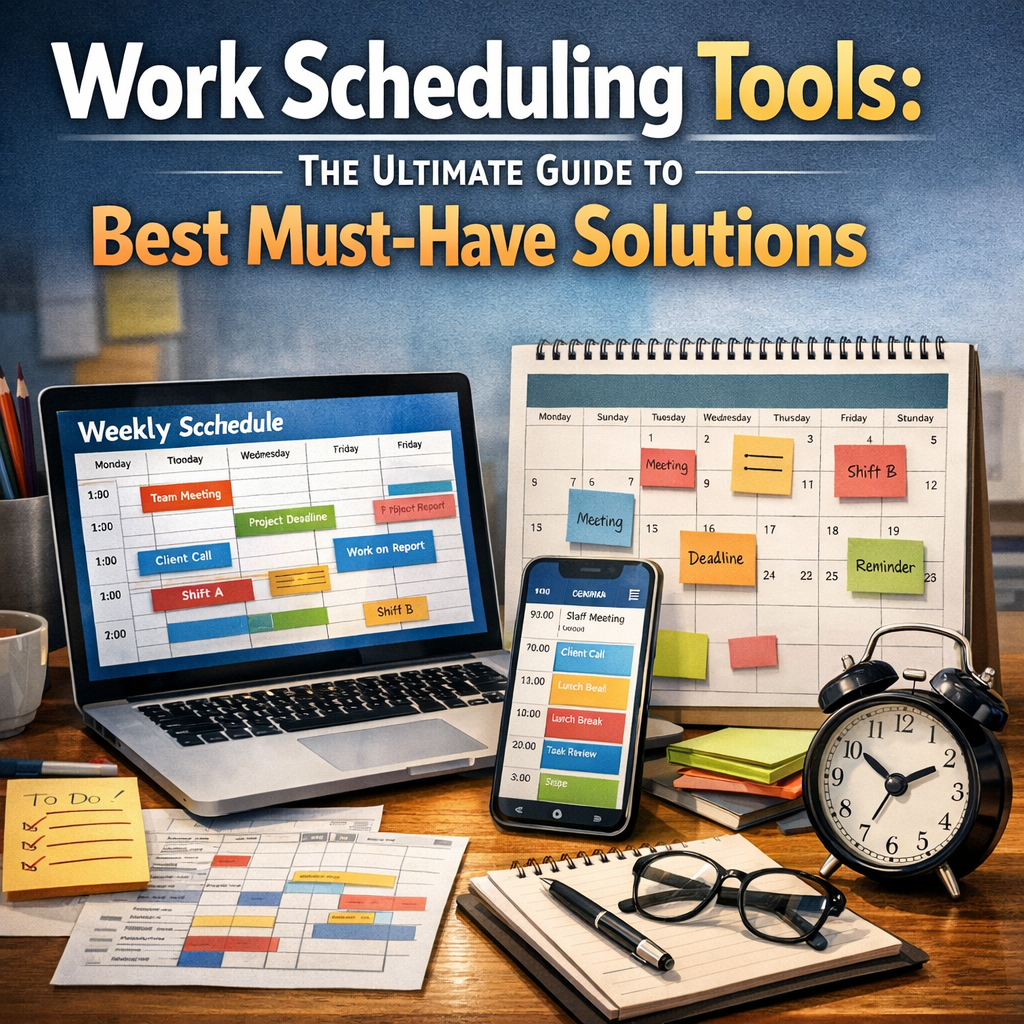
Work scheduling tools are software applications designed to help businesses create, manage, and optimize employee schedules. These tools enable managers to assign shifts, track hours, handle time-off requests, and communicate changes with ease. By automating the scheduling process, companies reduce human errors, avoid conflicts, and ensure adequate workforce coverage.
The shift from manual scheduling methods—like spreadsheets or paper calendars—to digital tools has revolutionized how businesses operate. Today, work scheduling tools come equipped with various features that cater to different industries, from retail and healthcare to manufacturing and hospitality.
Why You Need Work Scheduling Tools
Effective workforce management is crucial for business success. Here are some of the primary benefits of using work scheduling tools in your organization:
– Improved Efficiency: Automation reduces the time spent on creating schedules manually.
– Reduced Scheduling Conflicts: Smart algorithms help avoid overlapping shifts or double bookings.
– Better Employee Satisfaction: Transparent schedules and easy access via mobile apps boost morale.
– Compliance with Labor Laws: Work scheduling tools track employee hours to adhere to legal regulations.
– Real-Time Updates: Immediate notifications about schedule changes keep teams informed and prepared.
Considering these benefits, it’s clear that investing in the right scheduling software is a smart move for businesses seeking operational excellence.
Key Features to Look for in Work Scheduling Tools
When selecting a work scheduling tool, it’s important to evaluate the features that will best support your business needs. Here are some must-have functionalities:
1. User-Friendly Interface
A simple, intuitive interface allows managers and employees to navigate schedules easily. This minimizes training time and encourages consistent use.
2. Shift Planning and Management
The ability to create, modify, and distribute shift schedules is fundamental. Look for tools that offer drag-and-drop scheduling and customizable shift templates.
3. Employee Self-Service
Allowing employees to view schedules, request time off, swap shifts, and receive notifications through a mobile app increases engagement and reduces administrative overhead.
4. Time Tracking and Reporting
Integrated time tracking helps monitor actual hours worked versus scheduled hours. Reporting features provide insights into labor costs and attendance patterns.
5. Compliance Management
Ensure the tool supports compliance with labor laws by tracking overtime, breaks, and rest periods, particularly for industries with strict regulations.
6. Integration Capabilities
The best work scheduling tools can seamlessly integrate with payroll systems, HR software, and communication platforms, creating a unified management ecosystem.
Must-Have Work Scheduling Tools to Consider
There is a wide range of scheduling software available, each with unique strengths. Here are some of the top-rated work scheduling tools worth considering:
1. When I Work
Known for its intuitive scheduling and time tracking features, When I Work offers powerful employee management capabilities suitable for small to mid-sized organizations. It also supports shift swapping and team messaging.
2. Deputy
Deputy excels at automating scheduling while factoring in rules like labor laws and availability. Its mobile-friendly platform is a hit with frontline workers in retail and hospitality.
3. Shiftboard
Shiftboard is ideal for complex scheduling needs, especially for industries that require managing large, contingent workforces. It offers robust reporting and compliance tools.
4. Humanity
Humanity provides a comprehensive scheduling solution with advanced forecasting tools. It encourages employee self-service and helps reduce no-shows by sending automated reminders.
5. TSheets by QuickBooks
TSheets stands out with its real-time GPS time tracking and easy integration with payroll services. It’s particularly useful for fieldwork and remote teams.
Best Practices for Implementing Work Scheduling Tools
To maximize the value of work scheduling tools, follow these best practices:
– Involve Employees: Get feedback from your workforce to ensure the chosen tool meets their needs.
– Train Staff: Provide thorough training to help both managers and employees adopt the software confidently.
– Set Clear Policies: Define rules for shift swaps, overtime, and leave requests to avoid misunderstandings.
– Monitor Usage: Regularly review reports and feedback to identify areas for improvement.
– Stay Updated: Keep your software updated to benefit from new features and security enhancements.
Conclusion
Harnessing the power of work scheduling tools can transform workforce management, leading to more efficient operations and happier employees. By understanding the features that matter and choosing software that aligns with your business requirements, you can streamline scheduling processes with ease. If you’re looking to boost productivity, reduce errors, and foster a more organized workplace, investing in the right scheduling tools is a step in the right direction. Whether you opt for a simple app or a comprehensive scheduling platform, the right solution will empower your team and support your organizational goals.